


juliec70436993
Participant
November 14, 2019
Question

Photoshop error message: "access permissions" Color could not synchronize

  • November 14, 2019
  • 1 reply
  • 220 views

Hi all, I am recieving an error message with the following text when I try to open any file in Photoshop. Has anyone else experienced this? What causes it? 
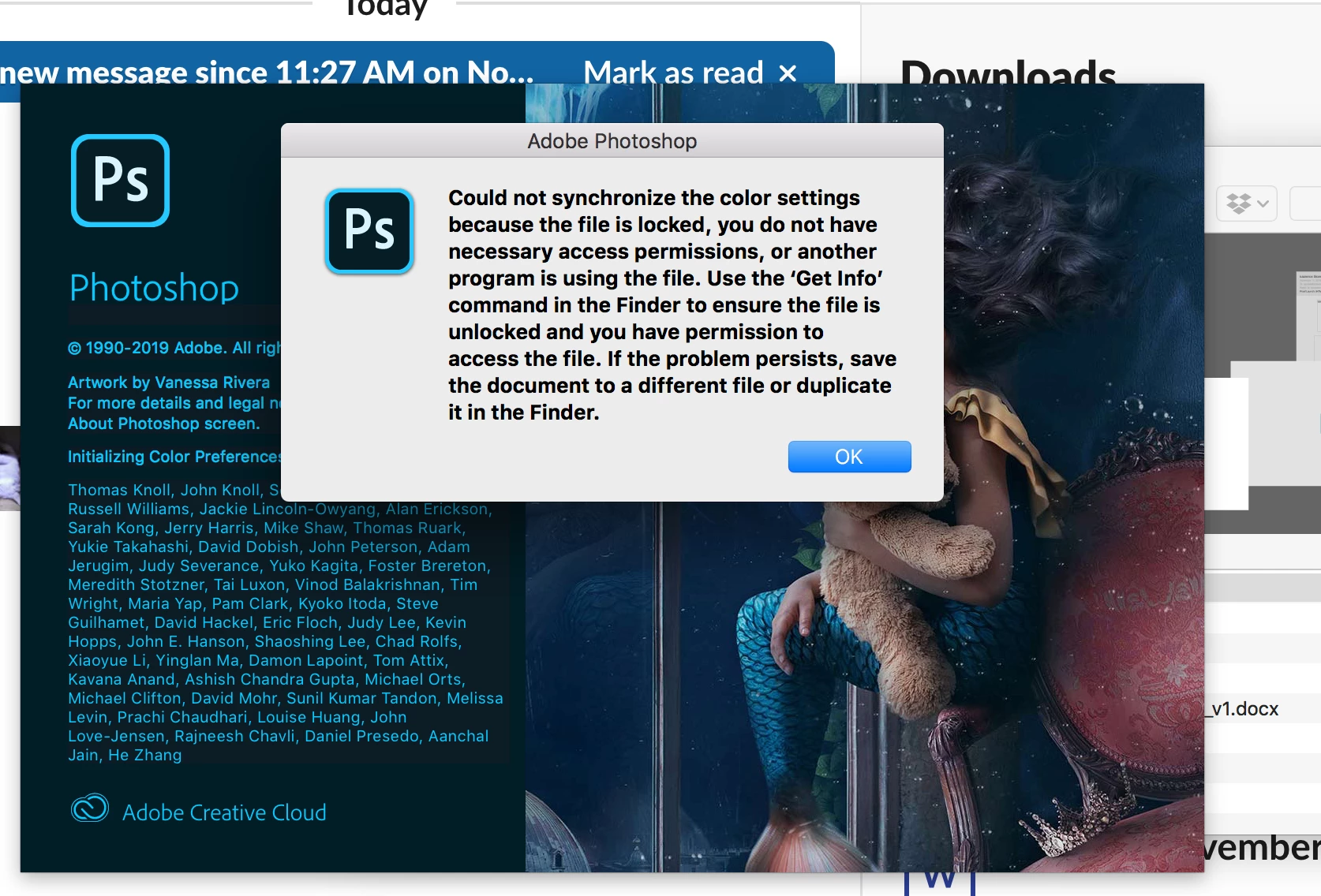


{Thread renamed by moderator}

This topic has been closed for replies.

1 reply

Sahil.Chawla
Adobe Employee
Adobe Employee
November 14, 2019

Hi Julie,

Sorry to hear about the Xolor Synchronization error in Photoshop, please try the steps below and let us know if it helps:

  1. Go into Finder.
  2. Then Go to Library, Application Support, then select Adobe and open Color, on Settings right click "Get Info" unlock the folder, then Add Your Name to the list, and give yourself Read/Write permissiions and do the same for the sub folders.
  3. Then rebooted the Computer and start Photoshop.


Let us know if it helps.
Regards,
Sahil