

Answered
Problem with options bar in photoshop
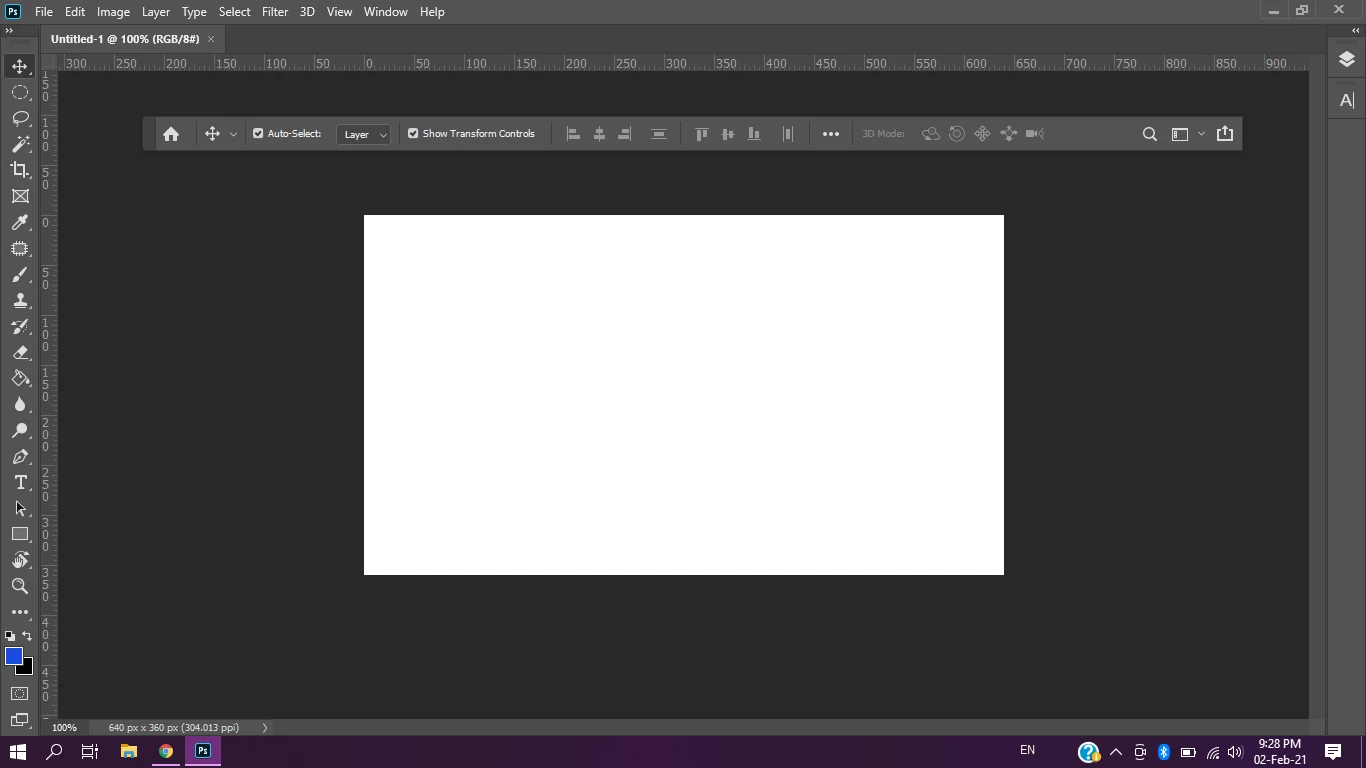
Options bar has suddenly disappeared, when I got it back it won't pin on the top and it's so annoying, what should I do?

Options bar has suddenly disappeared, when I got it back it won't pin on the top and it's so annoying, what should I do?
What happens if you go to the Workspace dropdown in the upper right and go down to Reset Essentials?
Already have an account? Login
Enter your E-mail address. We'll send you an e-mail with instructions to reset your password.
 AdChoices