


PS - automatically resize mock up photo frame based on the smart-object artwork size
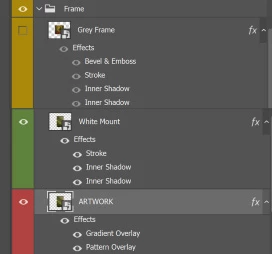
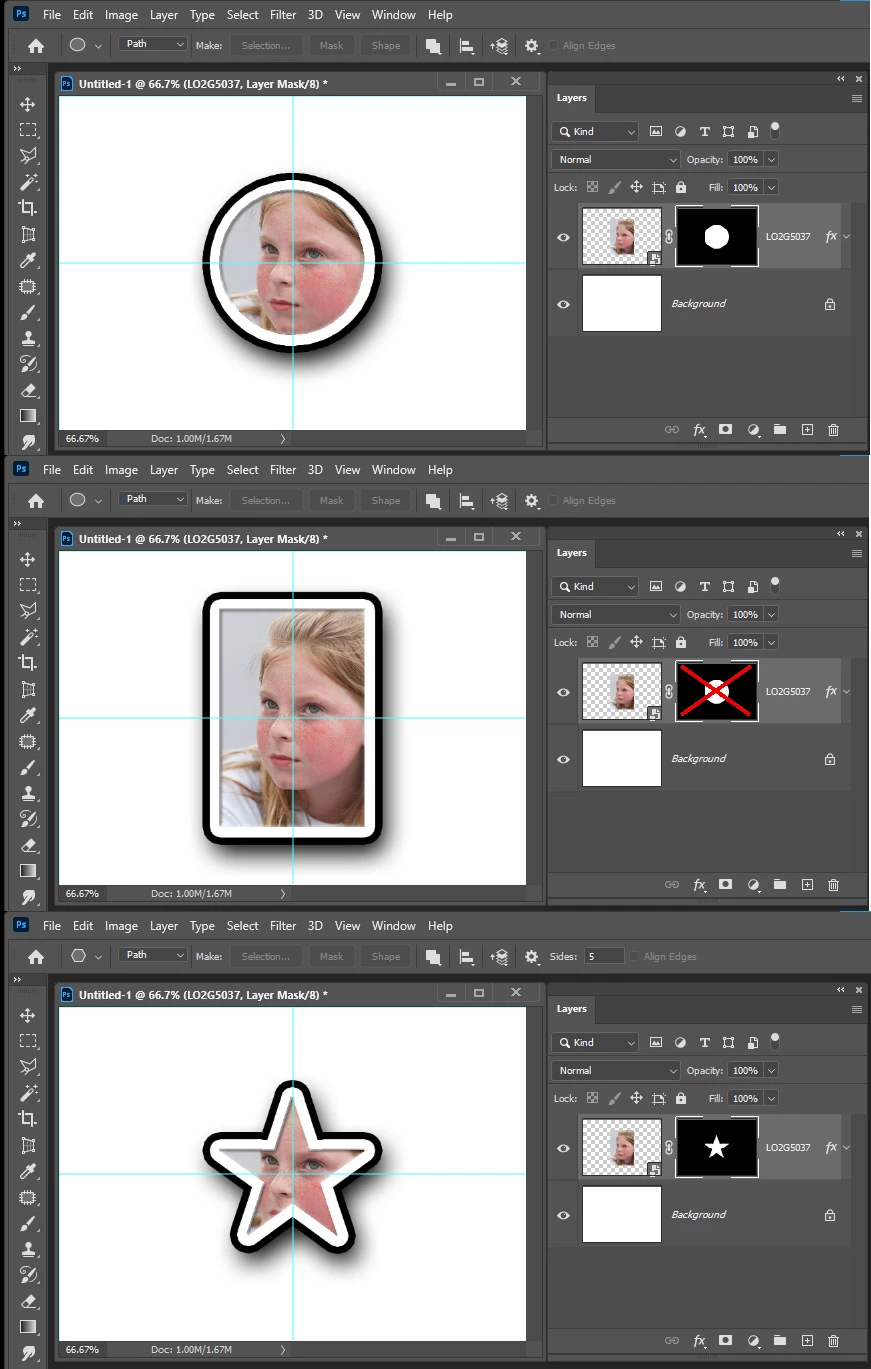
I've seen picture frame mockups where the artwork is placed in a smart-layer and, regardless of the image aspect ratio and resolution, the mockup frame resizes perfectly. This is without using automated actions.
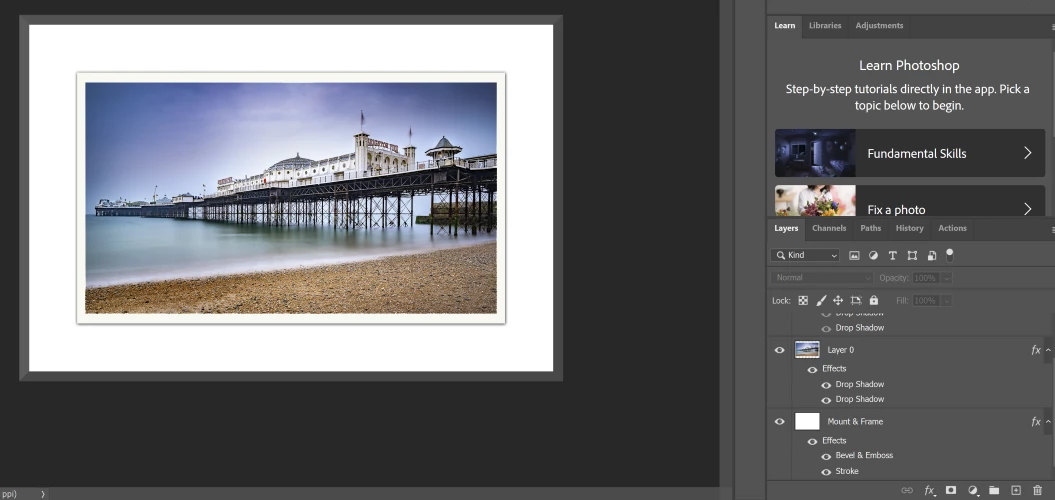
I've created a mock-up that applies fx to the photo for a drop-shadow float-mount effect. Then a second layer for the mockup frame. Great.
On to the tricky bit.... I created a smart-object into which the photo was inserted and drop-shadows applied to (note: the smart-object is just out of sight above the other 2, and the original one was of course hidden)
How can I have the Mount & Frame Layer respond to the aspect ratio and size of the smart-object? It needs to be as simple as possible for others to drop the photo into the smart-object, save, et voila! I'll then add various options for wall backgrounds etc.
I've thought of various options but my PS knowledge is very limited. I can only think of using free transform but it's far from ideal.
How would you achieve this?
 AdChoices