


Save as preference does not allow tiff with jpeg compression in PScc
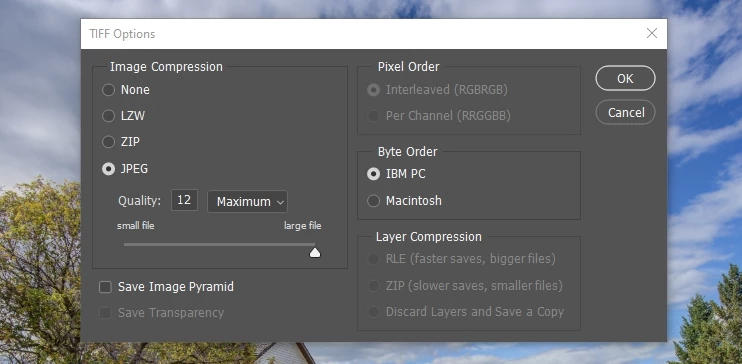
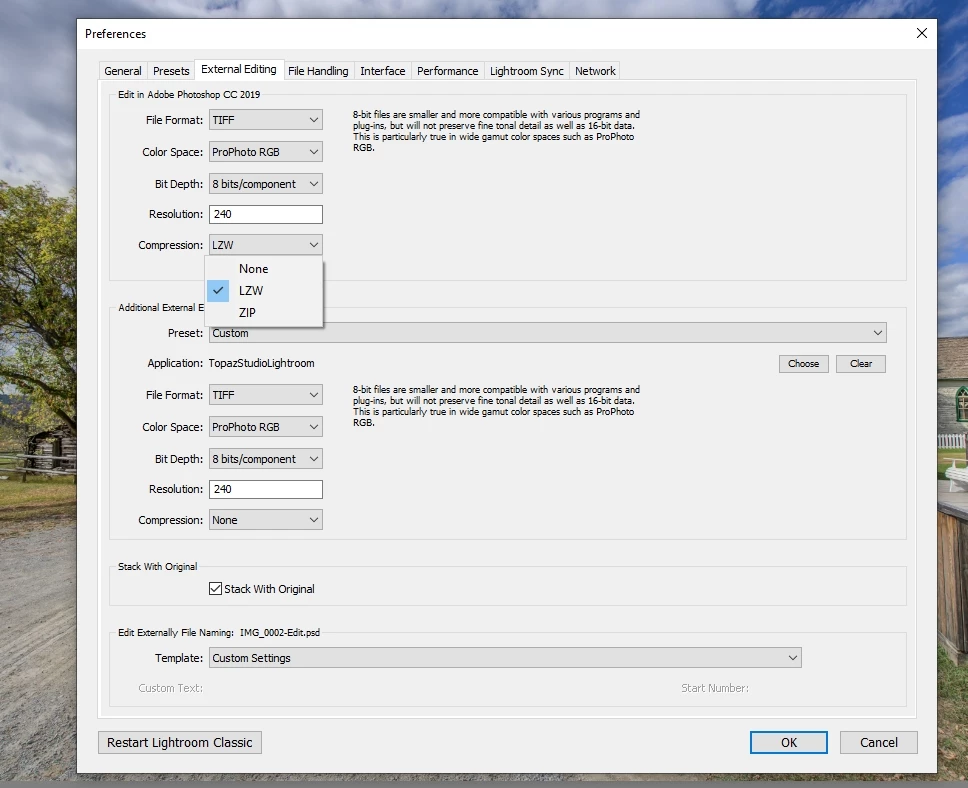
On my old PS CS5, I could set up my file preference to save as a tiff file with jpeg compression which will produce a file around 12-40 MB each automatically all I had to do was hit enter every time. But with cc, I have to 1.save as, 2.add the suffix letter, 3.click jpeg compression, 4.IBM PC, 5.then enter, that's 5 steps I used to do with one in CS5, Now I have been waiting for several years since cc was created hoping someone would fix this. The other image compression options LZW, Zip, & None produce much larger files than I want to store. Also, I wonder if this is a Lightroom issue since I am going from and to lightroom and it's prefs only allow the above options for importing back in? Is it possible to make some sort of shortcut, or do I need to go back to CS5? I have tried making an action but then it comes up with the same file name as the one I recorded with. Please surely someone else needs this too right?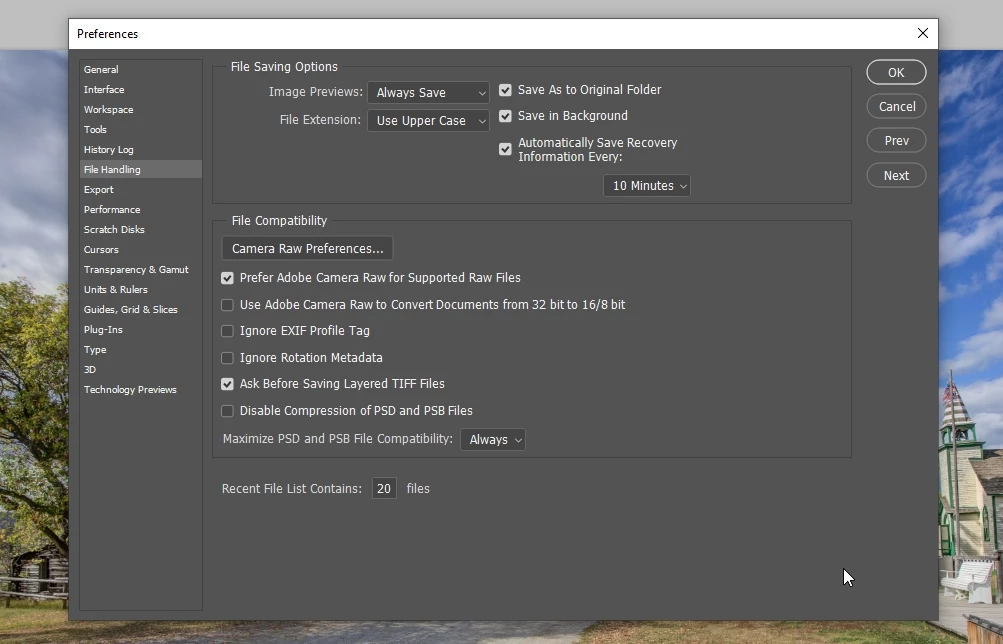
 AdChoices