


Aspect ratio
- March 27, 2022
- 1 reply
- 551 views
Hi,
I've just purchased Premiere Elements 2022 and learning the basics already. However there's one thing for now that I cant seem to find.
In " Whats New" it says you should be able to create and crop movies in a social media size 16:9.
However I cant find it anywhere...
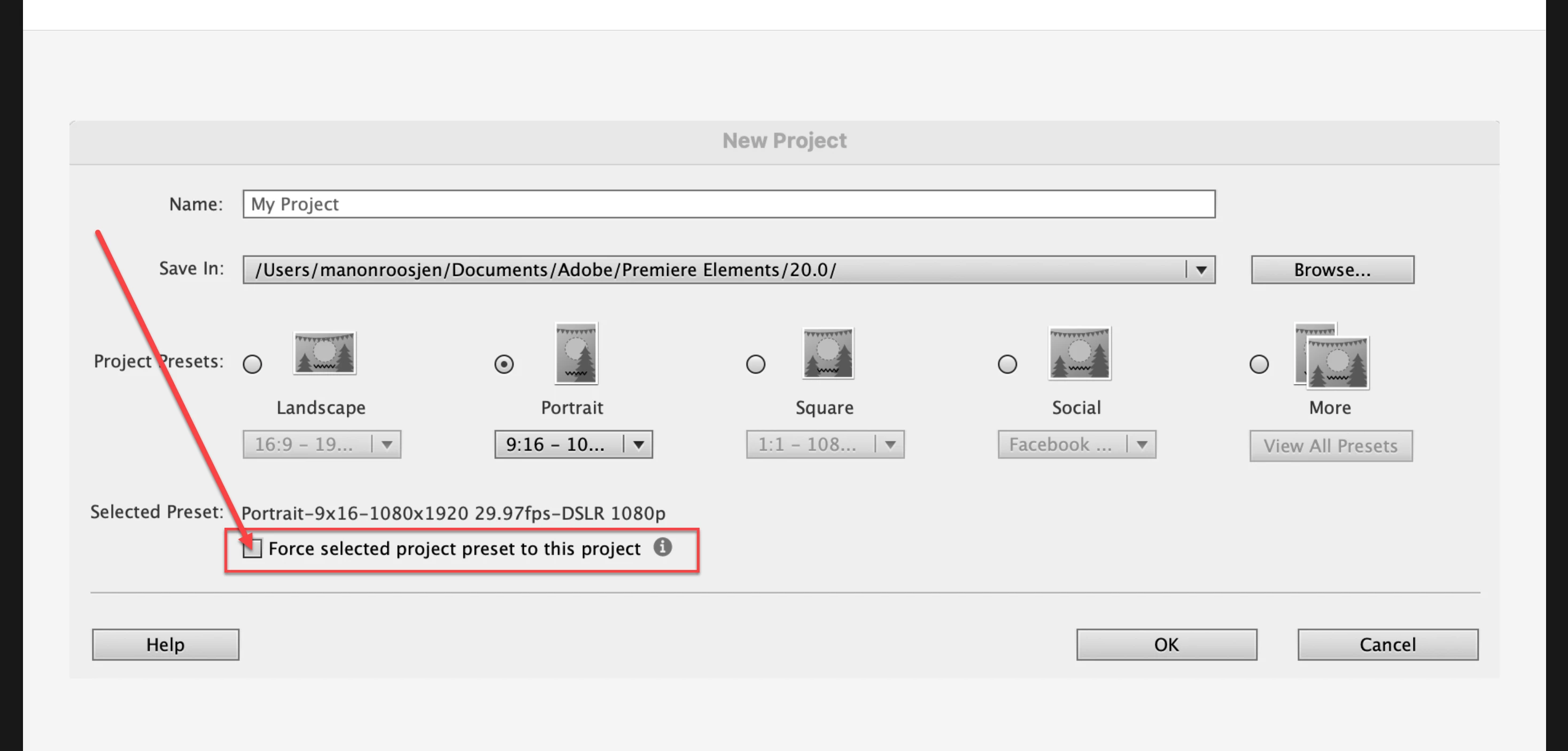
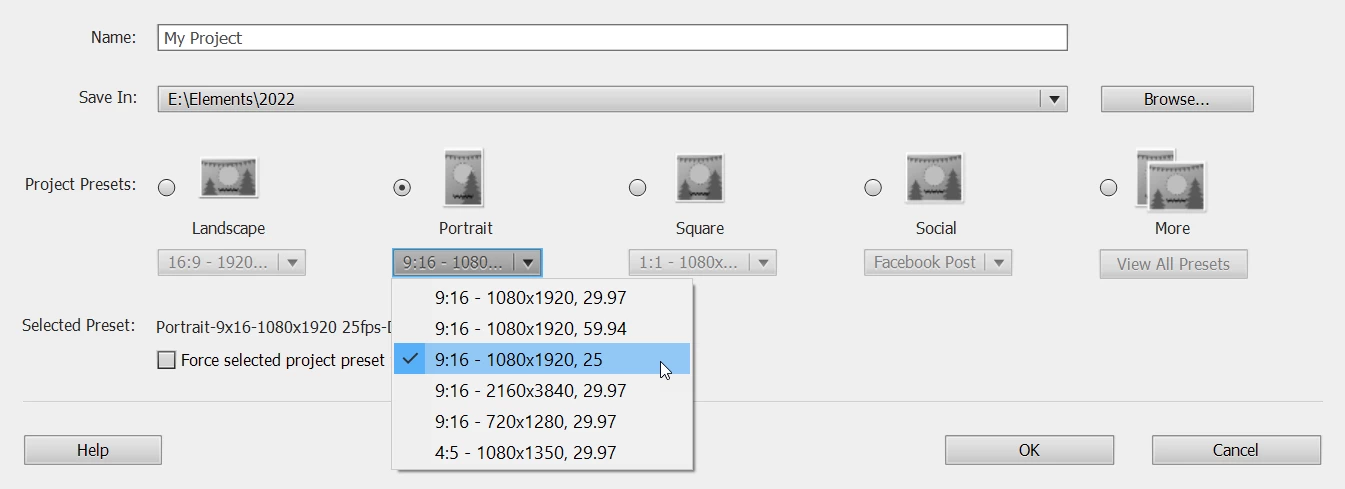
I've tried to make a new project with Project Preset - Portrait. If I then add a video in landscape to my project assets, it seems it's still in landscape mode. I cant seem to crop it and frame it into a portrait size, only resize it but then it remains in landscape.
Based on the tips I saw on this forum I thought I did it right. I've googled too and there i found something about the interpret footage, but no luck either.
Based on the whats new, it should also be possible, but I can't seem to find how.
Can anyone help me? Thanks in advance!
Kind regards
Manon
 AdChoices