


Pregunta
FAQ: What should I do if Premiere Elements 2020 fails to import HEVC media files in Windows 10?
We have been receiving reports that Premiere Elements 2020 gives an error while trying to import HEVC files on Windows 10 computers.
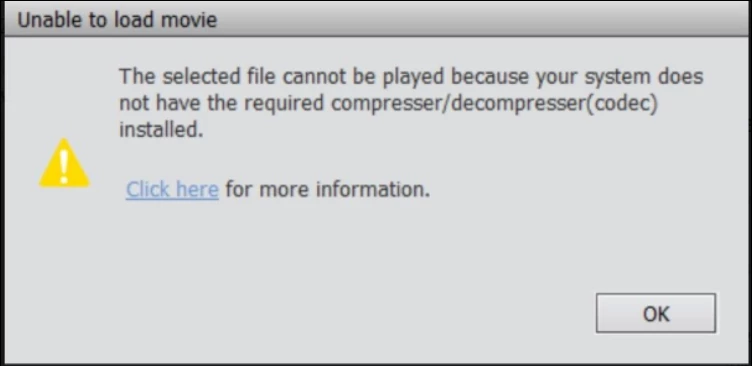
Follow these solutions to fix the problem:
Solution 1:
Install the HEVC video extension on your computer. Follow this article to download the extension, know the system requirements and other important information to enable HEVC decoding on Windows: https://helpx.adobe.com/premiere-elements/using/hevc-decoding-on-windows.html#HEVCvideoextension
If the issue persists, go to Solution 2.
Solution 2:
Fix the permissions for the plug-in folder by following the video given below:
If these solutions don't work, please contact Adobe support here: https://helpx.adobe.com/contact.html
 AdChoices