


Answered
How do I save clips as individual .mp4 files?
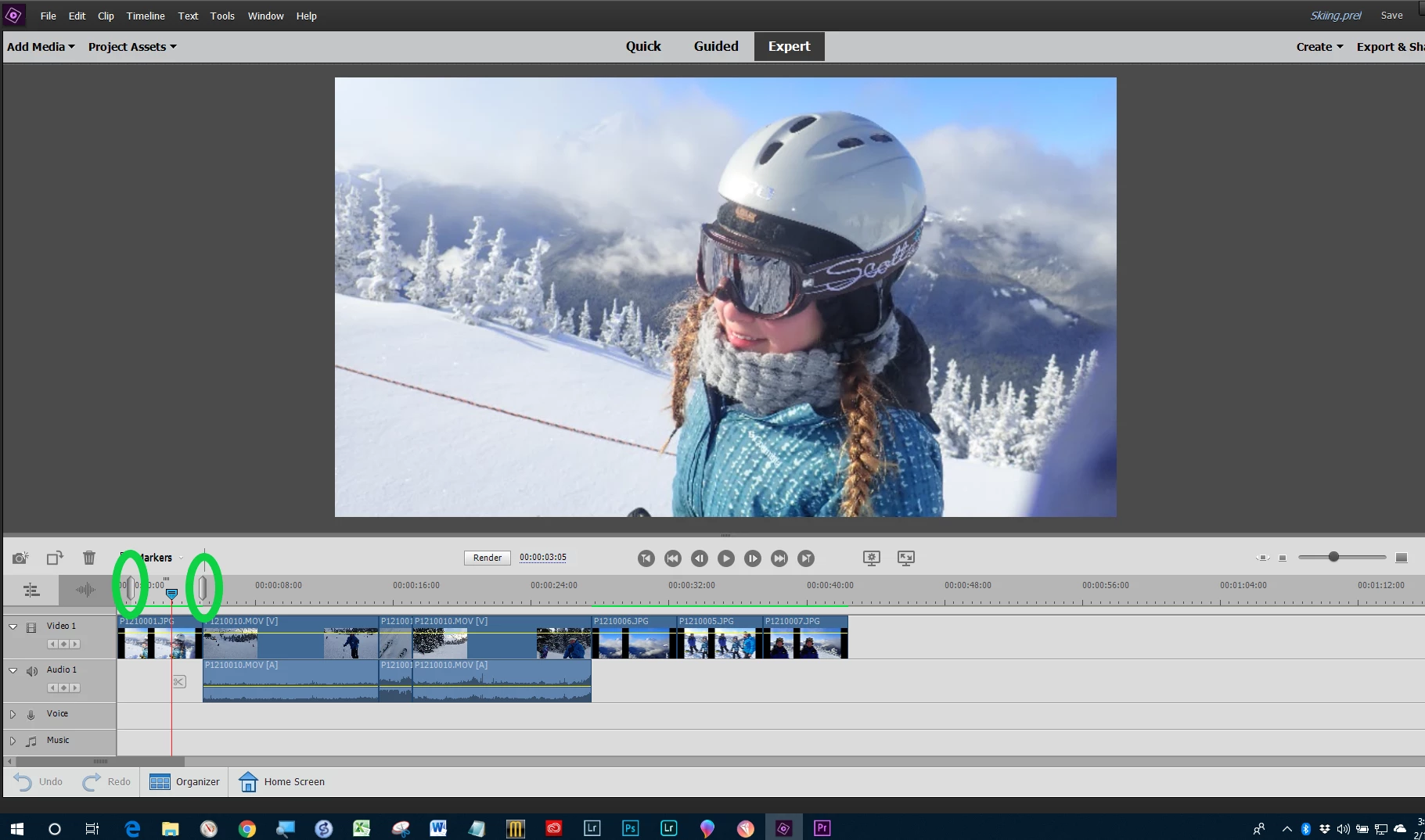
I record my daughter's volleyball games on a GoPro, and usually end up with 3-4 mp4 files per set when I pause the recording at timeouts. I've used Premiere elements 2018 to combine those files in to one project per set, deleted the audio, then split the timeline at the end of each point, deleted the stuff between points and closed the gap. Everything has worked well so far.
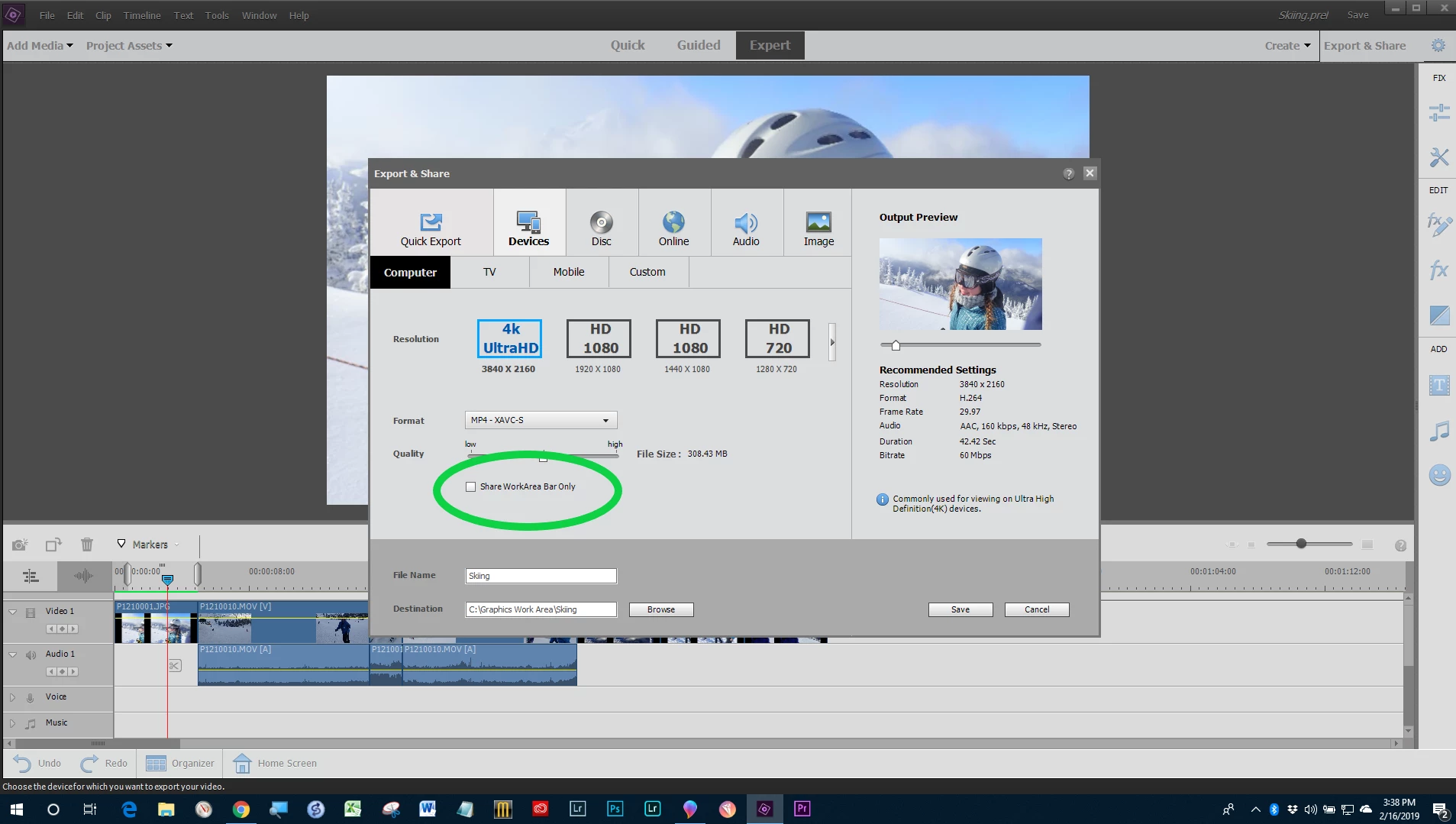
Next, I'd like to save each point (there are 43 in the project I'm working on now) as an individual mp4 file. I figured I could right-click on the clip in the timeline and save it individually, but there's no option like that. If I choose clip from the right-click menu, there's a break apart option, but it's grayed out. How can I create those smaller files?
 AdChoices