New Participant
August 9, 2023

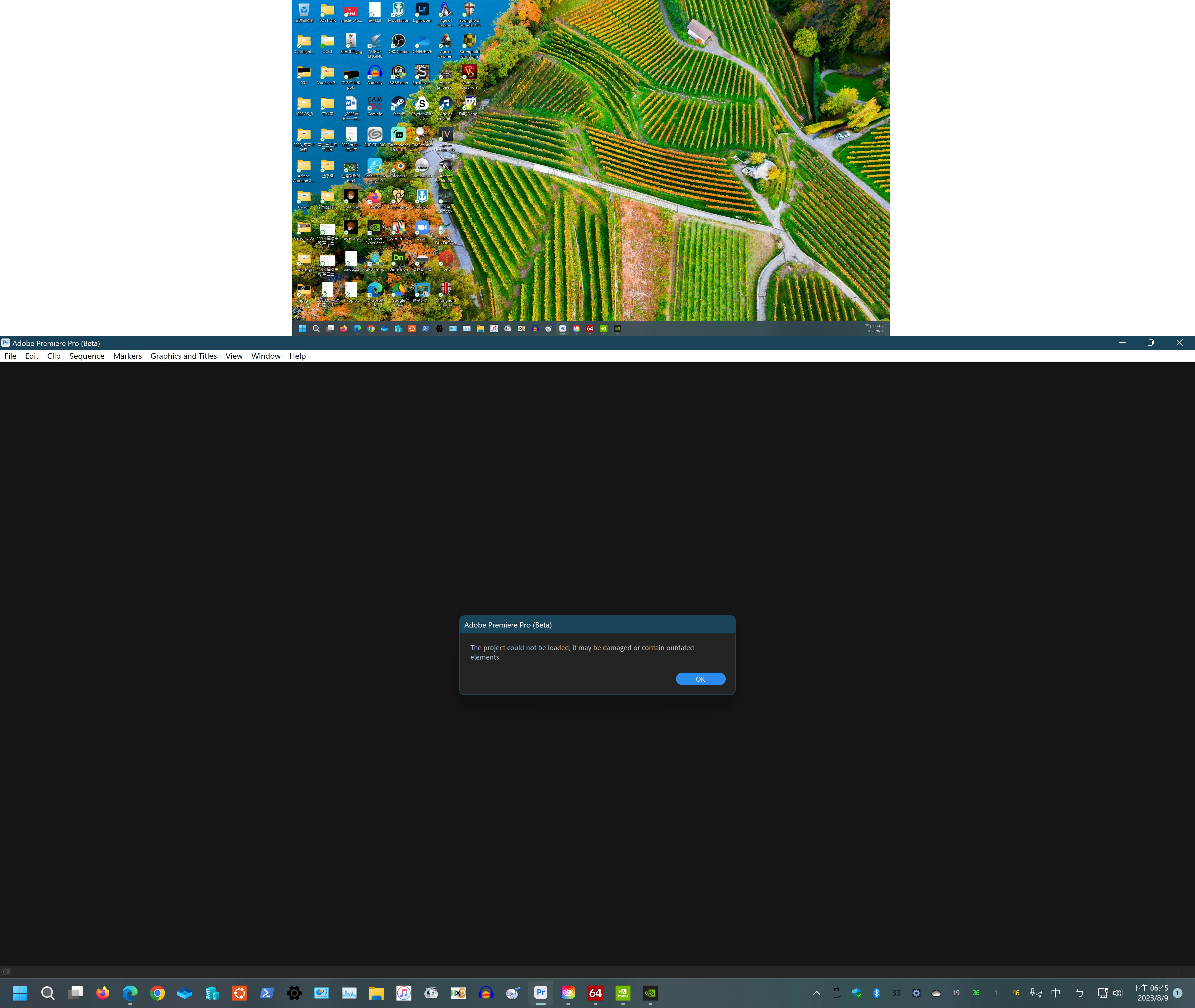
Can not open project file from previous beta

  • August 9, 2023
  • 22 replies
  • 1810 views
  • Issue - Can not open project file from previous beta
  • Adobe Premiere Pro version number: 24.0.0 BETA (Build 23)
  • Operating system - Windows 11 22h2 10.0.22621.1992 (2022 Update)
  • System Info: CPU, GPU, RAM, HD:
    • CPU  AMD Ryzen 5 5500

    • GPU and Driver Version

                     Gigabyte RTX 3060 Eagle OC 12G Rev 2.0 LHR (GV-N3060EAGLE OC-12GD)

                      NVIDIA Studio Driver 536.67

    • RAM  32GB

    • Hard Drive   KINGSTON SKC3000S1024G  nvme SSD

  • Video format: HEVC 8bit 4:2:2
  • Expected result File opended.
  • Actual result 

22 replies

Ann Bens
Community Expert
August 21, 2023

Website is useless for projects over 50 Mb.


This is how we have been doing it for years.

Open a New Premiere Pro Project on an Older Version -Mac - YouTube

Open a New Premiere Pro Project on an Older Version - Windows - YouTube

New Participant
August 21, 2023

I wanted to try this as well but the website accepts up to 50 mb my projecti s70mb


New Participant
August 20, 2023
Participating Frequently
August 20, 2023

Hi Geaorge, that site does not open anything but a blank page for me. Desperate.

New Participant
August 20, 2023

THIS WORKS ✔: All you can do is downgrade your project with this : http://downgrader.elements.tv/

then install 23.6 and continue working until they fix it..

Best regards,

G 👊

Participating Frequently
August 20, 2023

I have updated beta 

I have updated ventura

My projects won't open, are there other hidden updates

this is hell. You guys shut off the ability to assign virtual memory, so it made it so anything that used over 13 gig (basically all prkjects) would not export i upgrade and now none of my project files will work. I am on 24.0.0 build 34. Mac M1 Premiere beta

New Participant
August 11, 2023

I always back my projects up as I run both release and beta versions so no issues just inconvenience as I was doing some work in the Beta version perfectly ok..Quit program and launch next day and MESSAGE OF DETH APPERS ON MY SCREEN 🤣...I'm sorted as I just continued and completed my edit on Premiere Pro release 👌👊

Inspiring
August 10, 2023

UPDATE: I just updated to 24.0.0.25 and was able to get back into my projects. 

Ann Bens
Community Expert
August 10, 2023

@georgef17567994 

Very daring to use a Beta for Government projects!

There is no support for using the Beta: all at your own risk.

New Participant
August 9, 2023

Same problem to huge goverment project with not even the 10's of Autosave files or my backed up on othe media files are working..madness so WAITING FOR  Pr Beta 24.0x24...current (10.08.23 @ 00:58 GMT) build avaible todownload from Creative Cloud is v24.0.0 BETA (Build 23)...STILL NO 24.0x24 AVAILABLE and I need to crack on with my edits PLEASE 🙏