
jgerlachcm
Participating Frequently
August 11, 2023

Clip/sequence flashing thumbnails in timeline makes editing impossible [major bug]

  • August 11, 2023
  • 22 replies
  • 2366 views

So I've been having this terrible issue recently where a whole bunch of clips have been flashing in the timeline. CPU usage starts to go up and Premiere becomes unresponsive, requiring a force close. As you can see in the GIF below, a certain subset of clips will sit there and flash (this recording is in realtime).
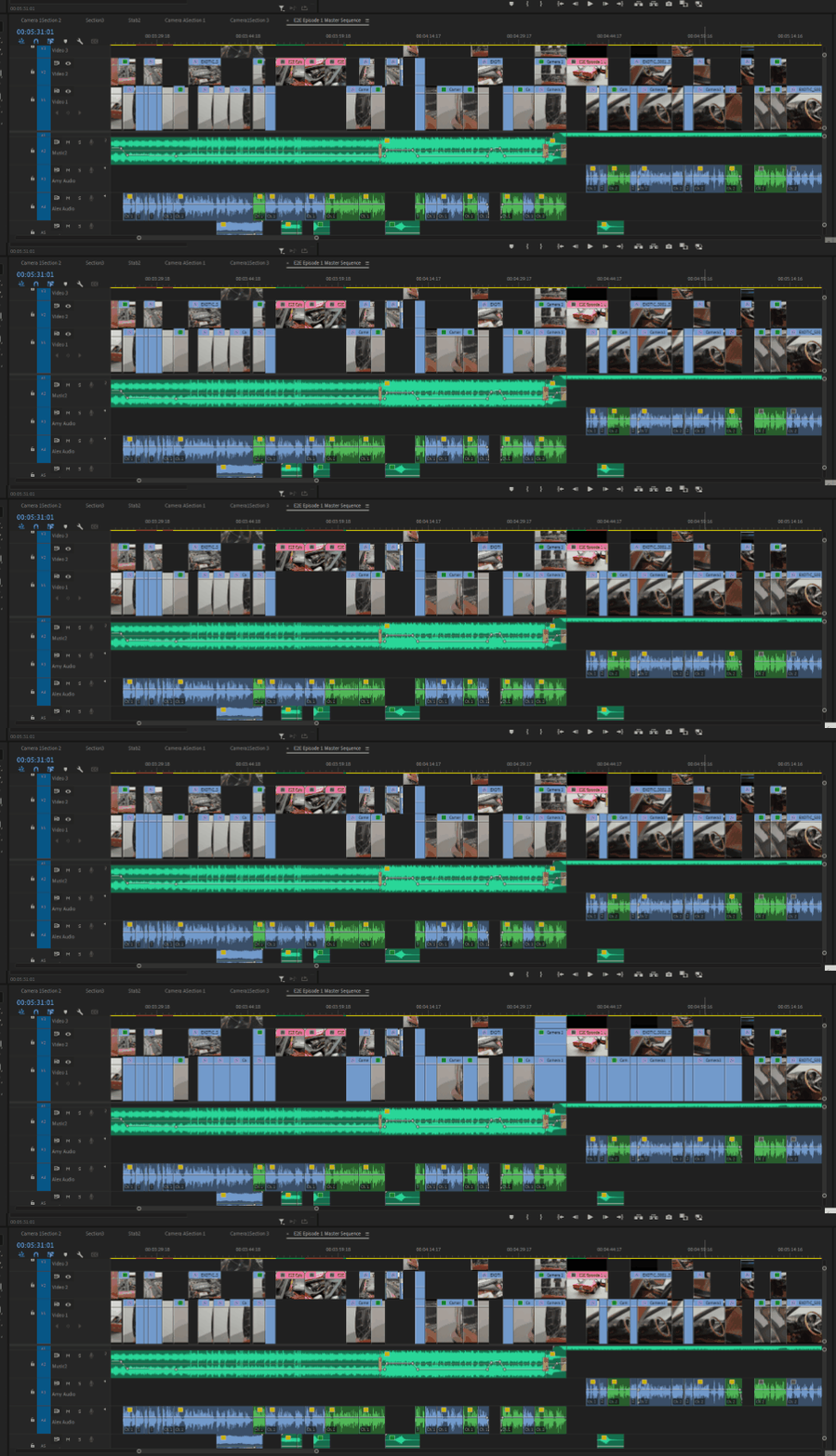
 

Flashing thumbnails in the timeline


The issues started with a multicam sequence. Whenever I would trim or edit the embedded multicam sequence, it would cause all the corresponding clips to start flashing like this. My last resort was to attempt to flatten the multicam sequence into the individual clips, but as you can see they're still stuck flashing even as non-nested clips.


I'm running the latest version of Premiere (23.6.0), I have the latest version of Windows 10 (22H2) and NVIDIA Studio drivers (536.99),


I've tried:

  • resetting Premiere preferences
  • clearing media/disk cache
  • copying sequence into a new timeline
  • importing the existing project into a brand new project
  • Flattening the multicam sequence
  • Changing thumbnail views from head only to continuous and back
  • nothing seems to work.


Any ideas? This has pretty much caused my entire editing workflow to grind to a halt. And please don't tell me I need to uninstall and reinstall Premiere or the OS. 


Specs:

Core i8-10850K
64GB Ram
RTX 3090 Ti 24GB VRAM
2TB m.2 SSD OS drive
4TB m.2 SSD Media Drive

22 replies

jgerlachcm
Participating Frequently
August 12, 2023

Nope, the clips are totally fine. I'm using the same referenced clips as Broll shots in other sections. It only happens whenever it comes from a multicam sequence. It's reproducable too, if I go and create a new multicam sequence, get the cameras synced, then add that sequence to the timeline and make ANY edits (cut, trim, etc) then it starts flashing thumbnails for ALL the same referenced clips. And that's what's weird, if I flatten the multicam sequence into the original clips (going back to a non-nested sequence, direct edits with the underlying footage) then all the clips that came from the multicam will flash but the very same edit using the original source footage does not flash even though it's exactly the same. 


Everything was going great for a while but the further I edit, the more 'corrupt' it becomes. If I go back to a section of the edit that was working fine with no issues before and make an adjustment to an edit that I'd previously made with no issues, now all THOSE clips start flashing too.


I have no idea what to do. I'm currently trying to install older versions of Premiere and use the online downgrader to see if maybe this bug was introduced sometime recently. But then I lose all the very convenient speech transcribing that made editing so easy 😞 

Community Expert
August 12, 2023

This is super weird and I'm sorry that you're going through this. Are all of the flashing files from the same file? (Same file name?) I'm wondering if it may be a corrupt clip.