
Inspiring
September 25, 2023
Answered

I can't import most files anymore. I'm extremely desperate, I need to work and I can't.

  • September 25, 2023
  • 17 replies
  • 6702 views

Hi. I'm supposed to work on a video edit that I shot with my Sony a7siii. The MP4 videos are readable with VLC but most of them won't get imported in Premiere, it just crashes. I'm using Premier 2023, I tried installing Premiere 2021 to no avail, Media Encoder has the same bug, I just can't import the files, I can't work and I'm gonna lose my job. I'm on 2023 Macbook Pro M2 Max with 96gb ram.


It stays like this then I have to force quit:
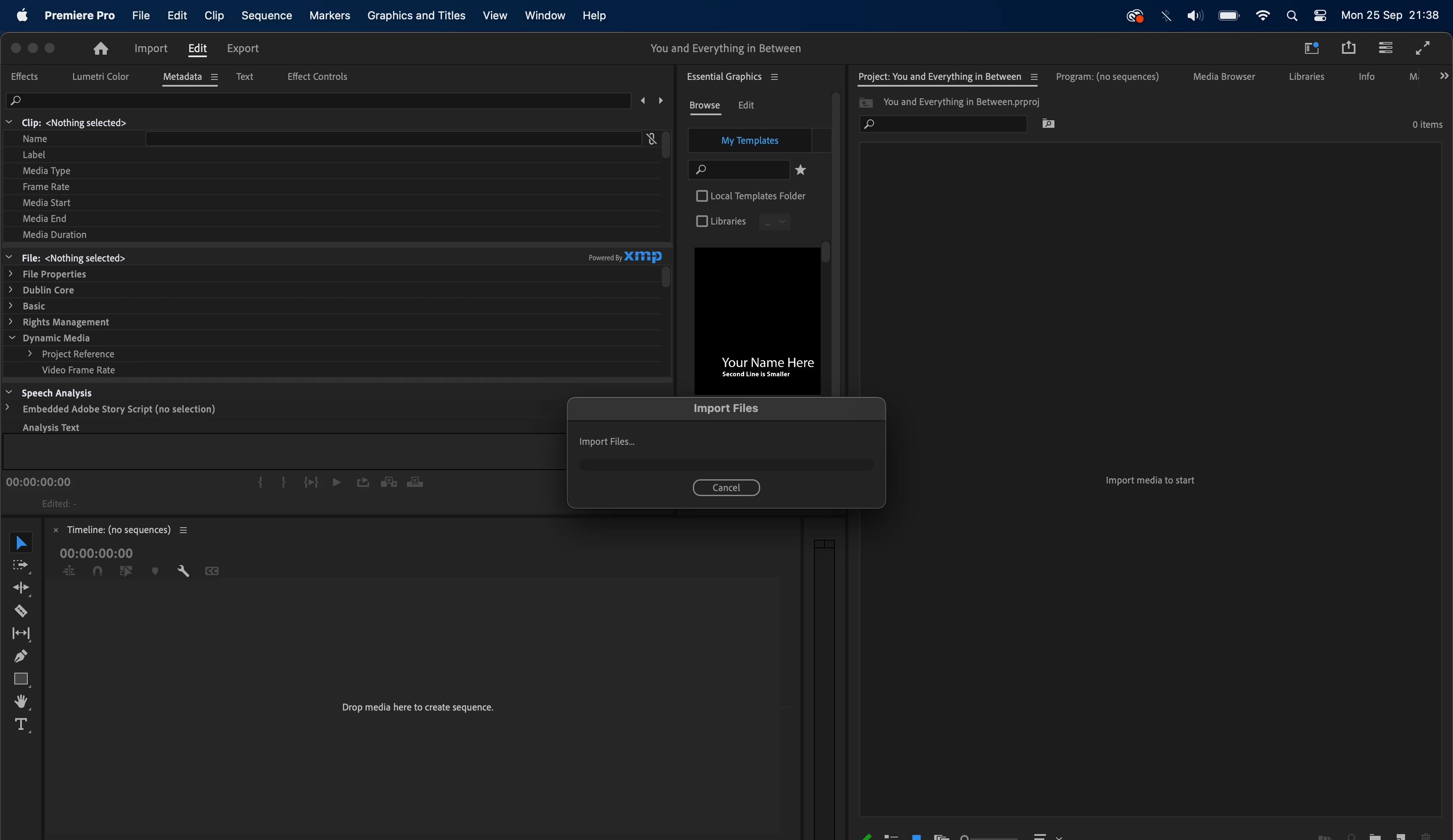
 

I've said it already but I'm desperate, this is ruining my life.

This topic has been closed for replies.
Correct answer gordond25919850

I've finally fixed it.... I can't believe this. I had bought the Sony Catalyst Prepare plugin and that's what completely broke everything. That's not ok from them. Anyway sorry for the wasted time and have a good day.

17 replies

Participant
December 24, 2024

I got that exact same problem and I absolutely don't know why, it happened all of a sudden

Legend
December 26, 2024

Never easy to troubleshoot premiere problems from a distance so please tell us your system specs: OS version, Premiere version, amount of RAM, Hardware specs including graphics card and if you have any 3rd party plugins installed for Premiere... Also, sequence settings and clip properties can also help. Although you can throw almost any format into premiere, some formats can be problematic, particularly on an underpowered system.  


R Neil Haugen
Legend
September 26, 2023

Tom, thanks for popping in! It is always so cheering when devs help out.

Everyone's mileage always varies ...
Tom Nord
Community Manager
Community Manager
September 26, 2023

Ok, that jives with what I've found in digging a bit further in to the issue. Thank you for confirming. 

Inspiring
September 26, 2023

Hindsight is 20/20 innit

Inspiring
September 26, 2023

I bought and installed Sony Catalyst Prepare just last week so I'm thinking it's the newest version. There are definitely still issues.

Tom Nord
Community Manager
Community Manager
September 26, 2023

Did you update to a newer version of the plugin or just disable it. As I understand it the latest version of the plugin shouldn't cause these issues. If you have the latest and still see issues please let us know and we can work with Sony get this sorted out. 

Legend
September 26, 2023

Thanks for posting your solution.  But always important to let us know if you have any 3rd party plug-ins installed on your system...  and disabling them is a great initial troubleshooting step.  

gordond25919850AuthorCorrect answer
Inspiring
September 26, 2023

I've finally fixed it.... I can't believe this. I had bought the Sony Catalyst Prepare plugin and that's what completely broke everything. That's not ok from them. Anyway sorry for the wasted time and have a good day.

Inspiring
September 26, 2023

Thank you, I now sent you the sample file.

Inspiring
September 26, 2023

Quicktime opens the videos but it stays completely black, I only get the sound...