Participant
August 8, 2024

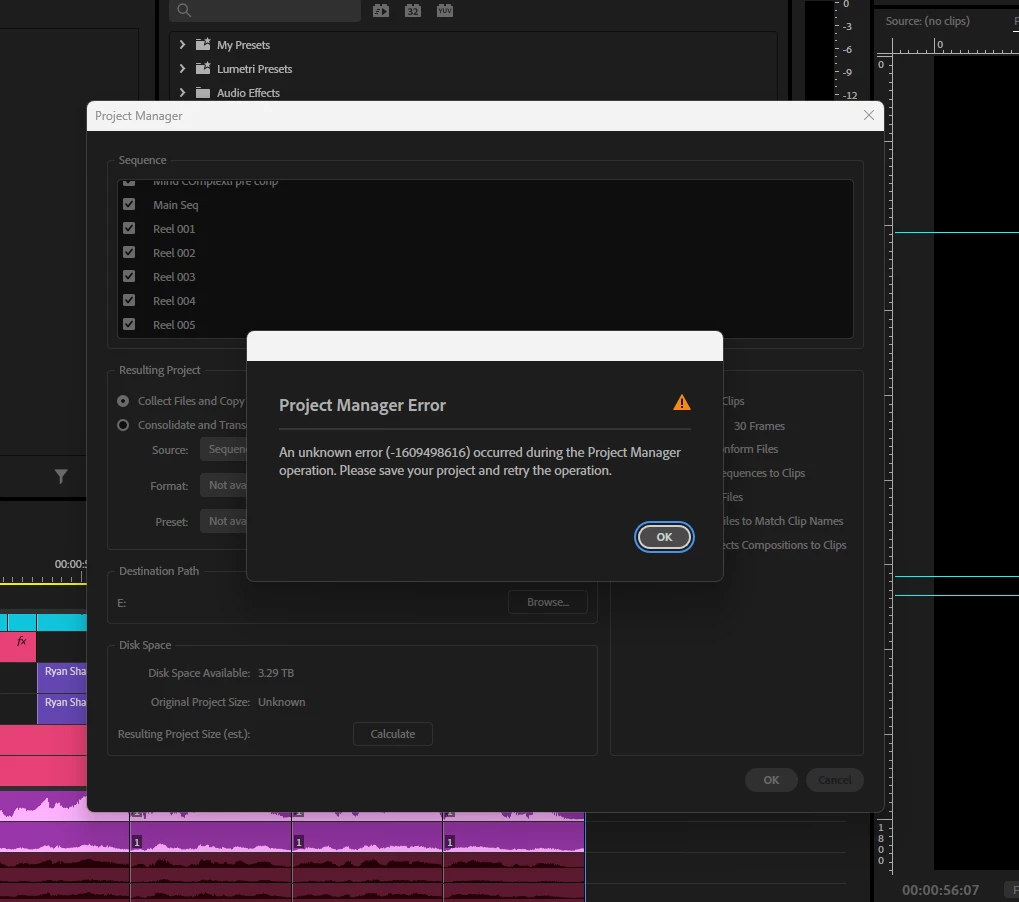
P: Project Manager Error 1609498616

  • August 8, 2024
  • 24 replies
  • 5749 views

I’m experiencing an error in Premiere Pro that I can’t seem to resolve, despite trying all the recommended solutions I found on Google and YouTube. I believe it might be related to the new Premiere Pro 2025 update.

The issue occurs when I try to create a project from the Project Manager to share with my team. I even tried rolling back to the 2024 version, but the same error persists. I also tested this project on a different device, but the error still comes up.


I've attached screenshots below from both versions.
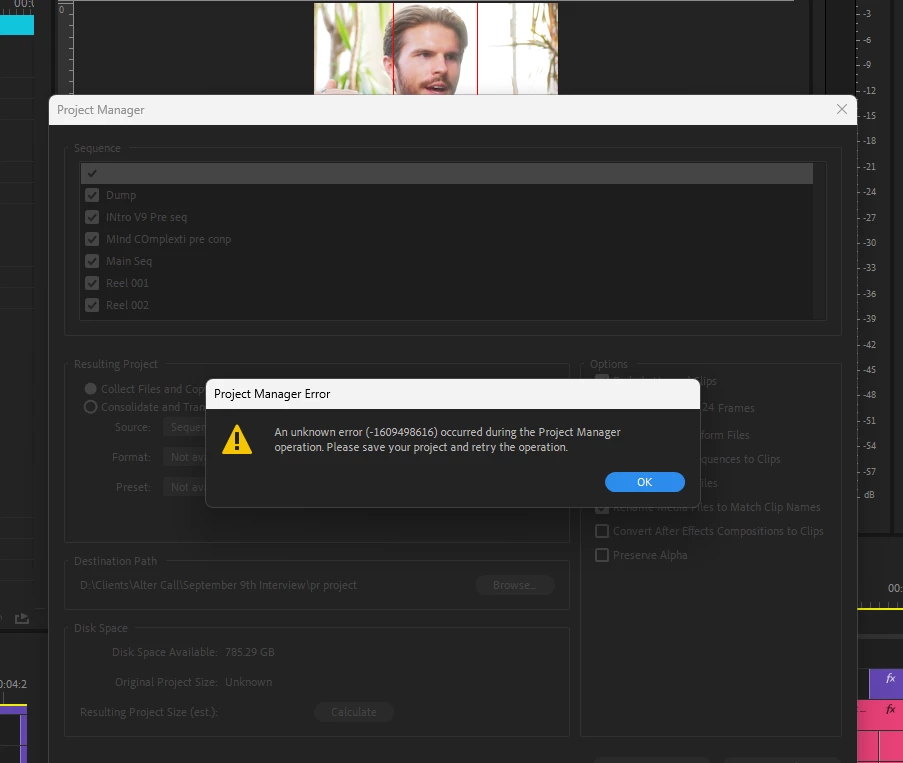


P.S. I’ve already tried clearing the media cache, but the error keeps appearing.

24 replies

Participant
February 6, 2025

Another user mentioned a fix that worked for me:


Delete all your Closed Captioning/Subtitles from the Project Files in Premiere.

Now everything works.


(I also cleared media cache, plugin cache, reset preferrences, etc. before this, but I don't think that did anything because it didn't work until I removed the CCs)

Participant
December 10, 2024

Thank you so much @Karter35769318v36g i've had that error for the last 2 or 3 month and couldn't transcode any of my project but doing that did fix it for me as well

Participant
December 4, 2024

I believe I have the answer for you.


I had the same error. Tried the same steps as you did, even tried a different desktop and different locations to Project manage to and didnt work I then found that if I unticked the box (Include preview files) then the project manage worked without the unknown error at the end. Hope this helps.

Participant
November 25, 2024

Quando vou salvar o projeto usando o gerente de projeto, ele me retorna esse erro:


"Ocorreu um erro desconhecido (-1609629681) durante operação do gerente de projetos. Salve o projeto e repita a operação"


Alguem sabe resolver?

Participant
November 12, 2024

Worked like a charm! Thank you so much 🙂 

Participating Frequently
November 12, 2024

@Daniela G. B. 

What I already tried:
- Cleaning cache

- Importing project into a new project

- Unchecking "Include audio conform files" and "Include preview files"

- Changing the project folder and project name (that's how desperate I am)

- Reinstalling

=> You can also try to :
- Flush the "Plugin Cache" (Open Premiere Pro and maintain the "Shift" key of your keyboard, you will see this option)
- Remove Caption Presets from your project
- Select your desired sequences and click on File ->Export->"Selection as Premiere Pro Project .." then Collect & Copy from this new proejct

Otherwise, if you just want to Collect & Copy, you can try the free version of our third party plugin for Premiere Pro called "PlumePack" it should work (it does not use the Project Manager and is actually better ! Can include more useful Data, better options to select what you want to keep, handles nested sequences recursively, etc..) More info in this article.

Participant
November 12, 2024

Hello dear community
I've been having the usual error while trying to Collect a project. I've seen this error many times in this community, on Youtube, etc, and tried everything and followed every tutorial. Still this is happening... Do you think you can help?

What I already tried:
- Cleaning cache

- Importing project into a new project

- Unchecking "Include audio conform files" and "Include preview files"

- Changing the project folder and project name (that's how desperate I am)

- Reinstalling

Kevin-Monahan
Community Manager
Community Manager
November 7, 2024

Hi @PolkaFever,

Thanks for the reply and for the information you provided for the team. I hope it helps them fix the issue for you and everyone else on the thread. Take care.


Cheers,
Kevin

Kevin Monahan - Sr. Community & Engagement Strategist – Pro Video and Audio
PolkaFever
Inspiring
November 7, 2024

Sorry, @Kevin-Monahan ,
There wasn't time to waist on the Project manager tool. Had to do the whole thing the manual hard way and move on. Don't know if render>replace would have fixed it. I doubt it when looking at some of the other posts here using less complex sequences.

Hope the team figure this out.

Kevin-Monahan
Community Manager
Community Manager
November 6, 2024

Hey there, @PolkaFever,

Thanks for writing in. Can you try a render and replace of the AE comp in your timeline and try again? I hope that helps. Let us know!


Cheers,
Kevin


Kevin Monahan - Sr. Community & Engagement Strategist – Pro Video and Audio