
Participating Frequently
October 9, 2023

Premiere pro keeps crashing while trying to use captions/text

  • October 9, 2023
  • 29 respuestas
  • 6250 visualizaciones

Hello, I've been using Premiere Pro for over 3 years, but recently, I've been experiencing crashes every time I try to add captions (text). I've tried clearing the cache, reinstalling the software, using previous versions, and even switching to the default font (Arial). The issue occurs after about 3 minutes of working on captions, and when it crashes. If I work on something else than caption such as simple trimming and color grading, it doesn't crash. After it crashes, I receive an error message, although it doesn't identify any specific issues.
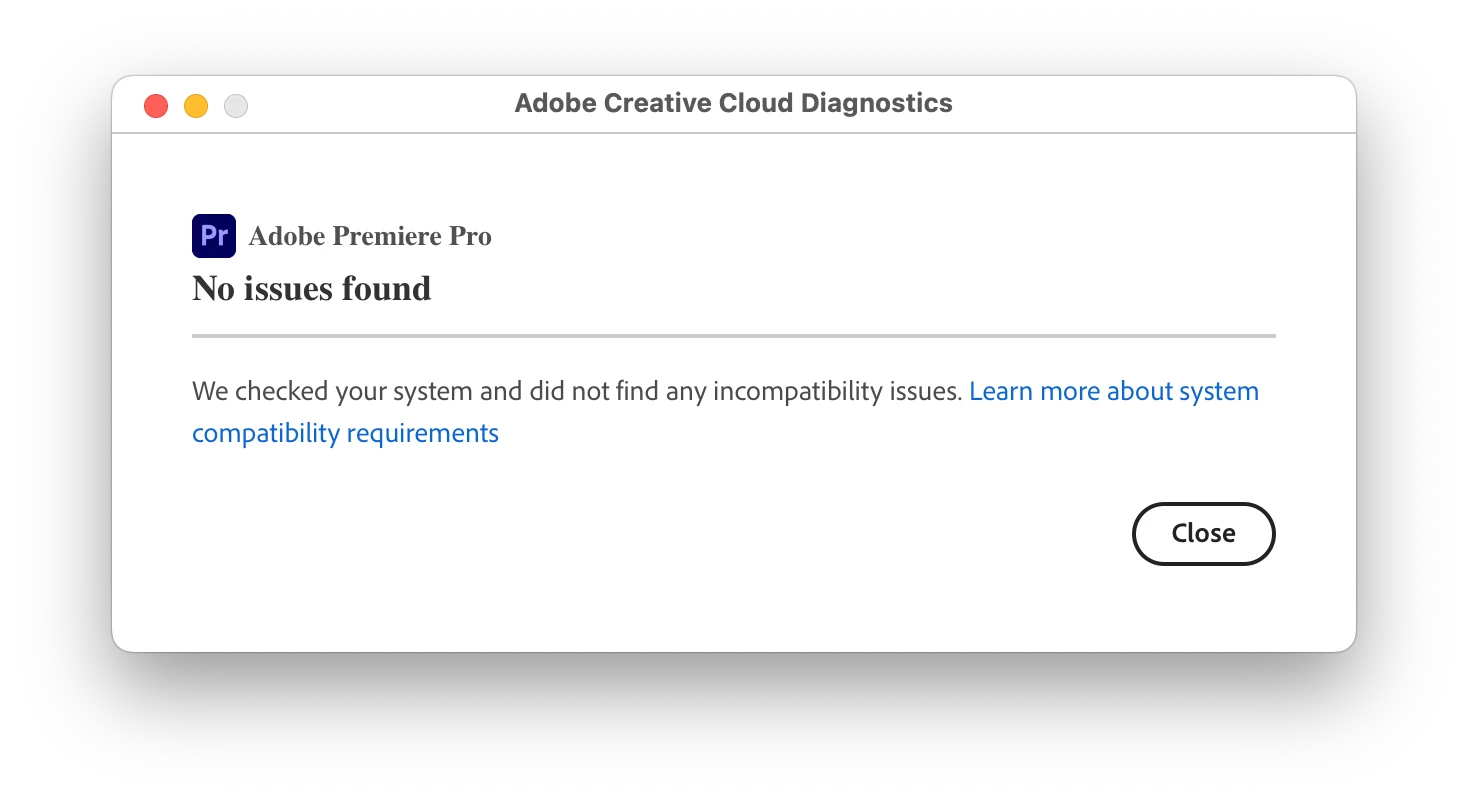
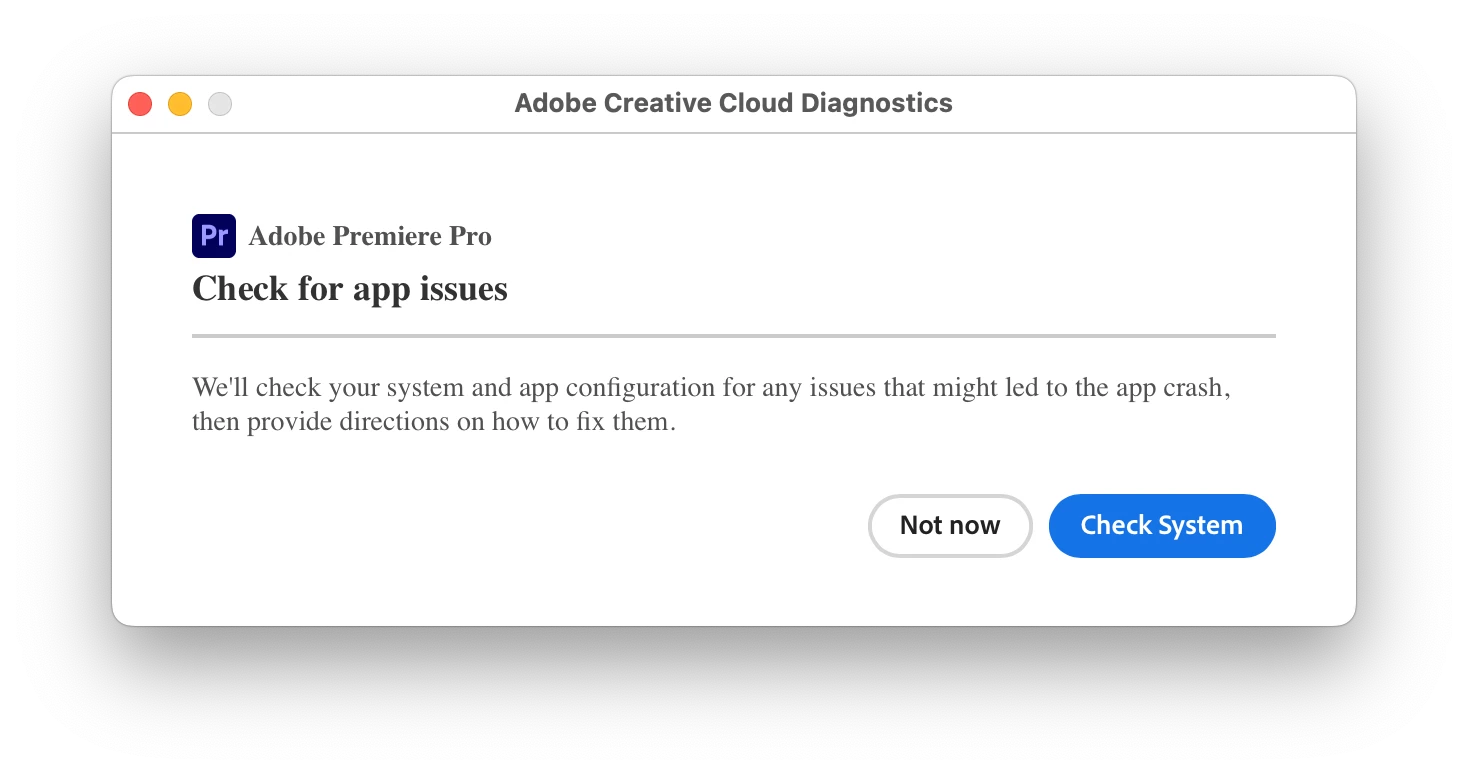


I'm using a MacBook, fully updated as well.

29 respuestas

New Participant
June 5, 2025

Hi @TOM WHITMIRE31241708


I've been having the same issue for over a year and have stopped using captions altogether because of it.


I suspect your solution will work for me, but it's not abundantly clear what you meant in your last comment. 


If possible, would you mind uploading your screenshots again, or elaborating on what you meant by "Once I went through all 60+ text/words and clicked on them and deleted the 1-3 <empty> things all my problems went away and I no longer get crashing and error messages" 


I would greatly appreciate your help with this stubborn issue.

New Participant
June 5, 2025

Hi Tom, 


I've been having the same issue for over a year and have stopped using captions altogether because of it.


I suspect your solution will work for me, but it's not abundantly clear what you meant in your last comment. 


If possible, would you mind uploading your screenshots again, or elaborating on what you meant by "Once I went through all 60+ text/words and clicked on them and deleted the 1-3 <empty> things all my problems went away and I no longer get crashing and error messages" 


I would greatly appreciate your help with this stubborn issue.

AnnikaKoenig
Community Manager
Community Manager
May 13, 2024

Hi @TOM WHITMIRE31241708! I would really like to reproduce your crashes. Can you lead me through your steps? (or even attach a screen recording) That would help us so much in fixing this!

Community Expert
May 11, 2024

Tom, thanks for posting your solution and sticking with us...    This is what makes this forum so useful...   Was working on a nightmare of a program a few years ago for authoring dvd's, the only surviving software solution for DVD authoring (yeah I know there are some other solutions out there but they're not full featured and officially approved, whatever that means).  It was well over $100 a month for a subscription, their support was nonexistant and they didn't have a user forum...  and it was windows only.      We finally had to fall back on using DVDStudioPro on an ancient Mac... Not a lot of fun... 


And thanks Stan, you're the best...

Stan Jones
Community Expert
Community Expert
May 11, 2024

Tom,


Congrats on finding the fix and thanks for reporting it. When you click like that, it creates a new graphics text instance OR a new layer in the current instance. I'm still surprised that cleaning those up made such a difference, but there you go!


Stan


New Participant
May 11, 2024

PROBLEM SOLVED I Figured out the solution for my issue.
If you select the text option and then click somewhere but do not make text. It will leave this annoying empty red like area until you click back on the Cursor. In setting up my original setup of fonts and colors and sizing and all the detail I must have repeated that 3 times. Then I kept copy pasting those fonts. I finally noticed that when I was in “Text” I kept noticing all these lines with the word <empty> or in "Essential Graphics” where it just shows a blank. Once I went through all 60+ text/words and clicked on them and deleted the 1-3 <empty> things all my problems went away and I no longer get crashing and error messages.

IMAGES as EXAMPLES

https://www.sproutstanding.com/wp-content/uploads/Screenshot-2024-05-11-at-12.04.57 AM.jpg


https://www.sproutstanding.com/wp-content/uploads/Screenshot-2024-05-11-at-12.00.38 AM.jpg

Stan Jones
Community Expert
Community Expert
May 10, 2024

@TOM WHITMIRe36681890,


Frustrating. And it is true that users that get this type of crashing with text may have difficulty sorting it. I am on Win10; such crashes appear to happen more often with Macs, but it is not all Macs. The engineers can only fix what can be replicated.


From your screenshots, you are using regular graphics text (not captions), and the timeline becomes quite complex.


Your screenshots did not post correctly (either time). I think there is a special character that is breaking when pasted into the forum. I get them to work by copying all the link text, including the part that is not in the hyperlink, and pasting into the browser. Some of the issues are beyond me, and I just got back in town and have limited time.


One that I did not see is whether you are getting a PR crash screen with the option to submit a report. I'll assume not, but if you do, be sure to add your email and a brief description. It allows the engineers to track down your crash report. There may also be crash logs saved to your desktop.


I've posted the screenshots regarding the WindowServer crash. See this post from a user who solved it by removing a GoPro reframe effect: https://community.adobe.com/t5/premiere-pro-bugs/permiere-pro-23-4-0-macos-ventura-windowserver-crash/idi-p/13873977. I'm not suggesting that is your issue, just an avenue to explore. I wonder also about the AEFilter error.


Screenshot 1 shows your graphics preferences with Ligatures and Smart Quotes on. Ligatures (and Smart Quotes) have caused crashes on Macs. I believe those problems have been fixed, but I don't know for sure. I don't think this is your issue, because it generally caused a crash as soon as a ligature was used. But you work for some time before the crash occurs. Since it could be bad luck (no ligature for quite a while), I'll mention it. If this is the cause, you can avoid it by turning them off or by avoiding a font that uses them. But if you have a bunch of them, changing the global preference does NOT fix the ones that are there, and the individual setting (the wrench icon in the Text section of the Essential Graphics Panel) cannot be selected when multiple graphics items are selected on the timeline. You can select multiple layers within one graphics item.


@Bruce Bullis 


Stan


Community Expert
May 9, 2024

We all have those moments...  


Never easy to troubleshoot premiere problems from a distance so please tell us your system specs: OS version, Premiere version, amount of RAM, Hardware specs including graphics card and if you have any 3rd party plugins installed for Premiere... Also, sequence settings and clip properties can also help. Although you can throw almost any format into premiere, some formats can be problematic, particularly on an underpowered system.


Once we get the info we can start to troubleshoot the problem...    

New Participant
May 9, 2024

I apologize for my outburst. I need serious help. I also need help in preventing Premiere from crashing within seconds of trying to edit a 1.5 minute video. I am having to edit on a different timeline and then drop it into this video and hope that it doesn't crash.

On my third video in this series, I didn’t get any crashed until the video went or 60 seconds.

Then it started crashing. I deleted all custom saved settings and then restored to factory settings based on running a diagnostic. I have reset everything to the best of my ability.

ERROR
A low-level exception occurred in: Importer MPEG (importer:8)

ERROR
text (AEVideoFilter:1.5)

PREMIERE VERSION 24.3 build 59

Images below of crash reports and settings.


https://www.sproutstanding.com/wp-content/uploads/Screenshot-2024-05-09-at-8.55.36 AM.jpg


https://www.sproutstanding.com/wp-content/uploads/Screenshot-2024-05-07-at-12.17.29 PM-scaled.jpg


https://www.sproutstanding.com/wp-content/uploads/Screenshot-2024-05-06-at-4.01.52 PM.jpg


https://www.sproutstanding.com/wp-content/uploads/Screenshot-2024-05-09-at-8.57.29 AM-scaled.jpg


https://www.sproutstanding.com/wp-content/uploads/Screenshot-2024-05-09-at-8.54.10 AM.jpg


https://www.sproutstanding.com/wp-content/uploads/Screenshot-2024-05-09-at-8.54.20 AM.jpg


https://www.sproutstanding.com/wp-content/uploads/Screenshot-2024-05-09-at-8.55.03 AM.jpg


https://www.sproutstanding.com/wp-content/uploads/Screenshot-2024-05-09-at-8.55.24 AM.jpg


https://www.sproutstanding.com/wp-content/uploads/Screenshot-2024-05-09-at-9.03.30 AM.jpg

New Participant
May 9, 2024

I apologize for my outburst. I need serious help. I also need help in preventing Premiere from crashing within seconds of trying to edit a 1.5 minute video. I am having to edit on a different timeline and then drop it into this video and hope that it doesn't crash.

On my third video in this series I din't get any crashed until the video went or 60 seconds.Then it started crashing.

I deleted all custom saved settings and then restored to factory settings based on running a diagnostic. I have reset everything to the best of my ability

.

ERROR

A low-level exception occurred in: Importer MPEG (importer:8) 


ERROR

text (AEVideoFilter:1.5)


PREMIERE VERSION 24.3 build 59


Images below of crash reports and settings.

https://www.sproutstanding.com/wp-content/uploads/Screenshot-2024-05-09-at-8.55.36 AM.jpg

https://www.sproutstanding.com/wp-content/uploads/Screenshot-2024-05-07-at-12.17.29 PM-scaled.jpg

https://www.sproutstanding.com/wp-content/uploads/Screenshot-2024-05-06-at-4.01.52 PM.jpg

https://www.sproutstanding.com/wp-content/uploads/Screenshot-2024-05-09-at-8.57.29 AM-scaled.jpg

https://www.sproutstanding.com/wp-content/uploads/Screenshot-2024-05-09-at-8.54.10 AM.jpg

https://www.sproutstanding.com/wp-content/uploads/Screenshot-2024-05-09-at-8.54.20 AM.jpg

https://www.sproutstanding.com/wp-content/uploads/Screenshot-2024-05-09-at-8.55.03 AM.jpg

https://www.sproutstanding.com/wp-content/uploads/Screenshot-2024-05-09-at-8.55.24 AM.jpg

https://www.sproutstanding.com/wp-content/uploads/Screenshot-2024-05-09-at-9.03.30 AM.jpg


I appreciate any help I can get with these issues.

 Aloha

 Tom