Participant
March 17, 2025

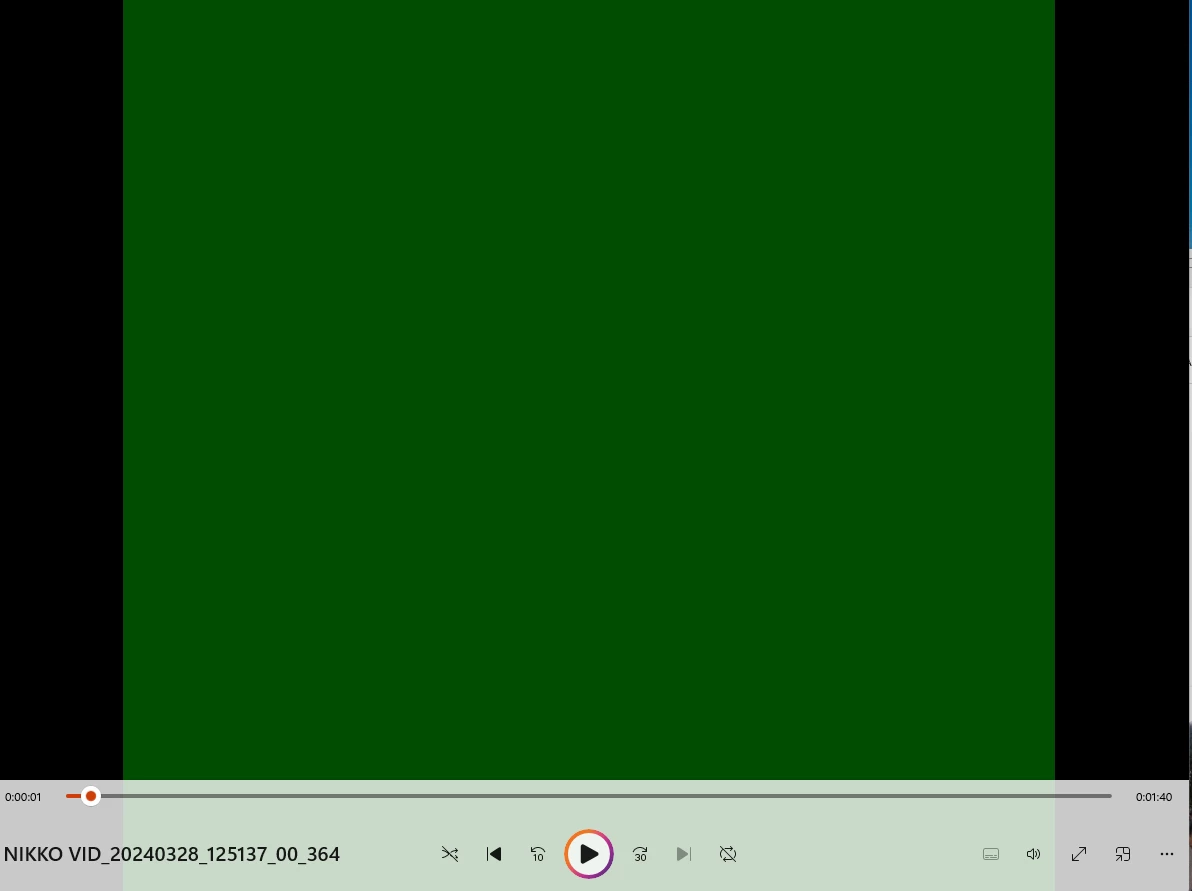
Rendering output is green but the preview is all fine

  • March 17, 2025
  • 3 replies
  • 286 views

Yesterday i've updated my nvdia drivers today i was editing a video to make it 360 compatible for ue5 and in the preview is all fine but when i render i get this green effect what can i do?

 

3 replies

Participant
March 17, 2025

Issue -> When i render the video and i open the mp4 file it will result in a dark green screen tried also with other project and it's the same

Premiere pro version : 25.1.0 (build 73)


System Info:

CPU - AMD Ryzen 7 8845HS w/ Radeon 780M Graphics, 3801 Mhz, 8 core, 16 processori logici
GPU - NVIDIA GeForce RTX 4070 Laptop GPU
GPU Driver - Nvidia 572.60
RAM -> 16 GB
Hard drive -> 1TB
Video format -> mp4


Workflow details -> I'm converting a 360 video with vr projection


First i put all the clip in the media editor then i drag all the clip inside into the sequence when i do this premiere automatically creates a sequence.

I go inside the sequence settings to change the clip height and width because i need to make it into a square because unreal works the best with square images / video and then i apply the vr projection effect to all the clips that i have to remove the seam that is created when i modified the scale of the videos

Then i go into file -> Export -> Media i leave all the settings as the default unless for the name that I've change then i even see the preview of the video and all is looking right but when it finish to export and i open the file i see green result but i can hear the audio.


Community Manager
March 17, 2025

Hi @Xdark38090062h2m3,

Thanks for submitting your bug report.  I agree with Peru Bob about the drivers.  We need a few more details to try to help with the issue. Please see: How do I write a bug report?  Sorry for the frustration and thanks for reaching out.

Peru Bob
Community Expert
Community Expert
March 17, 2025

Did you do a clean installation of the Studio driver and not the Game driver?

If so, roll back the graphics driver to the old one.
or
Try turning off Hardware encoding in the Video tab of the export settings.