

Question
Timeline Not Visible (Missing)
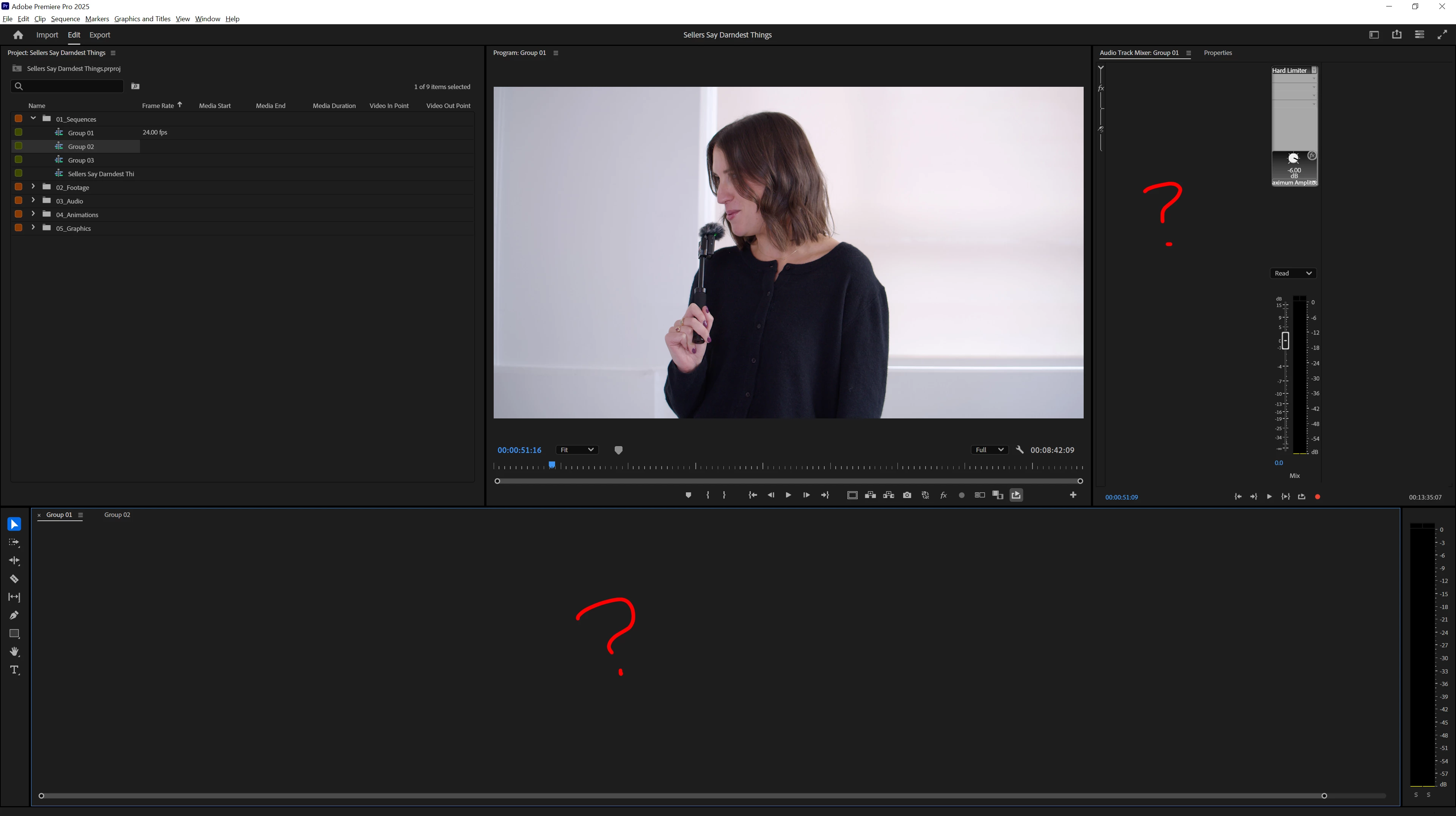
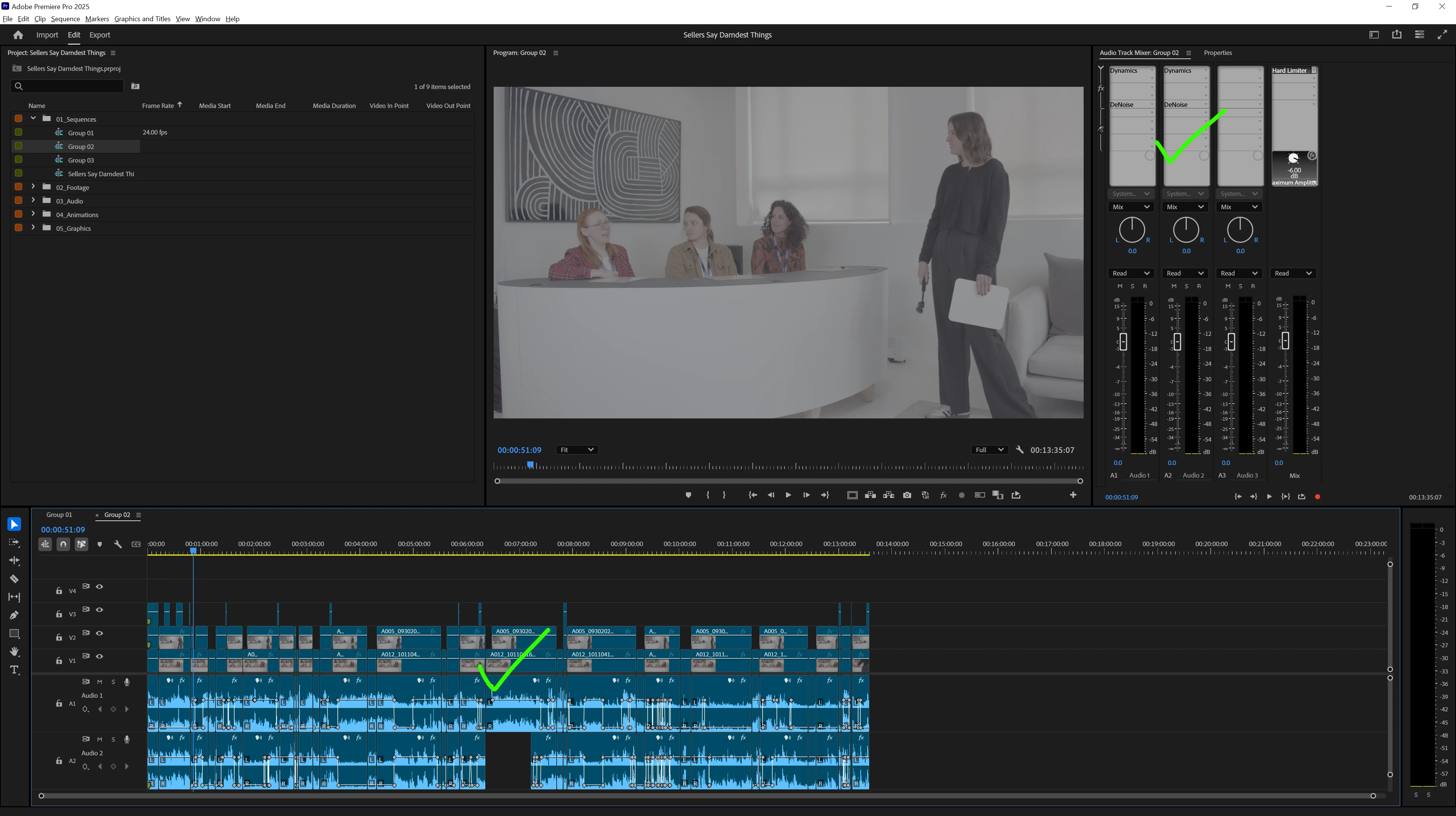
I finished editing a project, but when I reopened it, one of my sequences was missing from the timeline. I can scrub through the sequence, but I can't edit it or see any clips or channels.
One thing I noticed is that if you hover over the "void," it still shows info for whichever clip you're hovering over.
I've shared screenshots of two sequences for comparison. I’ve already reinstalled the software and cleared the cache, and I also tried the latest beta version, but it crashes when I try to open the project. It's really random and quite frustrating. I also tried turning off GPU UI option as well with no effect.
Premiere Pro Version: 25.1.0 (Build 73)
Windows 10 Pro: Version 22H2 (Build 19045.5371)
RAM 128GB
GPU: 4070ti Super


 AdChoices