


Participating Frequently
May 19, 2023

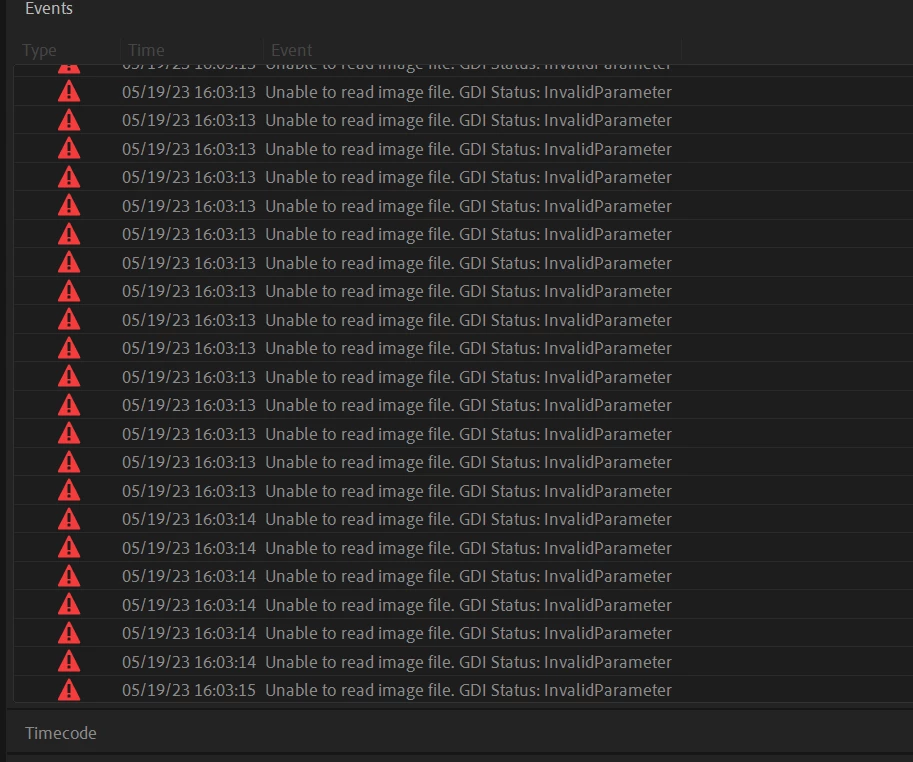
UNABLE TO READ IMAGE FILE: GDI STATUS INVALID PARAMETER

  • May 19, 2023
  • 22 replies
  • 8042 views

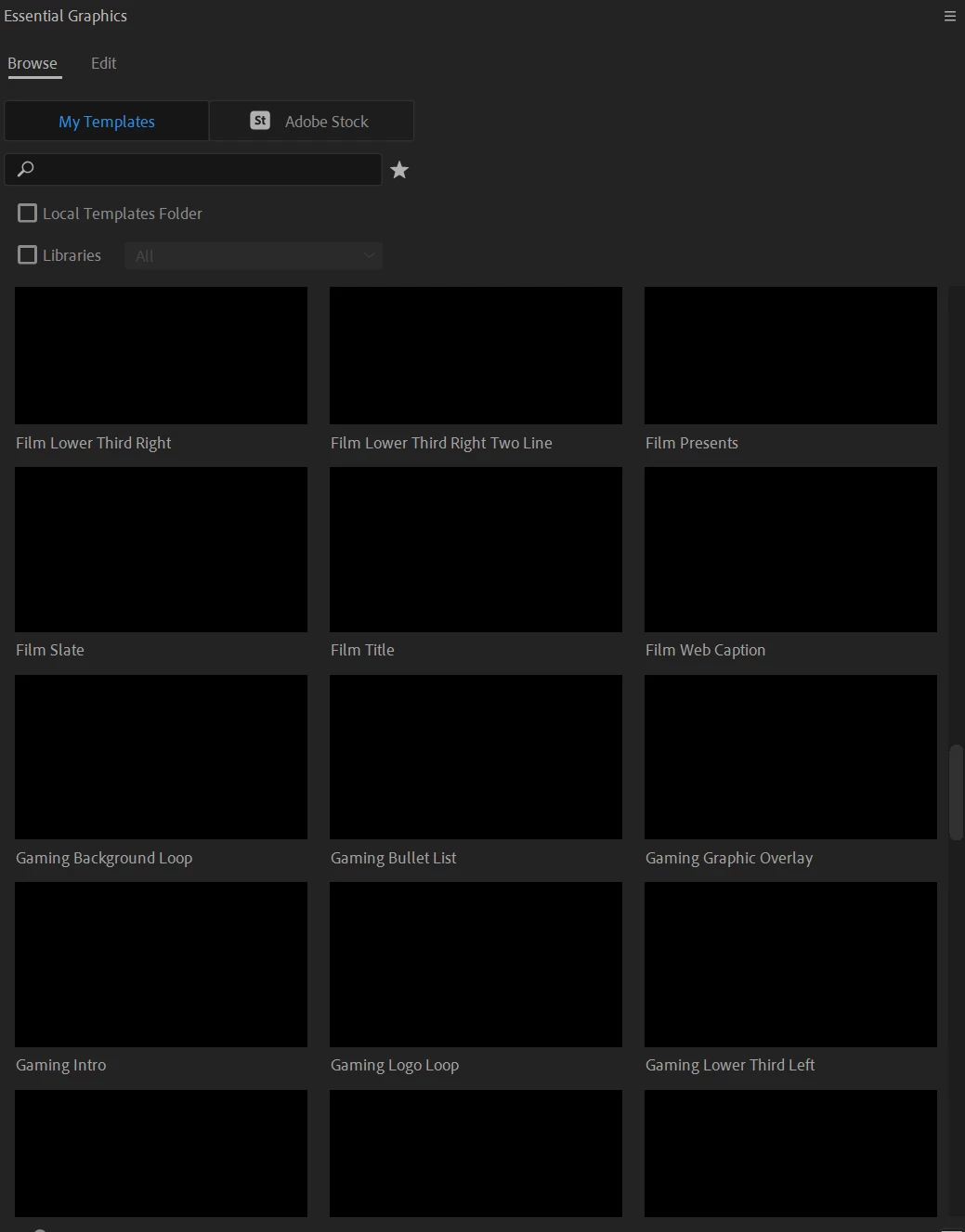
I am getting this error repeatedly on all projects from the moment i open premier. I believe it has something to do with the MOGRTS that were pre-installed because i no longer can see any preview of them. just that they are installed.  but i am unable to find any way online to solve this issue. 
 

I recently had to re-install everything on my computer including windows but all of my files were backed up on drives and re-connected when i got it back and i did not open any programs until all files were back in their original places to ensure no corrupted files. 


Can someone help?
 

This topic has been closed for replies.

22 replies

khanhd69698793
Participant
December 4, 2024

If that doesn't work, then I would like you to close Premiere and navigate to another folder: 

  • Win: /Users/username/AppData/Roaming/Adobe/Common/Motion Graphics Templates

This work!

Participant
September 17, 2024

Yes this helped, thank you

Kevin-Monahan
Community Manager
Community Manager
August 27, 2024

Hello @Content Grupo Expansion,

See if this solution works for you. Let us know.


Thanks,
Kevin

Kevin Monahan - Sr. Community & Engagement Strategist – Pro Video and Audio
Participant
August 12, 2024

Hi!
Got the same problem, but no with MOGRT this happen just open Premiere V.24.50.0 with new and old projects 

Kevin-Monahan
Community Manager
Community Manager
July 24, 2024

The status of this bug report has been updated.

Kevin Monahan - Sr. Community & Engagement Strategist – Pro Video and Audio
Participant
June 16, 2024

I got this GDI error, then Premiere started to stall my gpu with any imported video...

Did what you suggested, only worked for text based ones....

Suggestion, that kind of worked....


I have a laptop with i9 14hx and 4070,


- Got to preferences and disabled hardware acceleration h.264-h.265 code/decode in both processor and gpu

- Imported media, restarted premiere

- Enabled only gpu decode, restarted (thumbnails slowly playing)...

- Enabled gpu encode, restarted....it kind of worked...

Participant
March 1, 2024

FYI:  My problem went away after I used Creative Cloud to update Premiere Pro to the latest version v24.2.1 (Build 2).  Thanks!

Participant
October 21, 2023

Hi, I upgraded to a newer GPU 1050 ti. Now whenever I use Premiere Pro. I get the warning message : Unable to create image buffer. GDI Status: Invalid Parameter: 0x0. Please help. Thanks

Ishan Y
Community Manager
Community Manager
December 11, 2023

Hey,

Sorry for the poor experience. Do you still need help with this issue? If so, please let us know if you see this issue with a specific project or source file. Please also ensure that your GPU is updated to the most recent Studio drivers.


Thanks,

Ishan

Participant
August 13, 2023

Had the same problem. Just update it, will fix for sure

jstrawn
Community Manager
Community Manager
June 26, 2023

@Julia25601075gj2t Did Dacia's suggestion help you to get your thumbnails back?