


A blue shadow bug with .mov transparent files (alpha channel) - still occurs at premiere 2020
Hello, first sorry for my english.
Premiere cc 2019 and now 2020 have an absurd bug with .mov files and some correlation with CUDA render.
I'm testing premiere 2020 and every time I use a .mov file with transparency (be it rendered by QUICKTIME> animation or QUICKTIME> PRORES 4444), it gets a "blue shadow around". This may be due to the glow or shadows, I'm not sure yet, but it certainly only occurs when I activate the CUDA option in the premiere.
In my tests, the premiere cc 2018 version does not have this bug, I tried to report it a long time ago and it still exists, this problem has more than years.
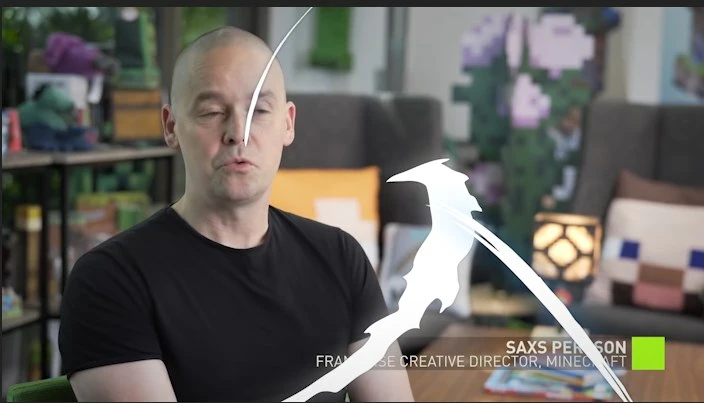
This image is how the file should really be, using the premiere cc 2018 version (where there is no bug)
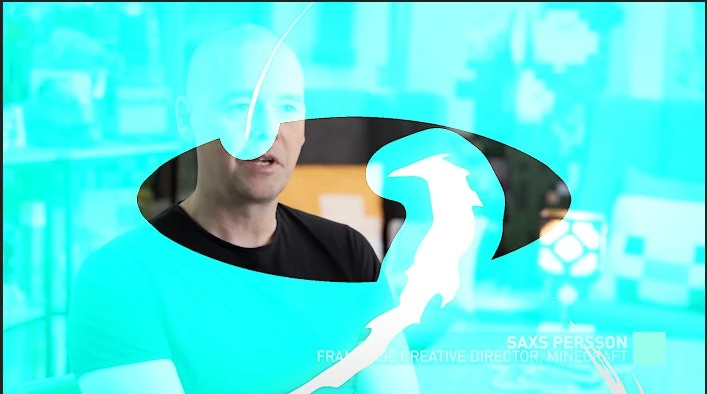
This image shows the bug in the premiere 2020 version rendering with QUICKTIME> Animation
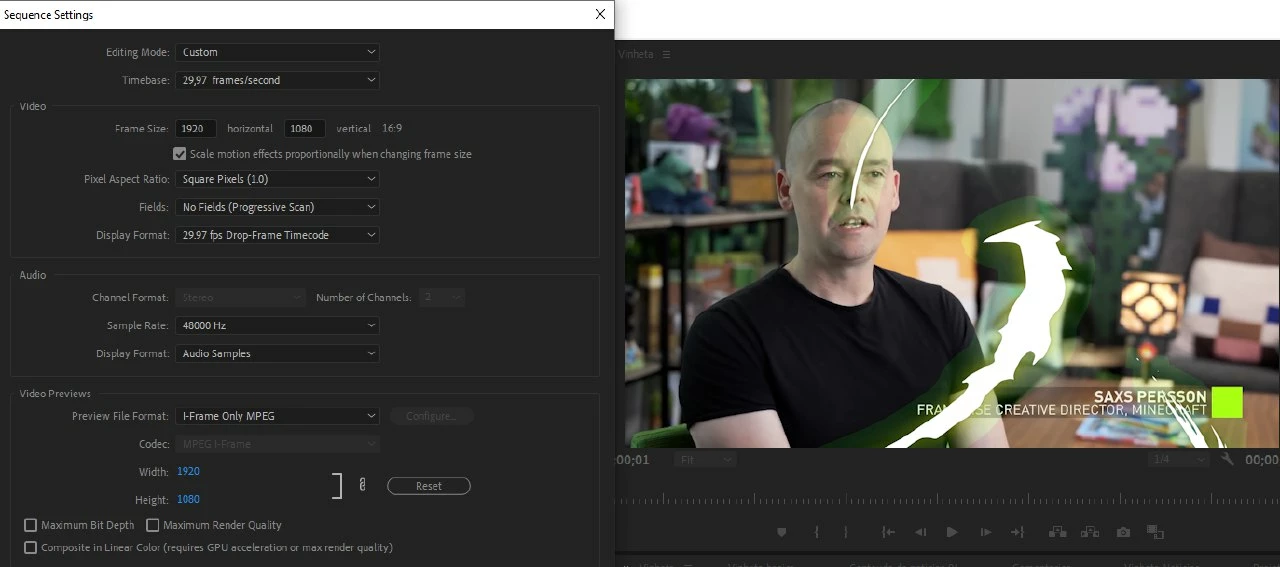
So when I tried to activate some options in the preview mode, they got worse and more visible (ProRes 4444)
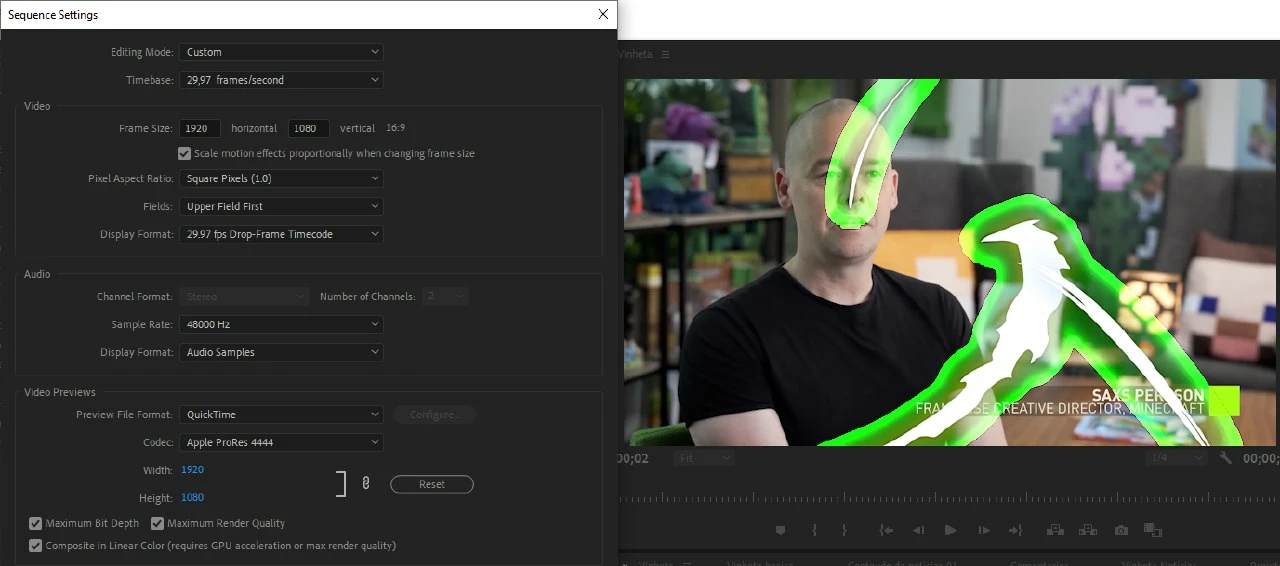
When I switch to Software Only mode, the bug stops.
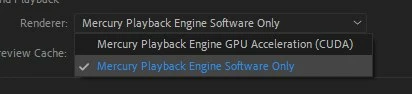
All of my tests indicate that there is a relation between CUDA, shadows and glow effects.
If anyone already has a solution for this, please speak.
Otherwise, I hope that my tests will help to find this problem.
 AdChoices