


Adjustment Layer basics: Why doesn't changing ONE instance affect them ALL?
Please forgive my ignorance - I've been using Adobe software for 25 years (particularly Photoshop), but I'm relatively new to Premiere Pro and still getting confused over the basics. I've just read a few Adobe articles but none of them address this basic issue...
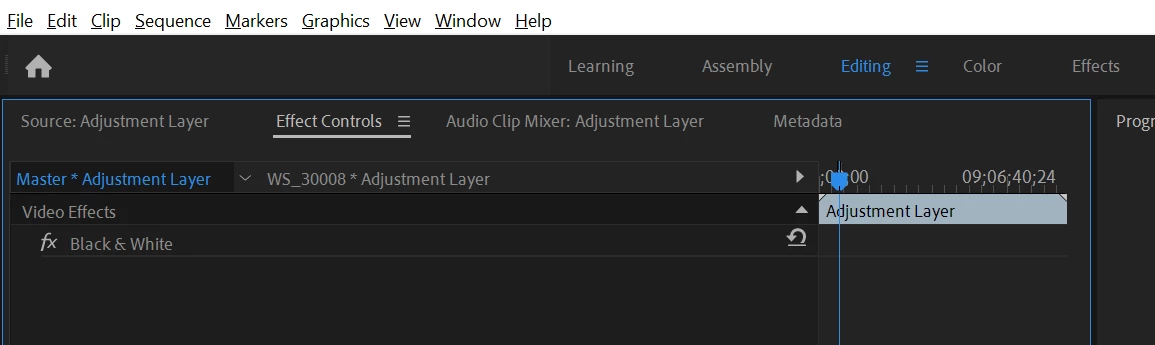
So here's the issue... I wanted to color-correct a clip in my timeline so I made an Adjustment Layer over it (containing the relevant effects). I then decided to apply the same effects to several other clips, so I dragged copies of the Adjustment Layer over those clips. This worked fine!
However, later on, I made a slight change to one instance of the Adjustment Layer, but the change didn't affect the other instances!
So from what I can tell now, it seems like when you copy an Adjustment Layer on the timeline, you're creating completely new, independent Adjustment Layers? If that's the case, then…
- Why don't these new copies get new names? ("copy 2" "copy 3" etc.)
- Why don't these new copies appear in the project panel?
- If the changes you make to an Adjustment Layer don't affect the original copy in the project panel, what's the point of having ANY Adjustment Layers sitting there in the project panel?
- This is the key question I guess: How do you set up multiple instances of an Adjustment Layer, so that changing one affects them all?
 AdChoices