
Adobe Premeire Pro video wont play, but audio does.
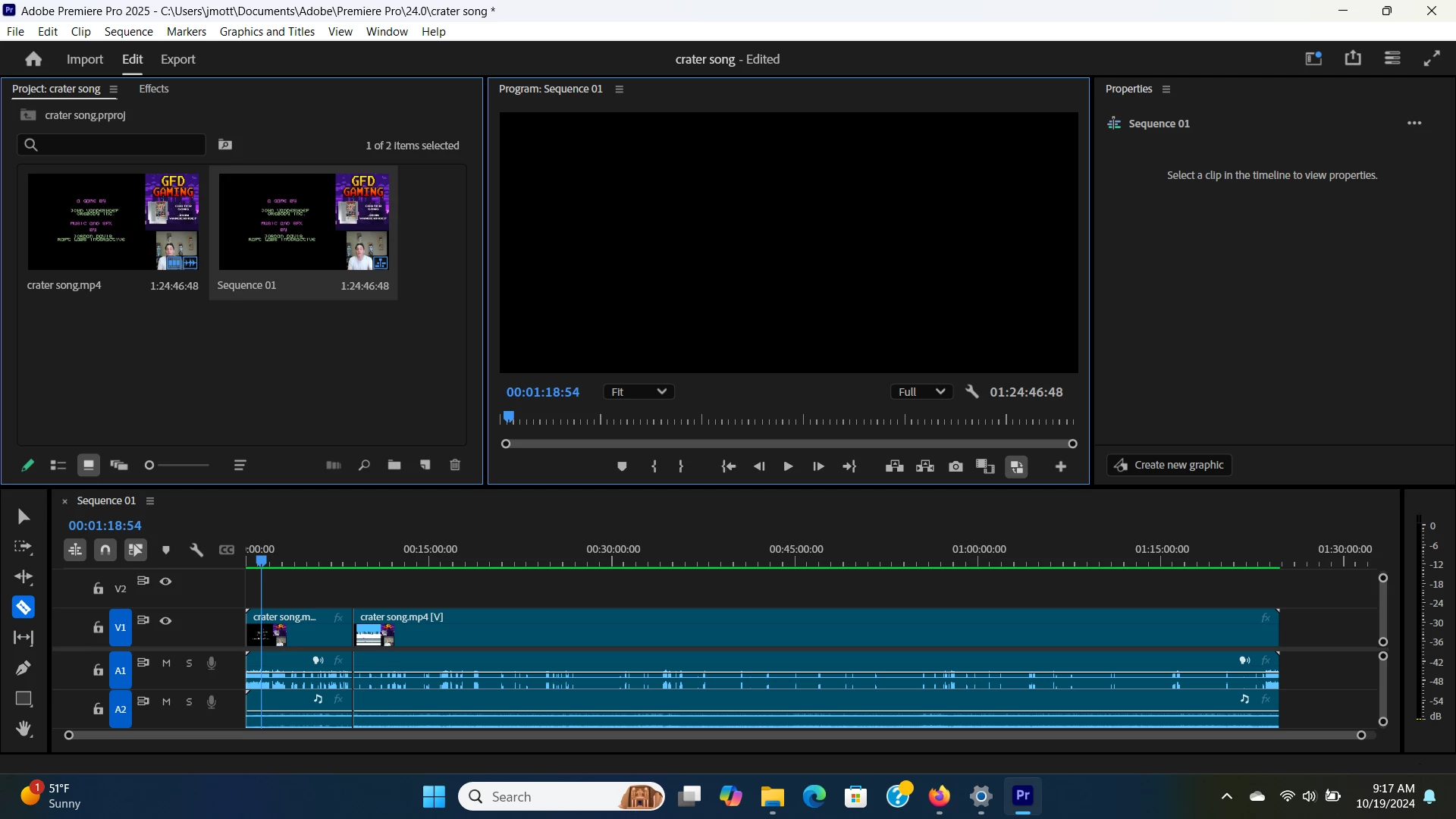
My issue is that my video will not play but the audio of the video does. I have used this software for several months and it has wroked great until now.
I have tried clearing the cache in premiere, restarting, reinstalling software, resetting the workspace, updating software, using different files that I know have wroked before, changing the using a preview window(someone said that helped them), Tried changing the audio output and changing it back, changing the renderer to mercury playback engine software only, Videos do work in midea players. None of these have worked any help would be appreaciated. thank you.
Computer information:
Intel(R) Core(TM) i7-14700HX 2.10 GHz
Installed RAM 32.0 GB (29.7 GB usable)
System type 64-bit operating system, x64-based processor
Nvidia Geforce RTX 4070
 AdChoices