


Answered
Adobe premiere giving blue screen
Recently on adobe premiere (both 2019 and 2020), everytime I export my sequence in a high setting (H.264, 1920x1080, 60 fps, bit rate 8/12, render at max setting on) half way into exporting it spikes up in render time (going from 12 minutes to 46 mintues) and then immediately gives me a blue screen of death [refer to picture]. I only noticed this has been happening recently, I tries making a new sequence and copy pasting the old into it and render it out but nothing changes. I've changed the project setting from GPU render to inhouse render but it makes it render slower and still either gives a blue screen or crashes adobe.
My pc specs are
750w bronze
I7-8700k (oc 4.00hz)
H100i liquid cooling
32gb ram (4x8gb)
GTX 2070 (8gb, 14ghz)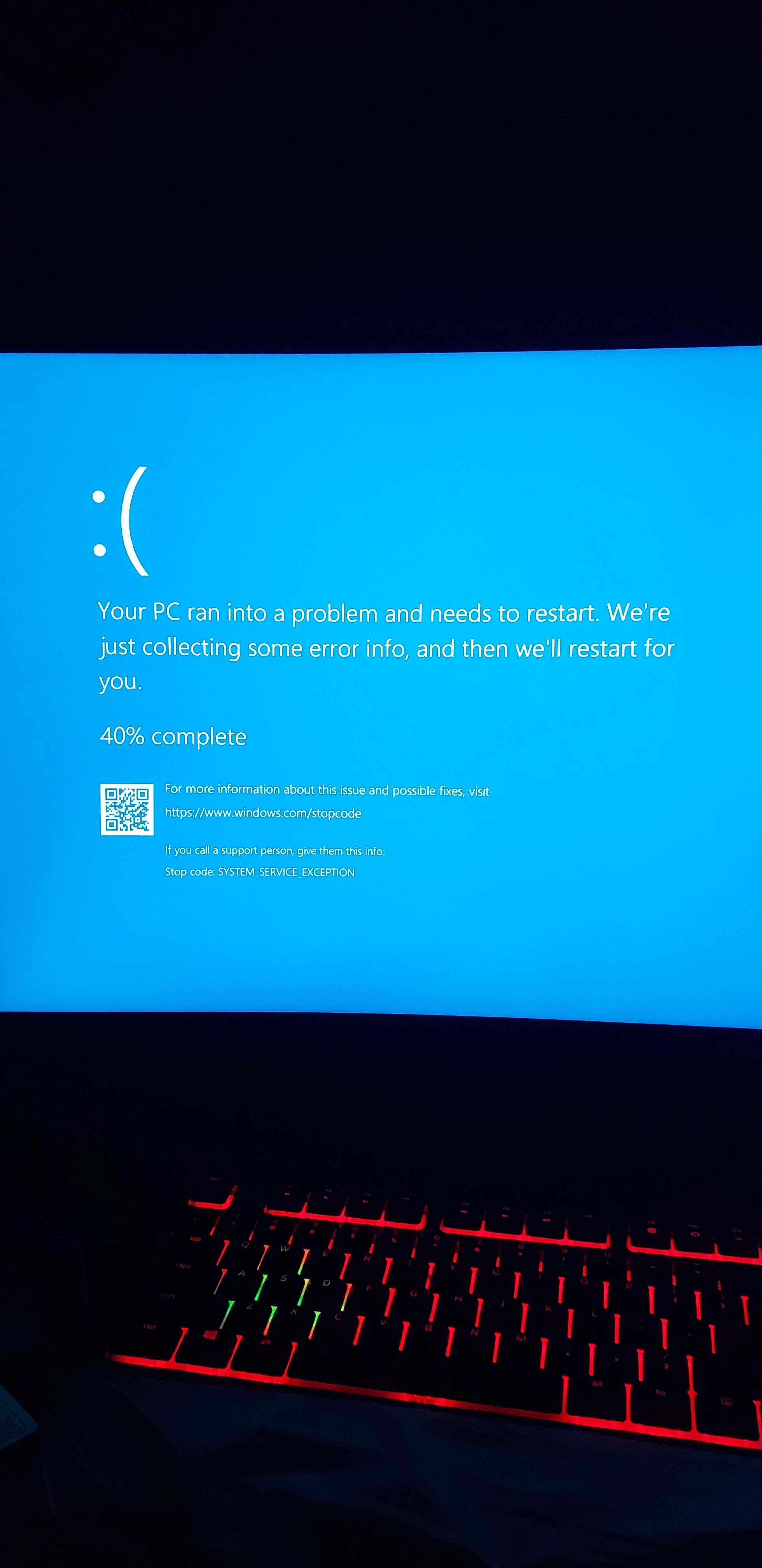
 AdChoices