Inspiring
June 14, 2020
Answered

ADOBE PREMIERE PRO 2020 14.2 (NOT RESPONDING) Windows PC
  • June 14, 2020
  • 19 replies
  • 10417 views

Hi, 

I am using the latest version of Adobe Premiere Pro, which has stopped working abruptly. I cannot load any projects, and I cannot create any new projects. 


Solutions I have already tried: 

Resetting plugin cache. 

Resetting preferences.

Uninstalled & Installed a fresh copy. 

Deleted All files cleared all the system cache and reinstalled the application.

Uninstalled all plugins.


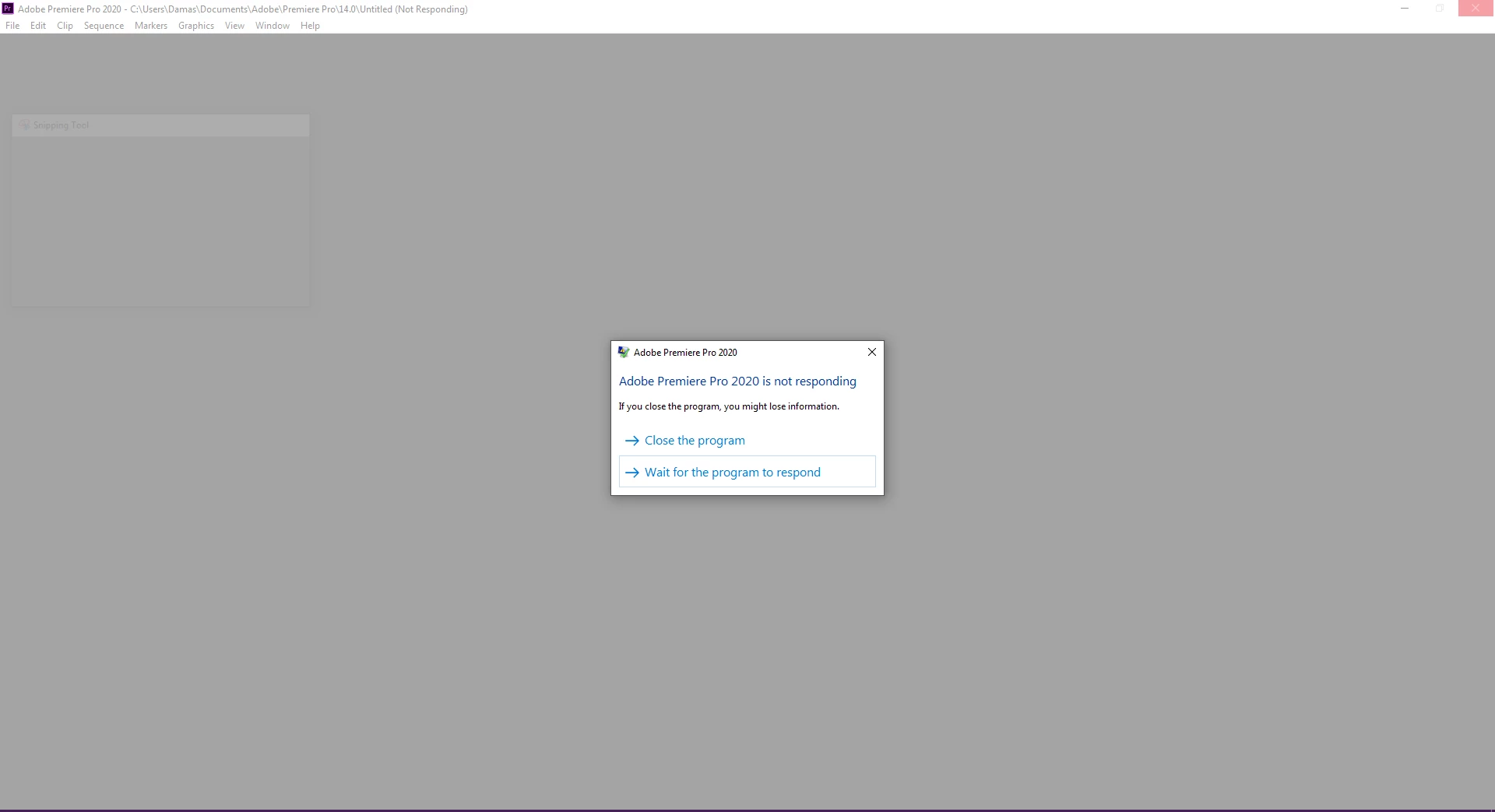
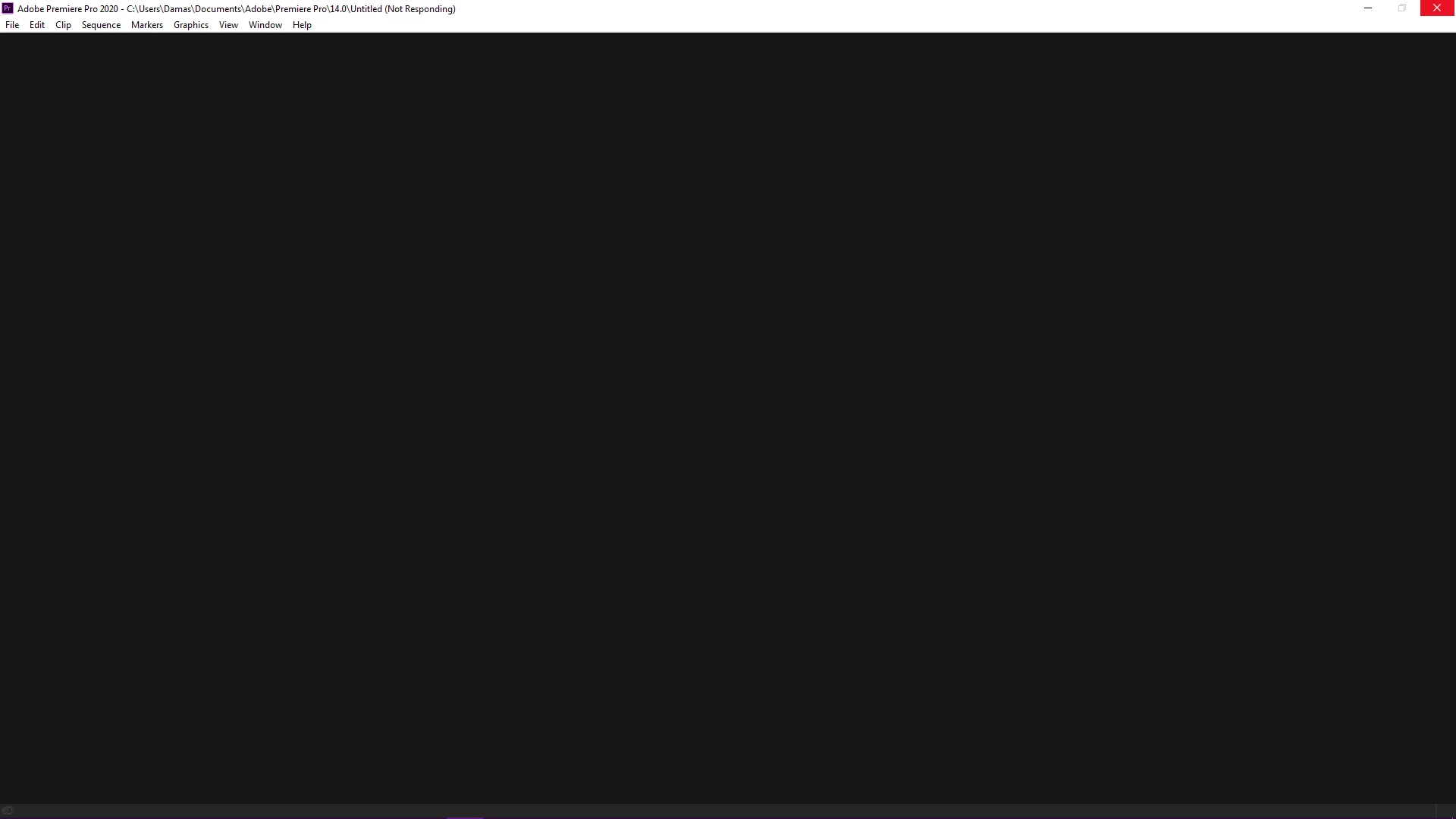
I have tries the above but without any luck. I am attaching the screencaps for the reference. 

I have a multitude of projects lined up and which I am unable to access due to this, and I am losing precious time as well as money in the process. This is highly frustrating!! Worst of all, I have installed the older 13.5 version and it is working like a charm. 

Please help me out in this as this is quite infuriating.


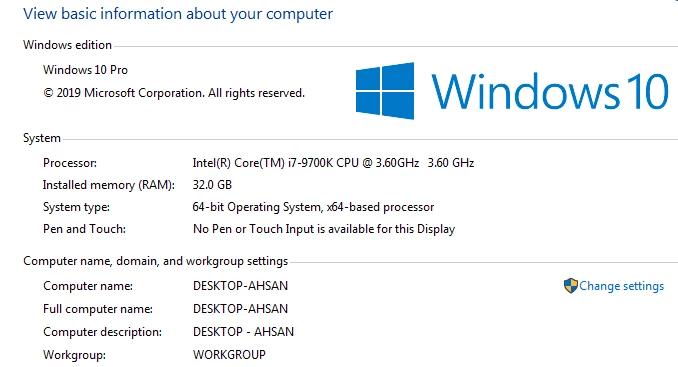
System Specs: 

Intel i7-9700K 

RAM: 32 GB

300 GB Empty Disk space

8 GB GDDR6 Nvidia 2070 Super


This topic has been closed for replies.
Correct answer ahsana90352364

So, The problem is finally solved after nearly 10 Days of trying to figure out what the problem was. 

I just uninstalled everything, then I performed a fresh start of the windows. 

After installing windows, I installed all the drivers and their updates. 
Then I downloaded & Installed all my Adobe CC Apps and Voila!

It's all working now. I got my old projects back and new ones are working even faster. 

Thank you all who tried their best to help me out, in the end, there was something wrong with my machine, and refreshing windows fixed it somehow. 

19 replies

Inspiring
June 15, 2020

Yeah just tried those, I rolled back Nvidia Driver and tried running Premiere pro but it was stuck, then I got the latest game ready driver for Nvidia, installed those, unfortunately still the same. Windows is up to date as well, I don't know but I don't think that is the issue (for me at least), Still, maybe I will try rolling that back and check whether it works or not.

But I am really worried about this, its something which I really need to fix as all of my projects are stuck now that it is not working...


Inspiring
June 15, 2020

What can I say, I just tried it as well. and its the same. 
Yesterday I was working on a project which was just a simple edit, no fancy plugins or effects used, i was in the process of editing the video to the music, suddenly premiere pro stopped working (frozen), it was not responding so i waited for nearly 15 minutes to see that maybe it would work, but it did not, and then I exited it and tried to open the project again since then it is like this. Every time I open a project it gives me the same issue. 

I am writing the above to see whether it really is a problem that suddenly arises because it was working amazing, never froze up, didn't give me a single error whatsoever. So, I am kinda skeptical about this whole scenario, whereas the 13.5 is still working as it should. I should also mention there were no updates on the windows part or for any other hardware, as everything is up to date. So, I wanna rule that out as well. 

Inspiring
June 15, 2020

Well that's the thing, problems don't suddenly arrise for no reason. Something changed, and that's the challenging part of tracking this down. Whether it was something that changed behind the scenes or something else that is causing the conflict is the problem. Since you've rules out Windows and other hardware updates, why not try those? Are there any Windows updates you can install? I have been hearing problematic things about the May 2020 update of Windows, so you might want to stay away from that for a bit, but GPU drivers are definitely known to cause issues, so updating to the latest Studio driver or even rolling those back can be a potential fix too. Note, some users are experiencing issues with the latest Studio driver and After Effects, so the fix there is to grab the latest Game-Ready driver.

Inspiring
June 15, 2020

This behavior is indiciative that there's something wrong on your machine, rather than with the specific version(s) of Premiere. It could be permission-based on a higher-level folder that contains preferences and data for all versions of Premiere. Try these two articles:


https://blogs.adobe.com/creativecloud/permissions-mac-os-start-adobe-applications/

https://helpx.adobe.com/x-productkb/multi/preferences-folder-read-only-error.html

Inspiring
June 15, 2020

Tried the Beta version as well. Same problem in the same way. New Project does not open, the old project does not open. It freezes at the same place in the same way as the attached screencap. And after a while turns to NOT RESPONDING. 

Inspiring
June 15, 2020

Yup, as Richard pointed out, the Public Beta is inside the CC app. It is newer, gets installed along side the "release" versions, which means it has completely separate preferences, and new builds are released almost every day. If you run into a problem (I have yet to, it's been incredibly stable) you can either wait until the next build or open your project in the release version (when the release version is working, of course). The point is, you're not version locked into only using the beta. It's the best of both worlds. 


Check out the little beaker icon to open the "What's New" panel to see some cool stuff in development and nice bug fixes.

Community Expert
June 15, 2020

Have a look here:


Inspiring
June 15, 2020

Have you tried creating a new Windows user account to see if the issue is localized to your account? You ran the cleaner tool, but for good measure follow the steps on this post: https://community.adobe.com/t5/premiere-pro/faq-how-to-reset-trash-preferences-in-premiere-pro/td-p/8236158?page=1


Have you tried installing Premiere 2019 or the new public beta to see if you have the same issue?

Inspiring
June 15, 2020

Yes i did that already. Trashed preference settings. Reset plugin preference as well.

Its with all users and specifically with version 14.2.

I already have 13.5 version which is working perfectly. Dont know about public beta. Where can i get it from? Is there a newer version than 14.2?

Peru Bob
Community Expert
Community Expert
June 14, 2020
Inspiring
June 15, 2020

Let me give it a shot. 

Inspiring
June 15, 2020

NOT SOLVED

Ann Bens
Community Expert
Community Expert
June 14, 2020

Inspiring
June 15, 2020

Done, the attachments were there anyway, but whatever makes it easier for you to understand. 

Waiting for your prompt reply to the above. 

Ann Bens
Community Expert
Community Expert
June 15, 2020

That is correct that screenshot are present but as attachment one has to download. Which most of us dont want to do.

Hence the request to embedd.