Inspiring
June 14, 2020
Answered

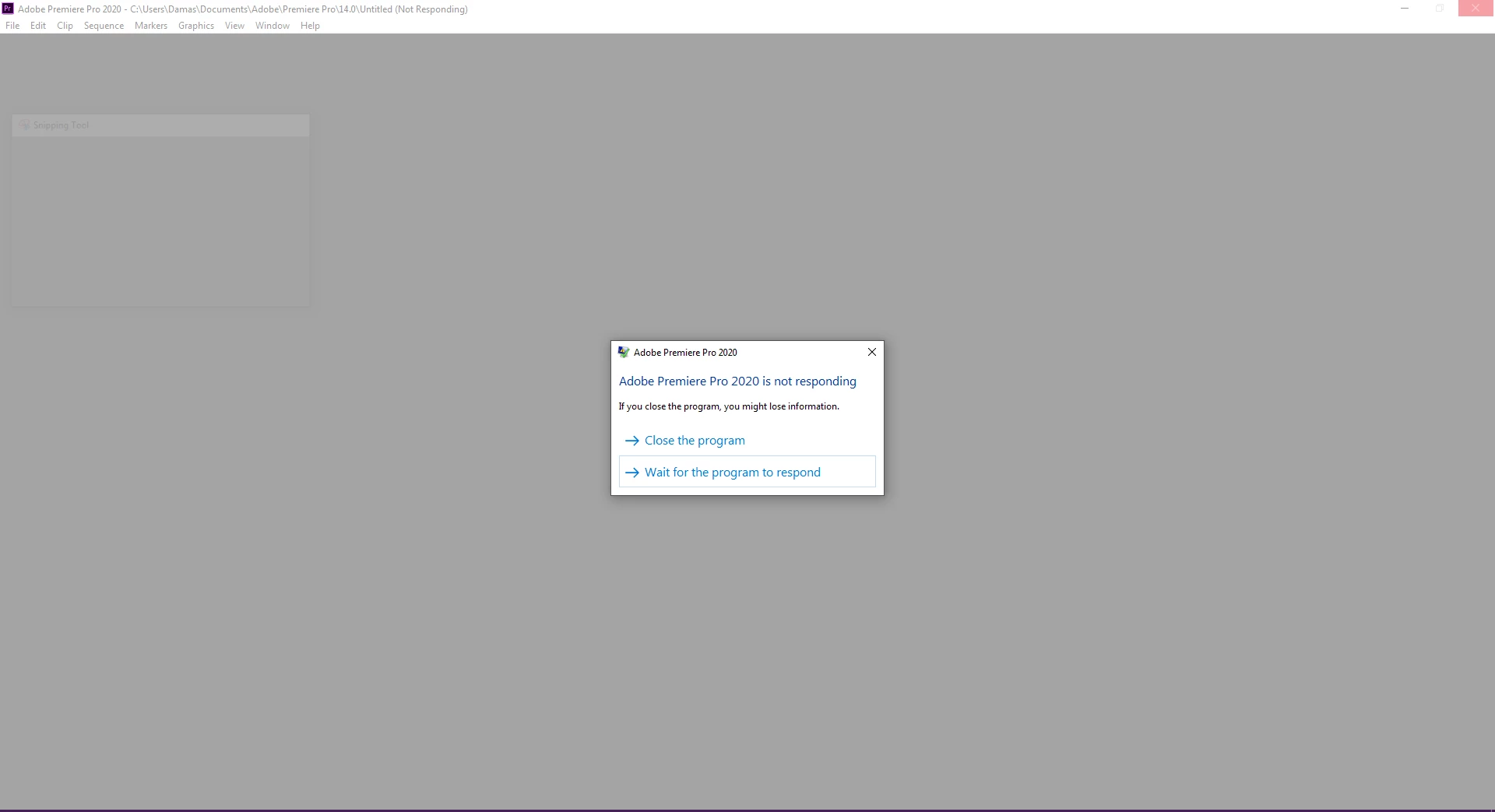
ADOBE PREMIERE PRO 2020 14.2 (NOT RESPONDING) Windows PC
  • June 14, 2020
  • 19 replies
  • 10417 views

Hi, 

I am using the latest version of Adobe Premiere Pro, which has stopped working abruptly. I cannot load any projects, and I cannot create any new projects. 


Solutions I have already tried: 

Resetting plugin cache. 

Resetting preferences.

Uninstalled & Installed a fresh copy. 

Deleted All files cleared all the system cache and reinstalled the application.

Uninstalled all plugins.


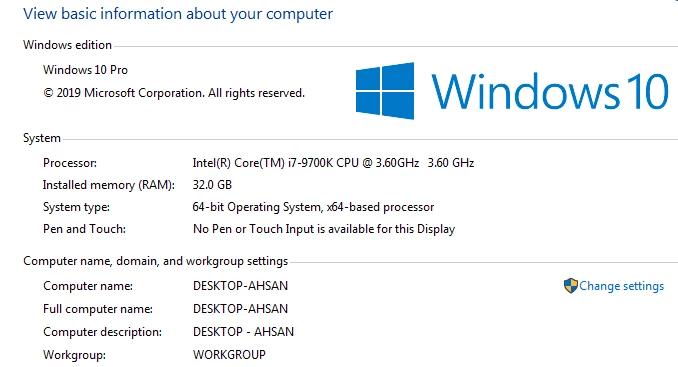
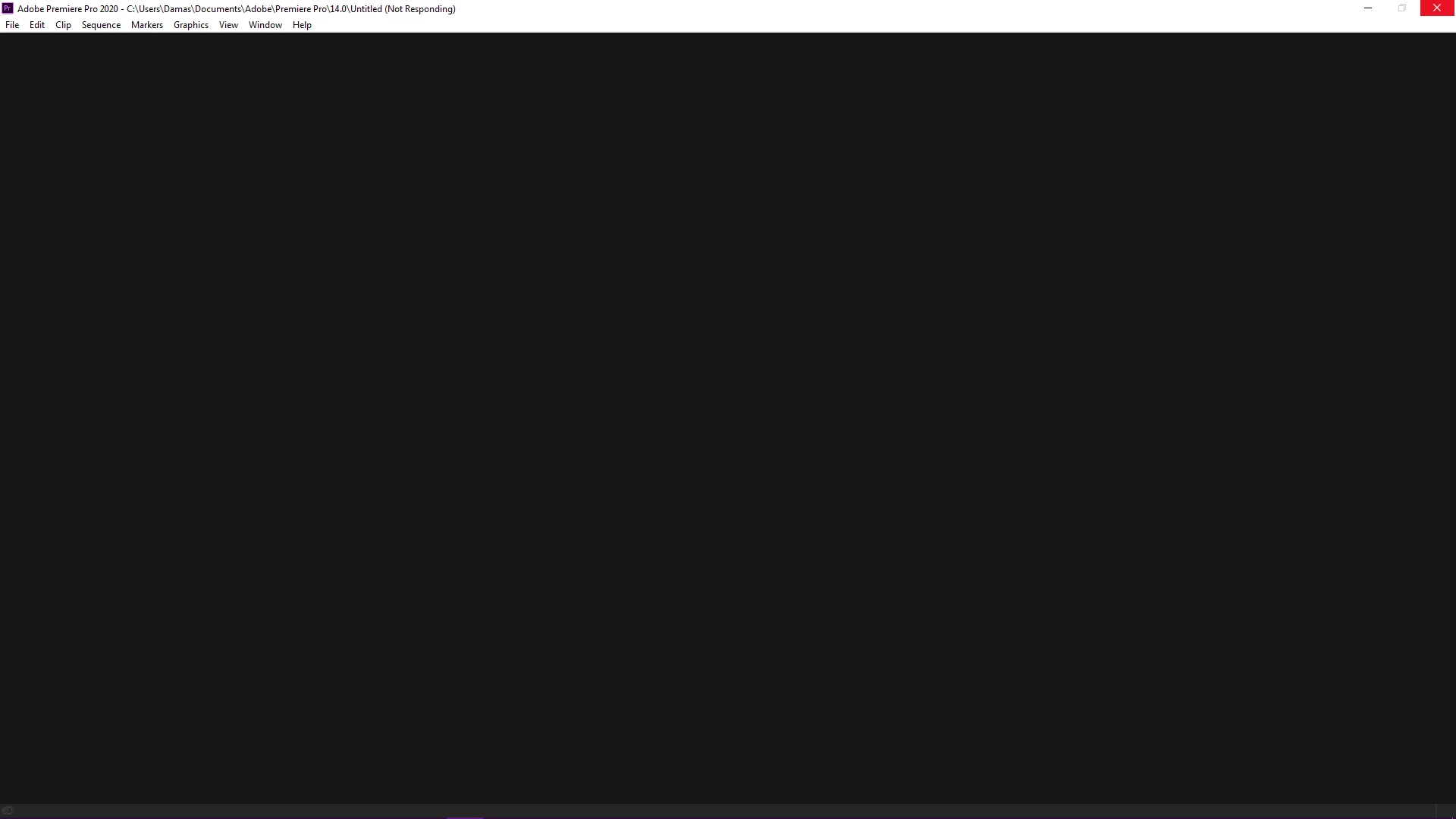
I have tries the above but without any luck. I am attaching the screencaps for the reference. 

I have a multitude of projects lined up and which I am unable to access due to this, and I am losing precious time as well as money in the process. This is highly frustrating!! Worst of all, I have installed the older 13.5 version and it is working like a charm. 

Please help me out in this as this is quite infuriating.


System Specs: 

Intel i7-9700K 

RAM: 32 GB

300 GB Empty Disk space

8 GB GDDR6 Nvidia 2070 Super


This topic has been closed for replies.
Correct answer ahsana90352364

So, The problem is finally solved after nearly 10 Days of trying to figure out what the problem was. 

I just uninstalled everything, then I performed a fresh start of the windows. 

After installing windows, I installed all the drivers and their updates. 
Then I downloaded & Installed all my Adobe CC Apps and Voila!

It's all working now. I got my old projects back and new ones are working even faster. 

Thank you all who tried their best to help me out, in the end, there was something wrong with my machine, and refreshing windows fixed it somehow. 

19 replies

Inspiring
June 23, 2020

You're quite welcome, I know how frustrating this stuff can be, so really part of my willingness to help was because you were being so polite. It's hard to want to help people on this forum when they're jerks, so thanks for being cool!

Inspiring
June 23, 2020

I was also reluctant to do it, whereas somehow I just knew in the back of my mind that this is the only solution, but then I realized that my PC is almost empty, I do nothing on this other than work-related stuff, so it was easy for me to do it. 

Btw I would like to especially thank you David Arbor for such an amazing response and always there kinda attitude, it gave me hope and I got through it. Thank You Adobe Community. 

Inspiring
June 23, 2020

I'm glad to hear you're up and running again! Unfortunately, sometimes the only way to fix these kinds of issues is to reinstall Windows. I often hesitate to suggest that as people are usually reluctant to do it, but somtimes it's worth it vs the time spent trying to figure out the problem.

ahsana90352364AuthorCorrect answer
Inspiring
June 23, 2020

So, The problem is finally solved after nearly 10 Days of trying to figure out what the problem was. 

I just uninstalled everything, then I performed a fresh start of the windows. 

After installing windows, I installed all the drivers and their updates. 
Then I downloaded & Installed all my Adobe CC Apps and Voila!

It's all working now. I got my old projects back and new ones are working even faster. 

Thank you all who tried their best to help me out, in the end, there was something wrong with my machine, and refreshing windows fixed it somehow. 

Inspiring
June 18, 2020

Still the same issue. Not Responding even with the new update... This is just absurd. I am so frustrated right now that I am paying for something and I can't even use it at its full potential. Tried the 14.3 (Latest update) but still no response. 

Something has to be wrong with either what I am doing or with my machine. There is something with the new version which is not letting me do it. I don't know I have run out of ideas and also hope!!!

PLEASE HELP!!!

Inspiring
June 18, 2020

I'm sorry you're still having so much trouble. For now, I guess, if 14.0 is working for you then you should stick with that. I forwarded this on to some folks who work at Adobe and hopefully they'll be able to help you.

Inspiring
June 16, 2020

Well, 14.3 was released this morning/last night apparently. So while that is the same version as the Public Beta, it's still a newer version, but it will also overwrite your 14.2 install. So...ya never know.

Inspiring
June 16, 2020

Yeah, that's the problem actually that 14.1 is also not working, it's just 14.0 that's functional. 

14.2 is the best iteration of Premiere Pro to date as I have been using it for the past 6 years now, never had a problem like this, somewhat minor errors here and there which were easy fixes but this is biting my head off. 14.2 was faster and saving me a lot of time, but alas. 

So as I said 14.0 is the one, for now, really hoping to get an update or a fix to rectify this asap. 

Secondly, absolutely yes I did delete everything when, actually I went to the extent of removing Creative Cloud itself with all the features and applications then deleted all individual folders and files also, so there was no trace. Then I reinstalled 14.2 and tested, it worked once. I did some work on my project and saved it, closed premiere pro, reopened, and then again the same issue. 

The welcome screen comes on it gives the option to open a new project or an old one, but as soon as I try to load a project or start a new one, it freezes completely. I even left it for an hour or so, thinking maybe it is just taking time to load, but after 4-5 minutes the not responding message comes on. 

I also tried loading the tutorial projects as well, thinking maybe there was a problem with my project file, but that does not load either. 

I don't know to be honest what actually is the problem, but I certainly hope this gets fixed as it is waste if it does not. 

Inspiring
June 15, 2020

You're welcome! I'm glad to see it's working somewhat. If 14.2 doesn't work I recommend going back as recent as you can, to 14.1, if possible. 14.0 is going to have more bugs potential stability issues than 14.1 will, but 14.2 did have some nice features like hardware-accelerated H.264 encoding.


When you trashed your preferences, did you manually find the folders and delete them or did you use the KB shortcut. I'd be curious if you went to C:\Users\[USERNAME]\Documents\Adobe\Premiere Pro and deleted (or temporarily moved) all the contents of that folder, as well as C:\Users\[USERNAME]\AppData\Roaming\Adobe\Premiere Pro


This sounds very much like something is corrupted and preferences or cache are often the culprits.


What about when you just opened 14.2 and didn't even try to open a project. Did you get the Welcome Screen?

Inspiring
June 15, 2020

Man, I appreciate your prompt reply at least it's giving me hope. Thank you so much. Really!

OK so I have just installed the 14.0 version the very first in the 2020 line. It is working, it is also opening my projects, its not as fast and quick but yet working at least. So, I am gonna try and overwrite it with 14.2 and hope to see it working as well. If it does not I will roll it back, this won't solve my issue as I will still be working with an old version, and there are features which I am using in this one, but at least I can partially complete my projects for my clients so I don't get into trouble. 

Ann Bens
Community Expert
Community Expert
June 15, 2020
Inspiring
June 15, 2020

Done already, doesn't work. 

Inspiring
June 15, 2020

Have you only tried creating and opening projects on your C drive, or in your User folder like the initial screenshot shows? Do you have a fast media drive that you work off of? I'd be curious to know what happens if you try creating a new project elsewhere.


Actually, before even creating a project, does Premiere launch and show the Welcome screen?


Other things to do for good measure

1) I suspect you have, but restart your computer

2) Quit all non-essential apps that live in your System Tray

3) Open up the Task Manager and try to force quit anything that appears to be hanging or could cause a conflict. You said you tried other user accounts, which shouldn't have many things starting up, but at this point it's getting harder to diagnose.

4) Have you tried rolling back to 14.1? You can install previous dot updates from the Creative Cloud app by going to Premiere's listing, clicking on the three dots at the bottom-left and choosing "Other versions" (see screenshot). Then you can overwrite 14.2 with 14.1.