
Adobe Premiere Pro Automatically Crops Source Video Upon Import
This is really confusing me and I've never had this kind of trouble before. I have source videos that are 720x480, but as soon as I import them into Premiere, they are cropped to 540x480. It's not a problem with sequence settings or anything, because the imported source file is cropped before it's even in a sequence. I tried looking on-line for a solution, but couldn't find any. Does anyone know how this can be fixed...maybe some import settings that I don't know about?
Here are some screenshots to visually represent what I was saying:
This is properties of the video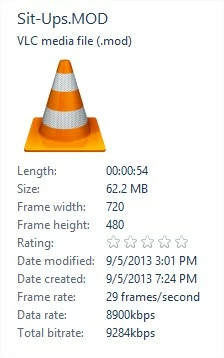
This is what Premiere automatically does right after the video is imported as a source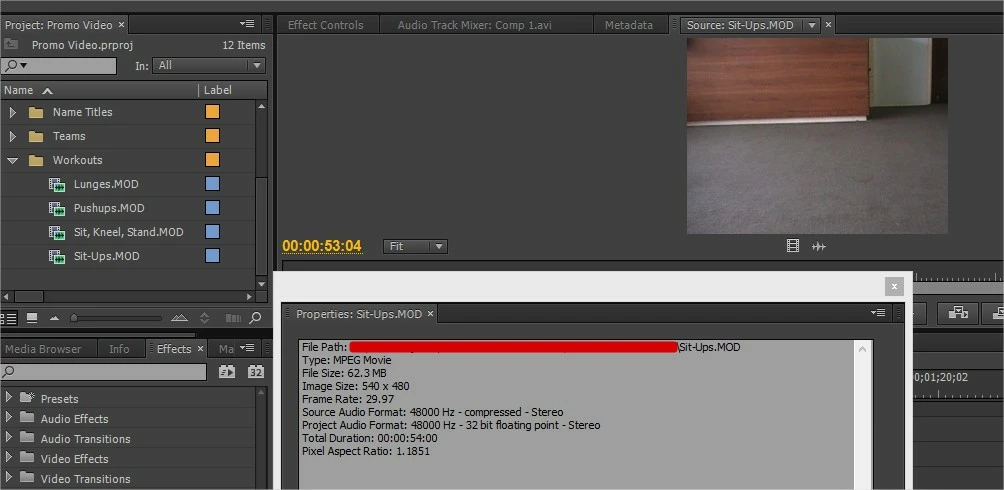
This is a screenshot when played with VLC:
This is a screenshot when played from the source in Premiere: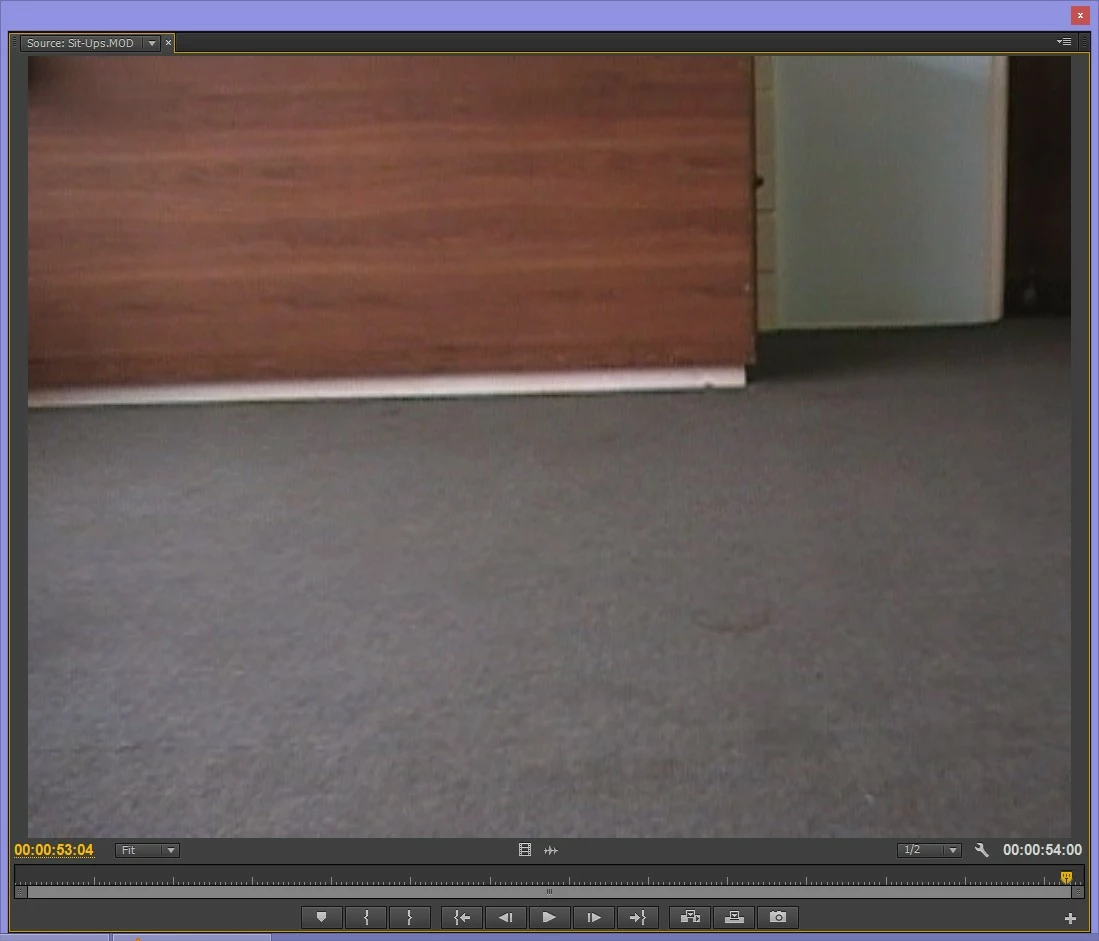
Any help with this would be greatly appreciated. This video is due Saturday and all my footage is cropped, please help me. Thank you!
 AdChoices