


Inspiring
May 2, 2011
Answered

Adobe QT32 Server.exe - System Error

  • May 2, 2011
  • 2 replies
  • 24875 views

About 4-5 weeks ago I started getting these very
intermittent error messages on two different systems.
Always on launch of either Pr or En, and never in Ae.
The error always appears at "Loading ExporterQuickTimeHost.prm".
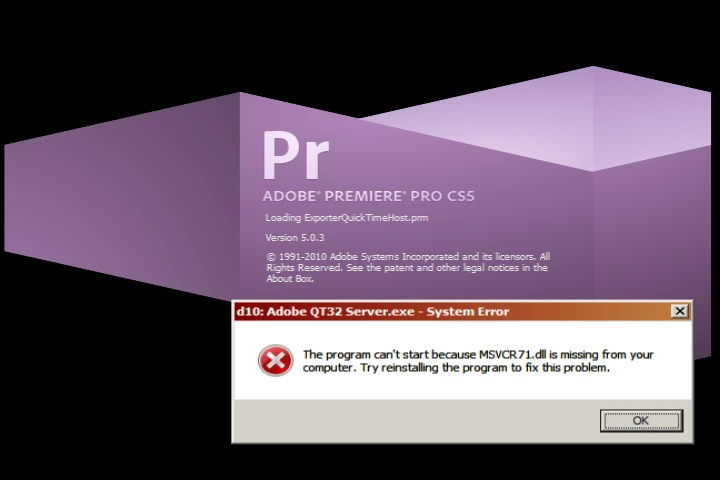
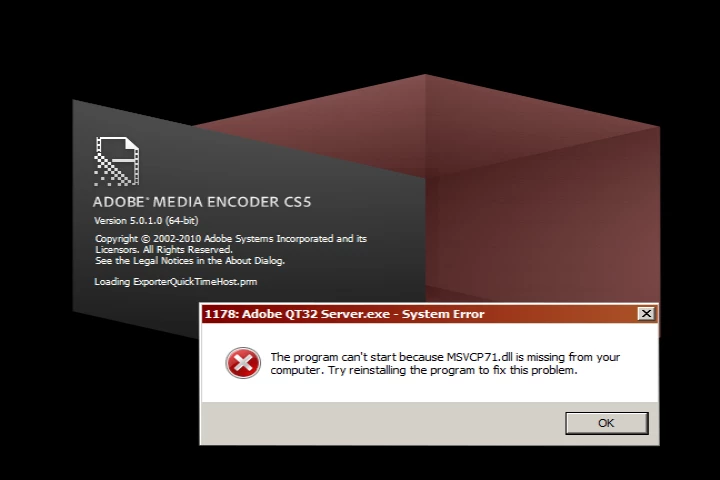
This error message is now becoming more frequent.
Neither editing system runs any anti-virus or security software.
One system is running QuickTime7.6.9, the other 7.6.6.
All other relevant software is identically configured.

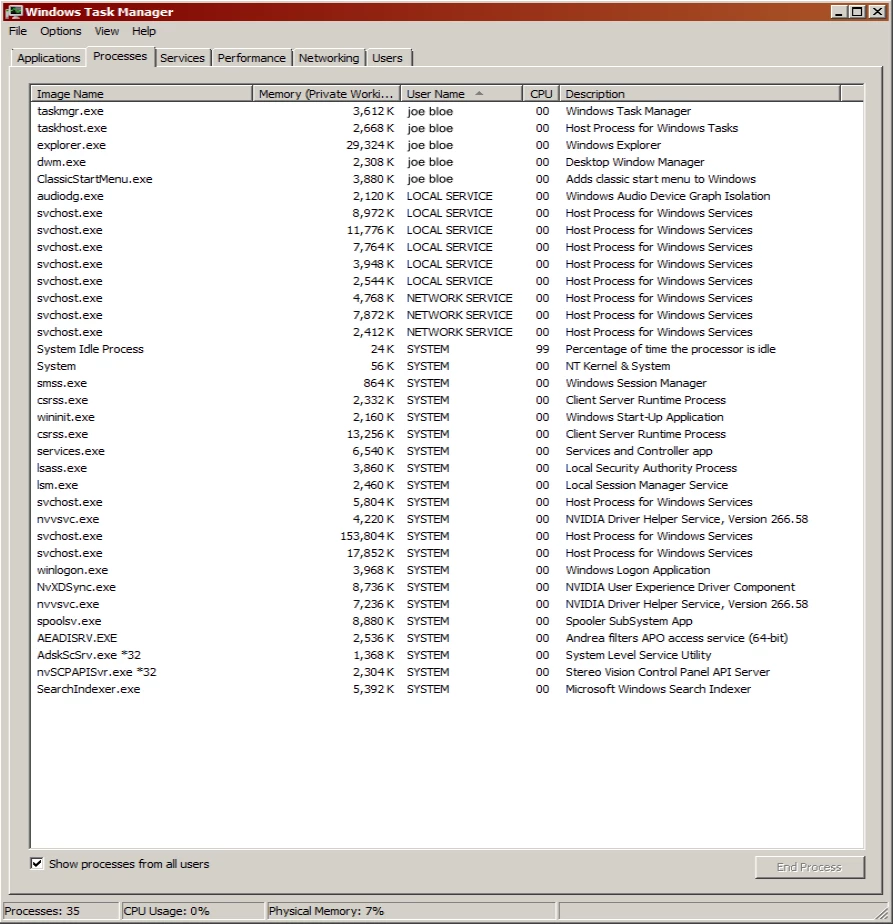
Processes at boot:
Processes at Premiere error:
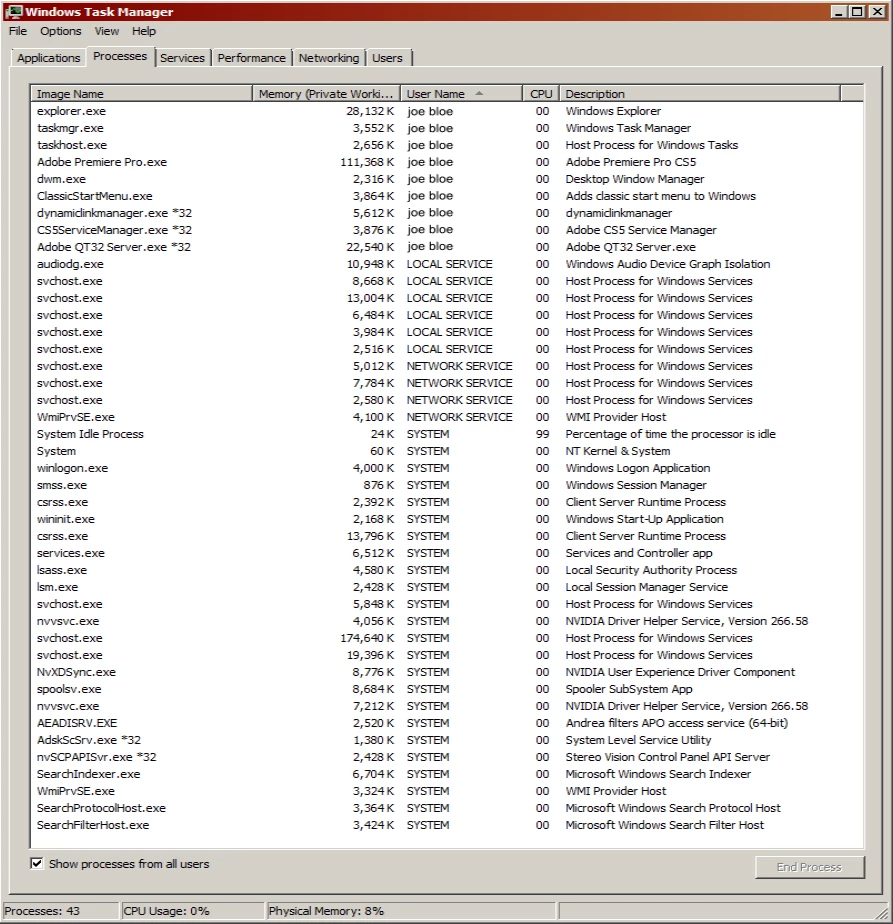
Processes at Media Encoder error:
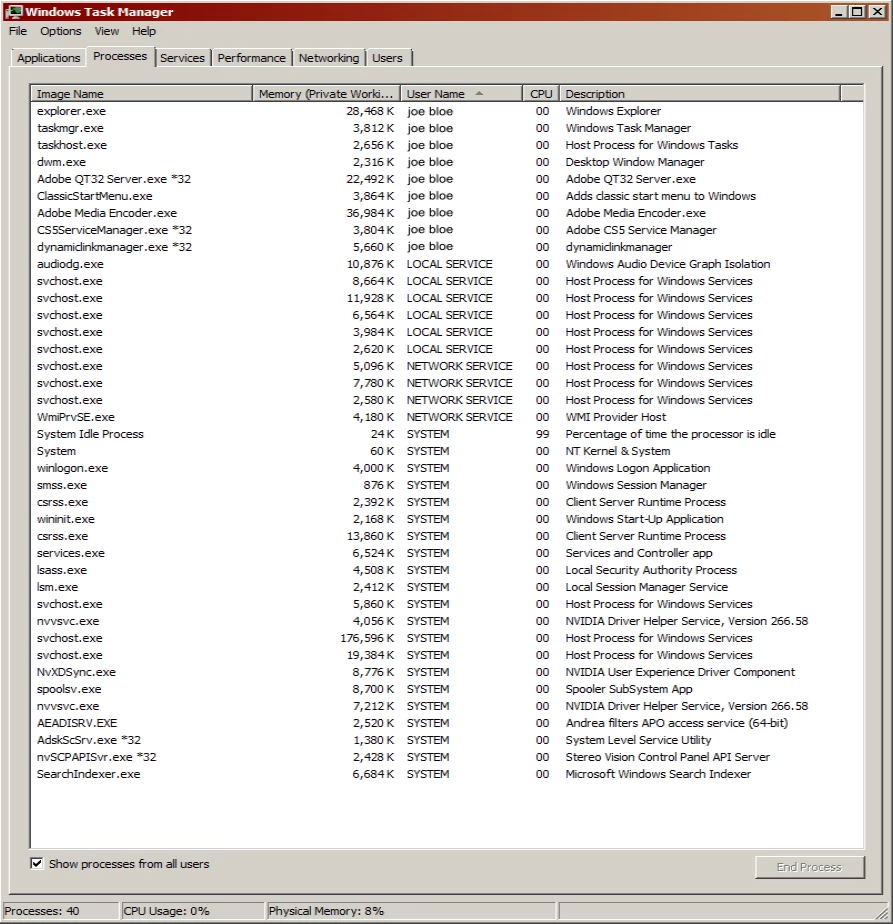
There seems to be no rhyme or reason to
the timing of when the error messages appear.
Oddly enough, when the error appears, it always takes
clicking "ok" six times to clear, but there does not seem
to be any detrimental effect within either program.

This "six-click" oddity has led me to suspect the culprit might be
the Avid DNxHD QuickTime codecs LE 2.3.4 I had recently installed
on both systems.  The install includes these six QT codecs for Pr:
Avid Meridien Compressed/Uncompressed
Avid 1:1x
Avid Packed
Avid DNxHD
Avid DV
Avid DV100

Regardless of whether the error message has been cleared
six times at program start, all of the Avid codecs remain
functional for both import & export.

Are there permissions that need to be granted
for these codecs at the OS level?

My next step would be to uninstall Avid LE 2.3.4 codecs
from both systems and see if the errors stop.

Is anyone having a similar experience?

    This topic has been closed for replies.
    Correct answer

    Hello Joe, not sure if you have figured out a solution already, but I too ran into this situation. There are 2 files that you will need to copy in several CS5 program folders. The 2 files to be copied are msvcr71.dll and msvcp71.dll and they are located in C:\Program Files (x86)\Adobe\Adobe Bridge CS5. Copy these files into your Adobe Media Encoder CS5 and Adobe Premiere Pro CS5 folders and your error messages should go away. Hope that helps.

    I too have the AVID 2.3.4 codecs installed with no problems.

    2 replies

    Correct answer
    May 18, 2011

    Hello Joe, not sure if you have figured out a solution already, but I too ran into this situation. There are 2 files that you will need to copy in several CS5 program folders. The 2 files to be copied are msvcr71.dll and msvcp71.dll and they are located in C:\Program Files (x86)\Adobe\Adobe Bridge CS5. Copy these files into your Adobe Media Encoder CS5 and Adobe Premiere Pro CS5 folders and your error messages should go away. Hope that helps.

    I too have the AVID 2.3.4 codecs installed with no problems.

    Inspiring
    May 18, 2011

    Thanks for the hint.

    I won't be able to re-install the codecs and test until later today or tomorrow.

    I will report back with results when I do.

    Inspiring
    May 4, 2011


    Apparently no one else who has read this thread
    has encountered these QT32 Server.exe errors.
    Yet, I have confirmed that the error messages are in fact
    the direct result of installing Avid Codecs LE 2.3.4.

    Now that the job that required installation of Avid codecs is completed
    I uninstalled "Avid Codecs LE 2.3.4" from both systems,
    and the error messages disappeared.

    In order to be certain, I re-installed Avid Codecs LE 2.3.4 to both systems,
    and the error messages returned.

    There are two versions available:
    Avid QuickTime Codecs LE 2.3.2
    http://avid.custkb.com/avid/app/selfservice/search.jsp?DocId=372311
    Avid QuickTime Codecs LE 2.3.4
    http://avid.custkb.com/avid/app/selfservice/search.jsp?DocId=392959

    In the interest of meticulousness I again uninstalled LE 2.3.4
    and confirmed that the error messages no longer appeared.
    I then installed the older version LE 2.3.2, and once again
    I get the intermittent error messages on launch of both Pr and En.

    Avid's supported platform list for DNxHD Codec does not mention Premiere...
    Only Avid products:
    Supported on Media Composer, NewsCutter, Symphony, Avid DS, and Interplay Assist
    http://www.avid.com/US/industries/workflow/DNxHD-Codec

    Does Adobe endorse/support the use of these codecs in CS5/CS5.5?

    Either way, what could be the source of this conflict and error in Pr and En?

    Colin Brougham
    Participating Frequently
    May 4, 2011

    I've had the Avid codecs installed on two or more Premiere systems for over four years, since Premiere Pro 2.0, and never seen this. I hate to insinuate this, but did you try a search? I found this thread that might have a solution: javascript:;

    Inspiring
    May 4, 2011

    ..did you try a search?Missing MSVCR71.dll Error Message During Launch

    The forum search works now?  Amazing!

    I'll give this a try...

    Control Panel
    Windows Firewall
    Advanced Settings
    Outbound Rules
    New Rule...
    Program/Next
    This program path:  (use Windows Explorer to search)
    c:\Program Files (x86)\Adobe\Adobe Bridge CS5\msvcr71.dll
    Allow the connection
    (Leave checks Domain, Private, Public)/Next
    Name Description: (whatever you like - will display at top of Windows Firewall Advanced Security Outbound Rules)