


After update Premiere says my video driver is unsupported???
Premiere worked fine. Just fine.
Decided I'd update it the other day, see what new features had been added, now I get a warning at the start saying my integrated video driver is unsupported.
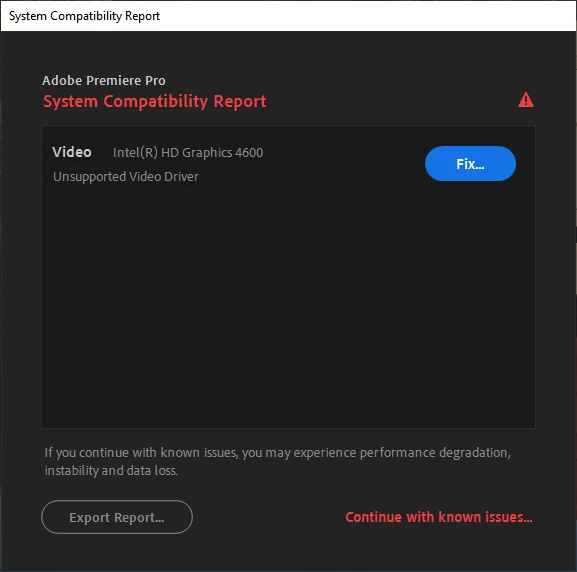
Clicking 'continue with known issues' gets me in, but the video playback is just grey with no image and clicking play does nothing and clicking close crashes the program.
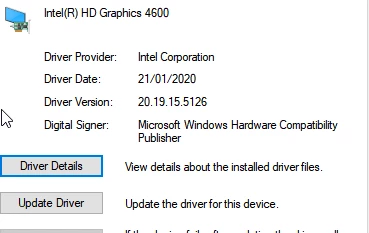
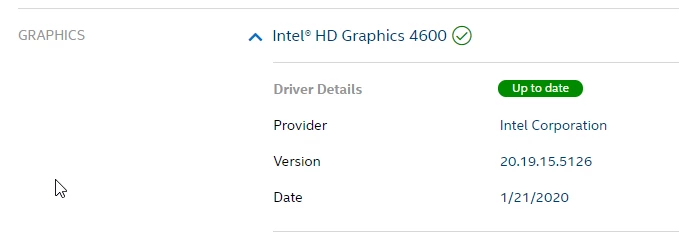
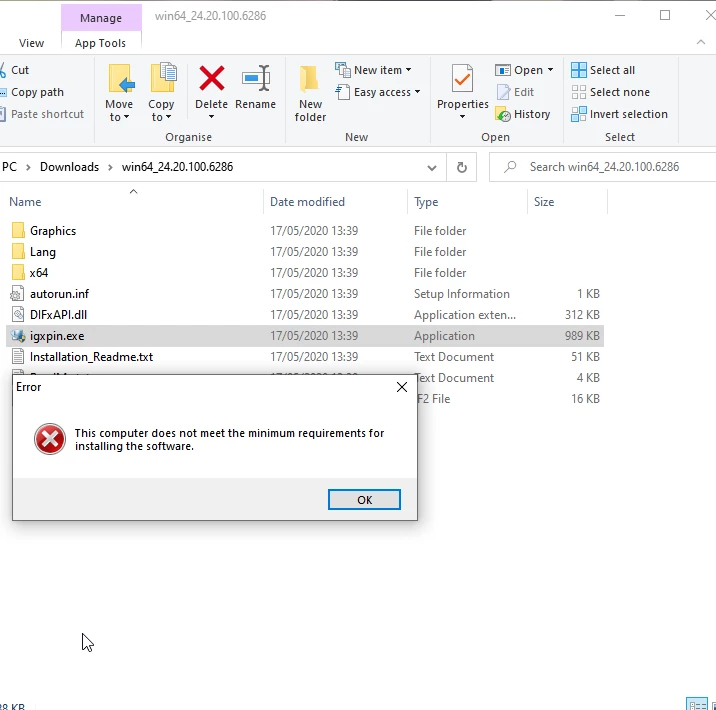
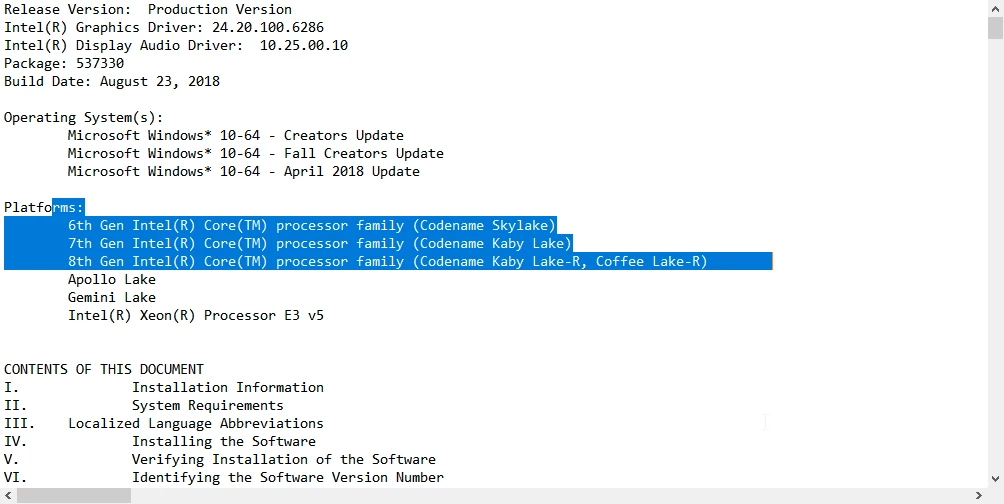
Back to the warning message, clicking fix takes me to their support page where it gives me the 'baseline' driver to install, but I can't install it! After looking through the readme's it turns out that driver doesn't even support 4th gen Haswell based CPUs, only 6th and above.
So what? now Adobe has decided my CPU is TOO OLD to run Premiere? it worked fine yesterday.
So I decide to backtrack and redownload an older version of premiere, and...same warning.
Adobe just broke premiere for me, and their only 'solution' is one I can't use???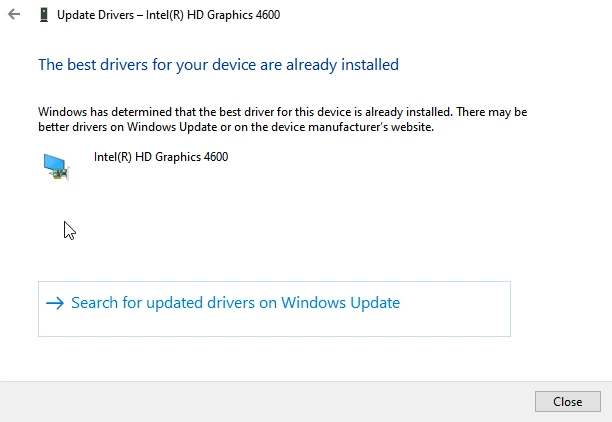
 AdChoices