



ryanesta
Inspiring
March 11, 2023
Answered

Anamorphic footage is fine in timeline, gets squeezed when exported

  • March 11, 2023
  • 1 reply
  • 4705 views

Hi everyone!


I recently shot a project on a RED Komodo using anamorphic lenses for the first time. I found documentation that pointed out how to use the Modify > Interpret Footage setting in order to desqueeze the footage for editing in the timeline. Everything about the edit process was fine and looked good.
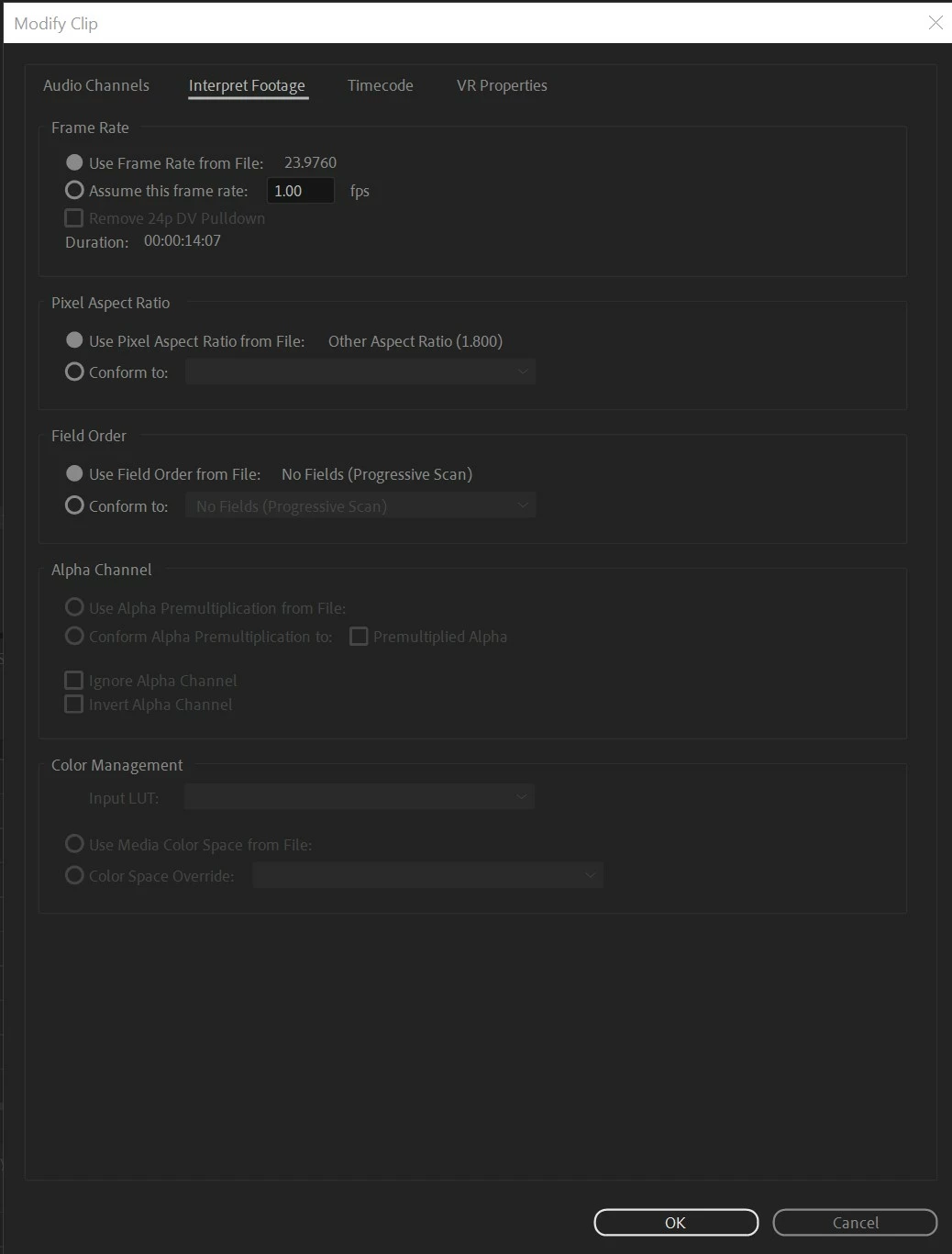
 

The problem comes when I try to export my footage. Just to send out a rough cut, for example, I'll go to File > Export > Media, then choose the Preset of "High Quality 2160p 4K", which initially puts black bars at the top and bottom. Then, I click the "Match Source" button under the "Video" section and it looks correct here.
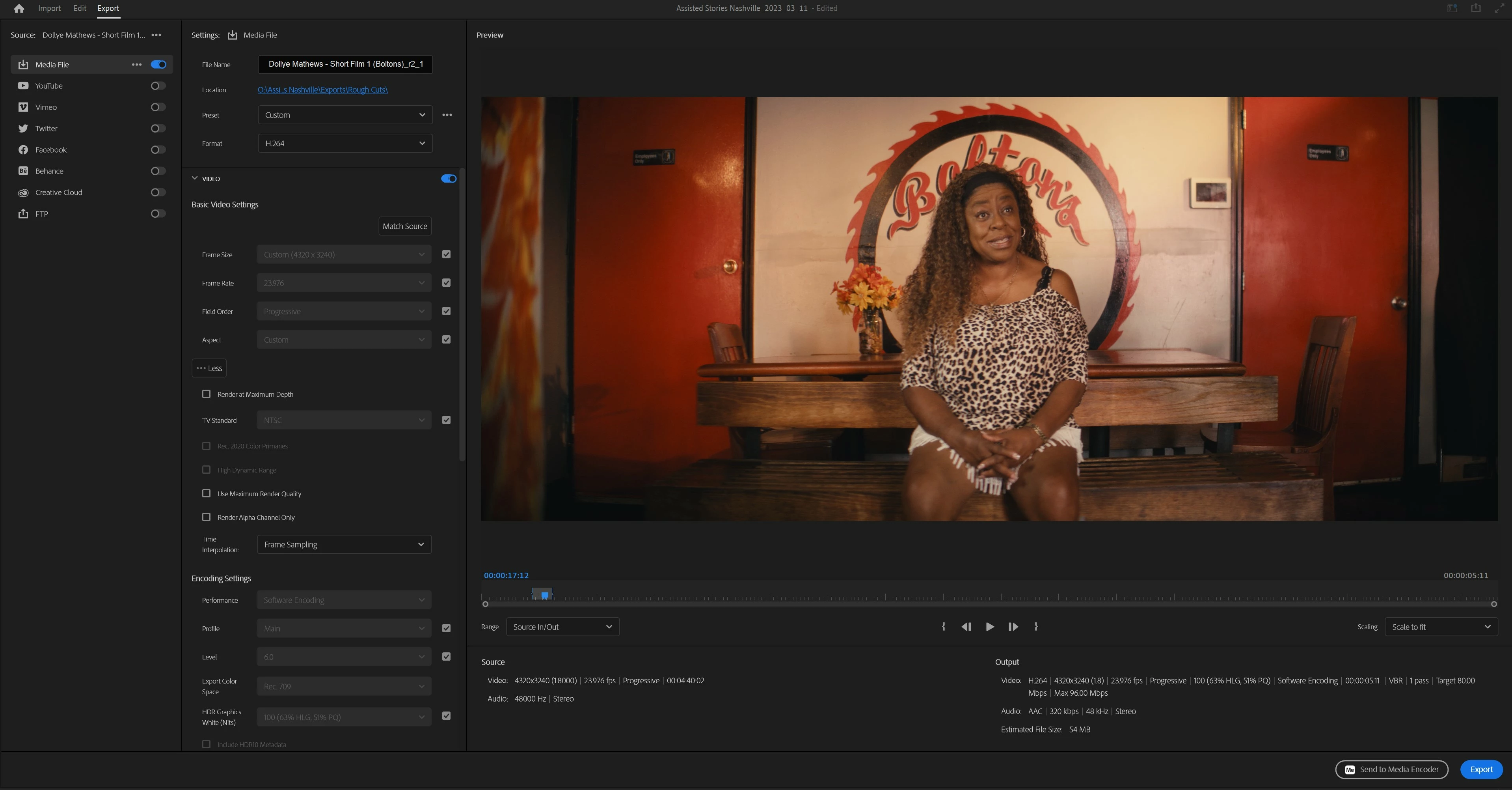
 

However, once I export, the video file is squeezed into more of a square format (a.k.a. the size of the anamorphic footage before it is desqueezed).
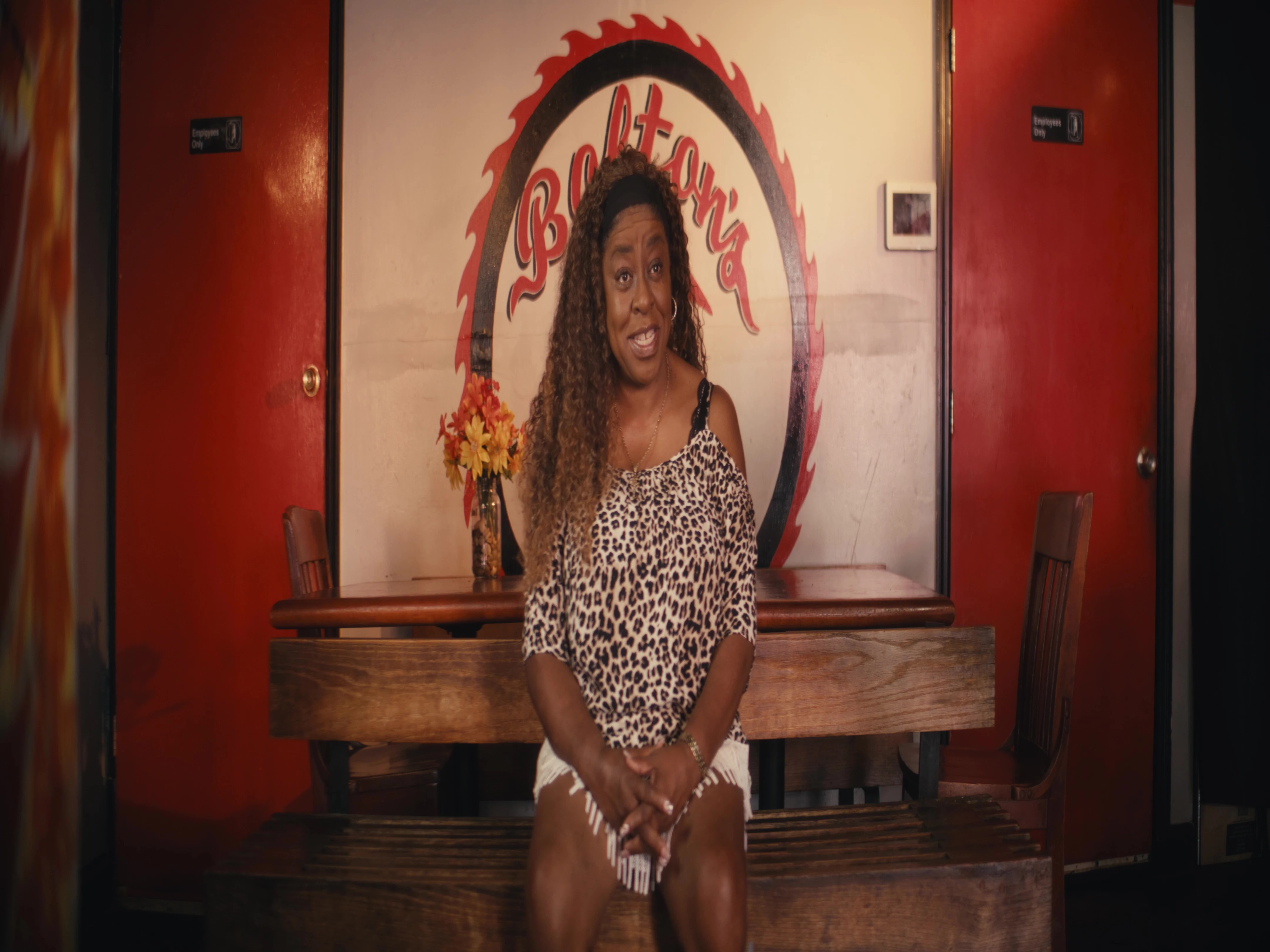
 

Can someone help me figure out what's wrong here? I'm using:

Adobe Premiere Pro 2023 (ver 23.2.0 build 69)

Windows 10 Home 22H2 (19045.2604)

AMD Ryzen Threadripper 1950X 16-Core Processor 3.40 GHz

Nvidia Geforce GTX 1660


Thank you!


This topic has been closed for replies.
Correct answer ryanesta

Thanks for the reply! You sent me off in the right direction. After doing some digging, I found that the anamorphic lenses we used had a 2x squeeze onto a 4:3 capture, which gave it a 2.40 aspect ratio in the end. The 4k resolution for that aspect ratio is 4096 x 1707, which seems to work perfectly when I set the custom frame size to that (although I noticed Premiere changed it technically to 1706 but it seems to be fine).


Now I just need to figure out how to get the round trip from Premiere to Resolve to show up in anamorphic correctly and I'll be good. Thanks again!

1 reply

Participating Frequently
March 12, 2023

Premiere is doing exactly what you are telling it to do.  By hitting the "Match Source" button you are telling it to output the video in it's original, squeezed, format.


Try changing the output to one of the standard anamorphic settings such as 4096 x 1716 and set the pixel aspect ratio to 1:1.  Or find a media player that understands anamorphic flags. 

ryanesta
ryanestaAuthorCorrect answer
Inspiring
March 12, 2023

Thanks for the reply! You sent me off in the right direction. After doing some digging, I found that the anamorphic lenses we used had a 2x squeeze onto a 4:3 capture, which gave it a 2.40 aspect ratio in the end. The 4k resolution for that aspect ratio is 4096 x 1707, which seems to work perfectly when I set the custom frame size to that (although I noticed Premiere changed it technically to 1706 but it seems to be fine).


Now I just need to figure out how to get the round trip from Premiere to Resolve to show up in anamorphic correctly and I'll be good. Thanks again!

Participating Frequently
March 12, 2023

How you handle it is determined by your ultimate deliverables.  For example:

Resolution & Aspect Ratio

DCP compositions must be DCI 4K container resolution, either 3996x2160 (1.85/Flat) or 4096x1716 (2.39/Scope).

https://partnerhelp.netflixstudios.com/hc/en-us/articles/4417542010387-Digital-Cinema-Package-DCP-Specifications-Requirements