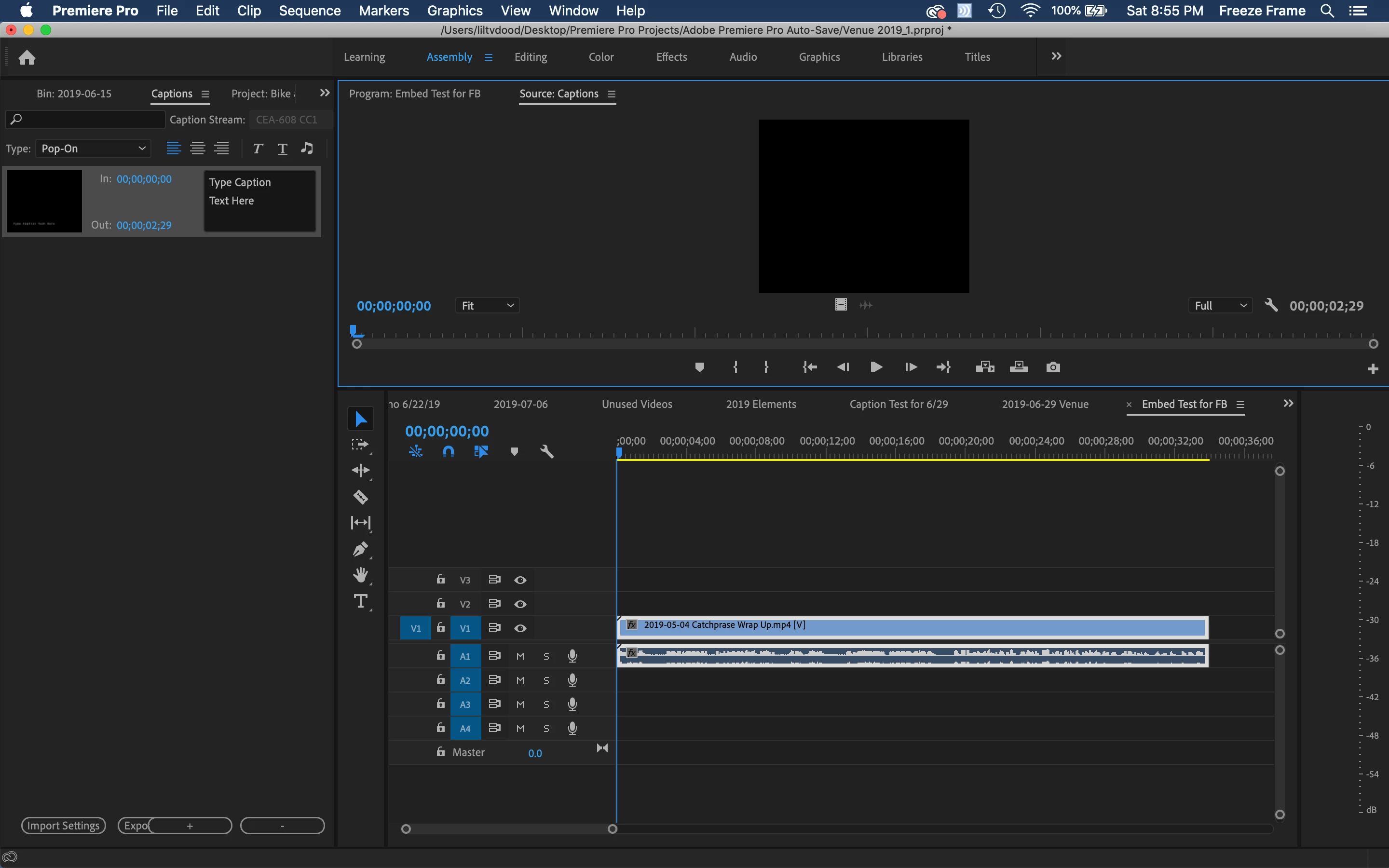
Ok, Stan Jones! Here's what I have after I've placed the video on the sequence and clicked NEW>CAPTIONS. Hit IMPORT SETTINGS next?
Yes, re create the video/sequence first.
No, re create captions. When you import an srt, you do not create a new caption stream: the caption stream is created by the import.
1 - set the caption import settings
2 - import srt - This results in an srt file being adding in the project panel bin.
3 - drag the srt file from the project panel to the video sequence in the timeline
4 - in the program monitor, click on the wrench icon
5 - Closed Caption Display -> Enable and
6 - Closed Caption Display -> Settings. Then pick the appropriate type (CEA-608 or CEA-708 depending on what type CC you have) and which stream (e.g. CC1).
7 - In the timeline, drag the caption stream so the first caption is at the correct time position.

 AdChoices