


ranacim
Participant
December 24, 2020
Question

Audio relink issues due to disk change

  • December 24, 2020
  • 1 reply
  • 323 views

Hello,


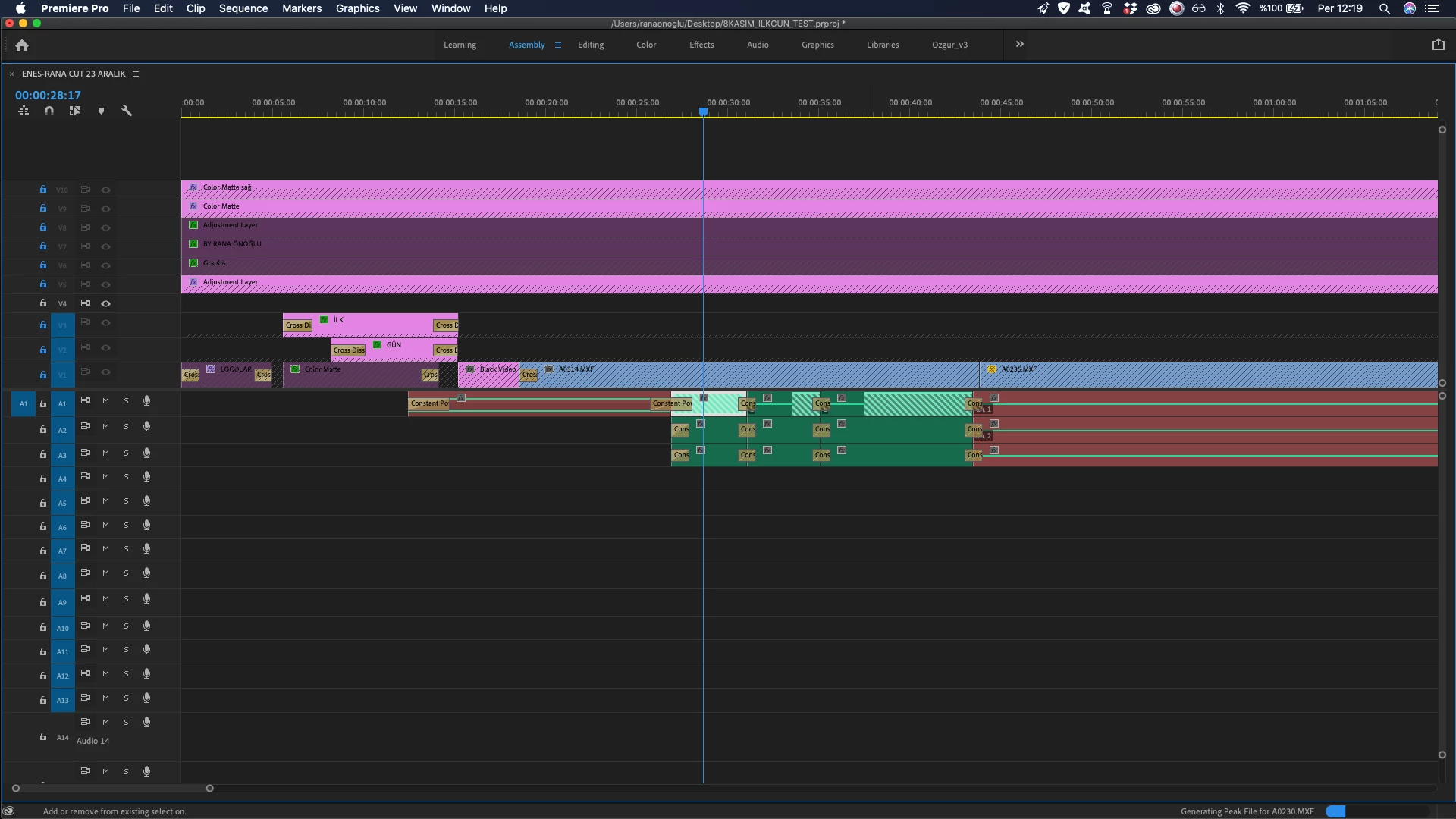
I have been editing a short film and I worked with multicam footage. I chose to push the multicam clips to the timeline not as nests but individual clips. At one point I had to start working from another disk so I copied all the footages and sounds to another disk. I did not change anything, neither file names nor the names of the containers. When I try to relink the footage I have no problems while if I try to relink the external sounds premiere does it incorrectly. 


Why is this happening and how can I solve this problem? 

Any help will be appreciated. 

T
This topic has been closed for replies.

1 reply

Inspiring
December 24, 2020

Your audio files might have similar names, you have to do it manually. Uncheck relink others automatically when relinking.

ranacim
ranacimAuthor
Participant
December 24, 2020
Thank you so much for your reply.

Yes audio names are same and it could be a problem but in this case
actually the problem is not being unintentional relinking to the media in
the previous disk. I can eject that previous disk and relink the audio in
my timeline to the audio clips in the new disk without problem at first
sight.

The problem is, when my external audio in the timeline relinks to the audio
in the new disk, sound mismatch occurs. I mean it relinks to the same sound
clip, but time interval of the clip is different so I hear the wrong sound.
Inspiring
December 24, 2020

The "time interval" is saved in the project file, so it wouldn't shift on its own. There shouldn't be a mismatch unless something changed in the source file.

Make one of the mismatched clips offline and relink it manually, double check that it's linked to the correct file.