
Participant
May 11, 2025
Answered

Audio Track mixer no se despliega

  • May 11, 2025
  • 3 replies
  • 372 views

Hola, desde hace un rato me está pasando que la ventana de "Audio Track mixer" no se despliega. Entro al Workspace "Audio", voy a la ventana de "Audio Track mixer" y aparece vacía (como en la imagen). Reinicio, y aparece. Cambio de Workspace y vuelve a desaparecer cuando quiero volver a utilizarlo.
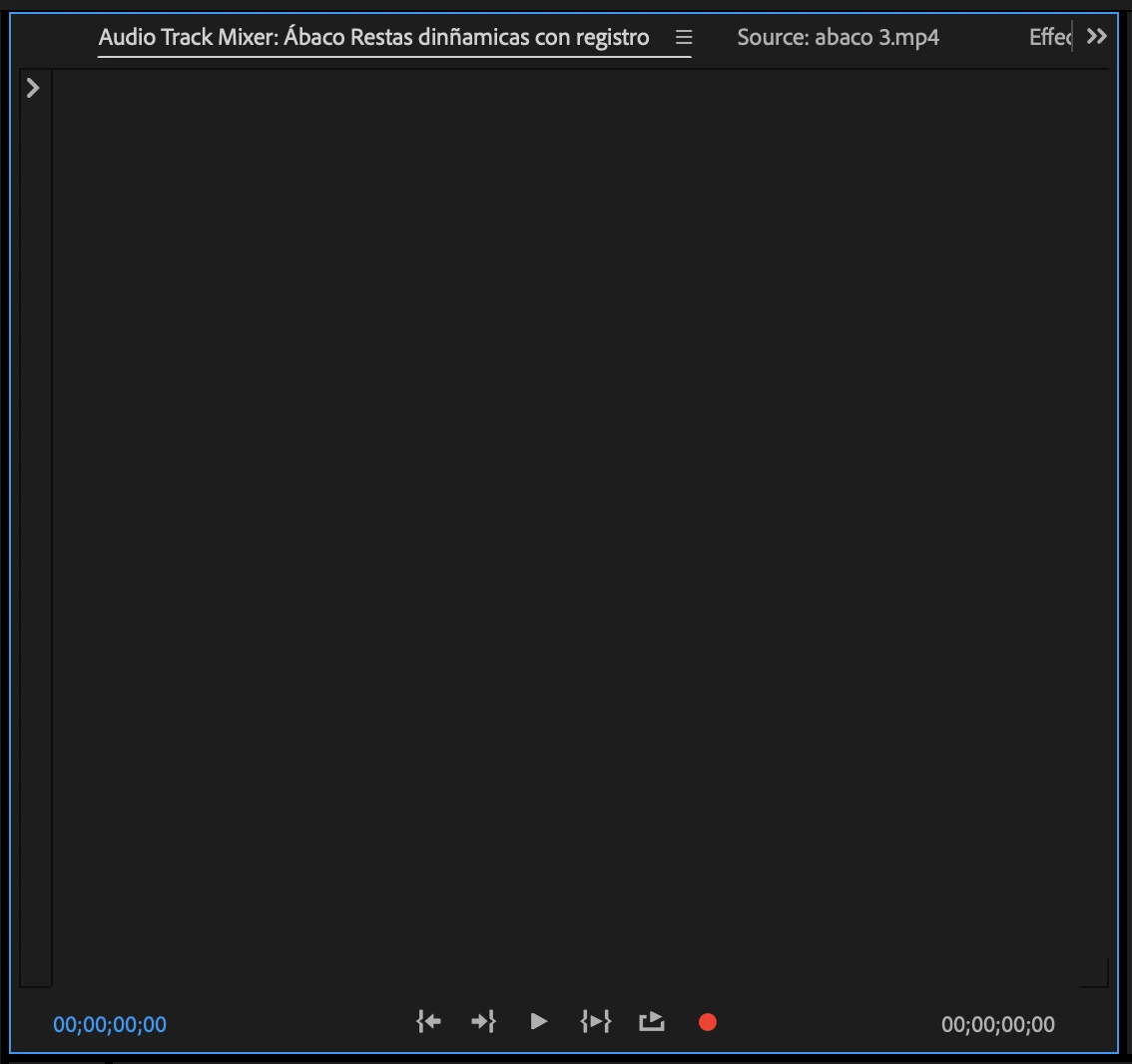
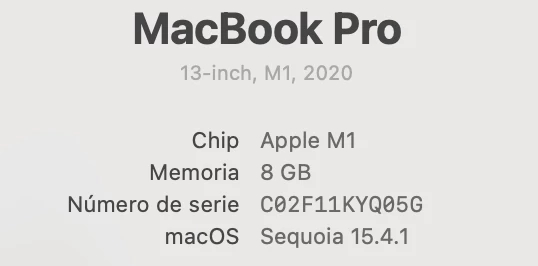
Si alguien puede ayudarme, lo agradecería mucho. Este es mi Mac >
Correct answer Sumeet Kumar Choubey

Hi LaKaflita,


Thanks for your patience! We've addressed this issue in the latest Beta release of Premiere Pro (v25.4). Would you mind trying that to see if it's working properly? You may refer to this link to learn more about Creative Cloud Beta program. Hope it helps.


-Sumeet

3 replies

Sumeet Kumar ChoubeyCommunity ManagerCorrect answer
Community Manager
June 24, 2025

Hi LaKaflita,


Thanks for your patience! We've addressed this issue in the latest Beta release of Premiere Pro (v25.4). Would you mind trying that to see if it's working properly? You may refer to this link to learn more about Creative Cloud Beta program. Hope it helps.


-Sumeet

Community Manager
May 13, 2025

Hi @LaKaflita
Thanks for the extra info.  The more information, the easier it is to troubleshoot.  When you are in the Audio Workspace, have you tried closing and reopening the Audio Mixer Panel?  Does that make a difference?  Did you twirl down the arrow on the top left of that Window with no luck?  Do they appear if you click back into the sequence after opening the Audio Track Mixer?  Is your audio and video linked or separate on the timeline? 

LaKaflitaAuthor
Participant
May 13, 2025
Reopening works. If I click back into sequence they still appear. Audio and
video are linked.
Community Manager
May 12, 2025

Hi @LaKaflita,

Thanks for submitting your bug report. I'm sorry to hear you're having issues.  Can you tell me what version of Premiere you're working in?  You say this has been happening for "a while." How long, and in different versions of Premiere or all the same version?  We need a few more details to try to help with the issue. Please see: How do I write a bug report?  Sorry for the frustration, and thanks for reaching out.

LaKaflitaAuthor
Participant
May 13, 2025
Hello Rach, I'll try to report this as best as I can.

*Issue* – A short description of the problem:
When I try to use the "Audio Track Mixer" using the default Workspaces, the
interface does not appear.

*Steps to reproduce* –

1.

I activate the Audio Workspace.
2.

I go to the "Audio Track Mixer" window — it appears empty.
3.

I try another Workspace — still empty.
4.

However, if I use a Workspace that doesn’t have that window open by
default and I open it manually from the "Window" menu, the interface loads
correctly.

*Expected result* –
To see the audio channels, track controls, and sends.

*Actual result* –
No audio channels, track controls, or sends are visible.

*Adobe Premiere Pro version* – 25.2.1 (Build 2)

*Operating system* – Sequoia 15.4.1

*Comparative information to help understand the issue:*

-

Does it affect all projects or only some projects? → All.
-

Does it affect new projects? → Yes.
-

When did the problem begin? → Approximately 2 months ago.


Thank you for replying.