


Answered
Can't change color of text or background of text in open captions? (Premiere Pro 14.9 and earlier)
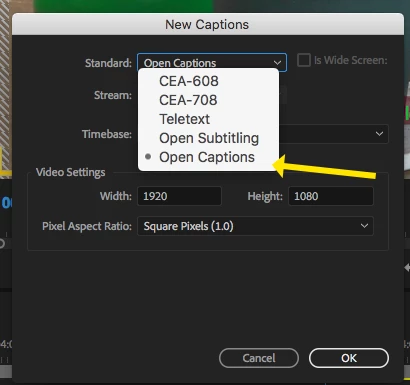
I am trying to increase the opacity of the background on my subtitles in open caption. Although I click on opaque (there is no longer a dropper icon, just the word opaque among the choices of colors in the dropdown menu), the background remains black. I have tried various combinations of changing the background and text colors and nothing actually changes in the program monitor. Still black background, white text. I am also not seeing an option to change the font family? I am using the latest version of Premiere Pro CC 2018. Has anyone else had this issue?
Thanks.
 AdChoices