


Participating Frequently
March 20, 2025
Answered

Can't seem to find my imported .mogrt files

  • March 20, 2025
  • 1 reply
  • 855 views

Hey everyone,


I am just starting to create my own .morgrt files for use in Premiere, but whenever I try to import them, I can't find the files created.


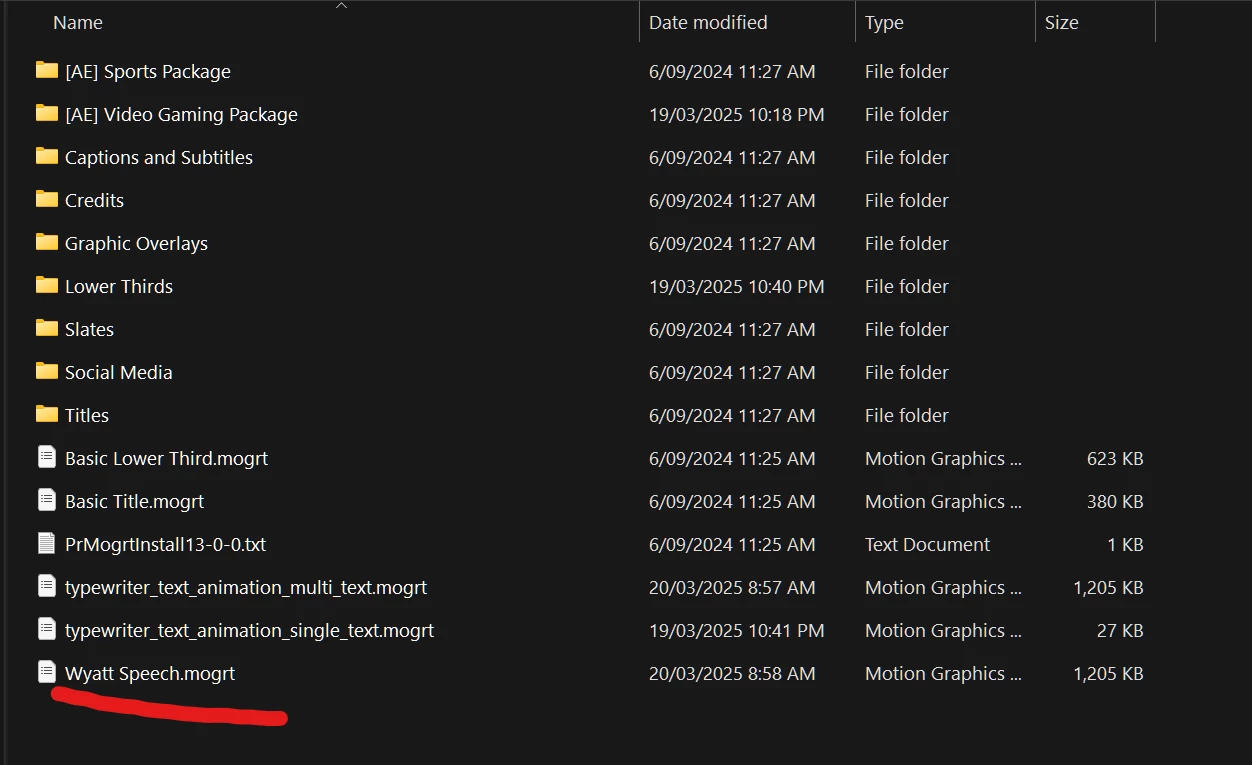
This 'Wyatt speech' mogrt is in my Motion Graphics Templates where all the other .morgts are saved, but it does not show up in Premiere.
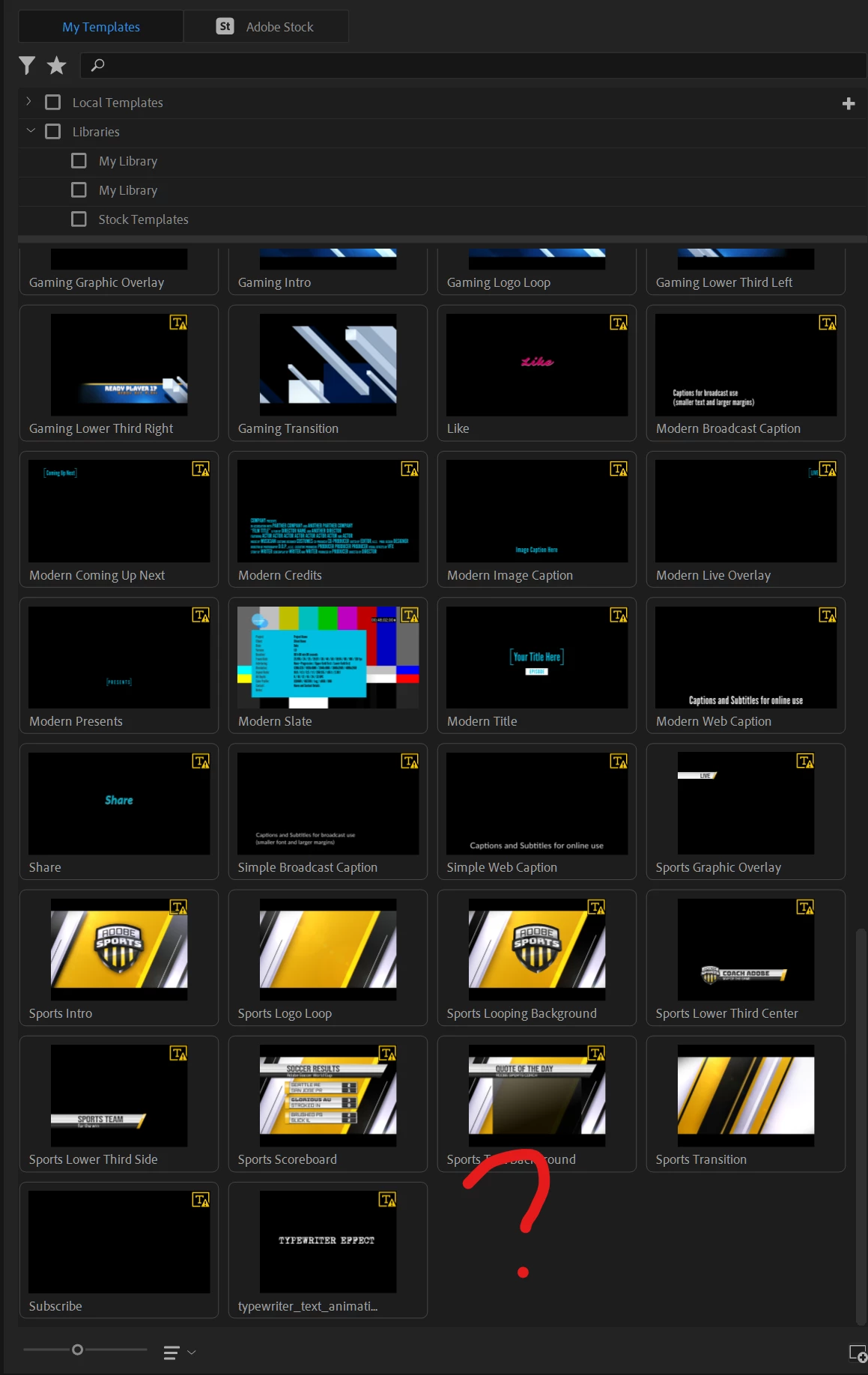
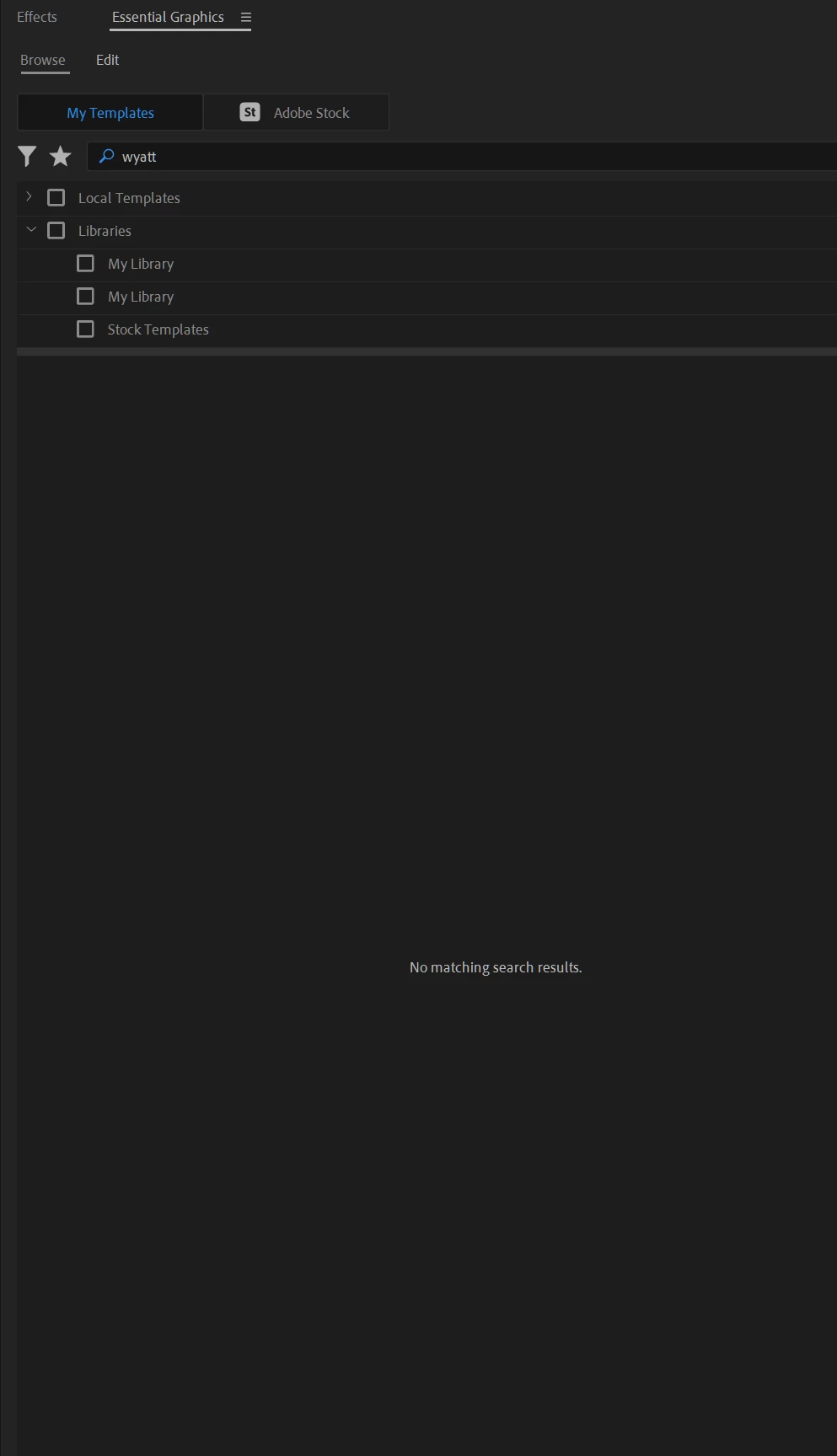
I have also tried searching for it, to no avail.
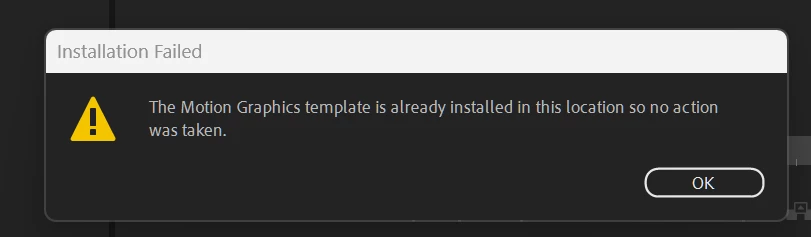
When I do drag and drop it directly from my File Explorer into Premiere, I get this error:
I have downlodaed other templates online and they work just fine, so I'm not sure what I'm doing wrong.


Thanks!

Correct answer Theresa Rostek

Hey @Dan_A_Art ,


Easy route: Install Premiere Pro 25.x, your mogrt should show up.


If you need don't mind being on a previous version: install After Effects 24.x (In the Creative Cloud app, select the App tab. Then click on the three dot menu next to After Effects and select Other Versions.)


You'll need to backsave your mogrt AEP from After Effects 25.x to make it compatible in 24.x. Open the mogrt AEP in 24.x and export. Check Premiere Pro to see if your mogrt has shown up.


Cheers,

Theresa


1 reply

Theresa Rostek
Community Manager
Community Manager
March 20, 2025

Hi @Dan_A_Art,


What version of Premiere Pro are you running? It might not be what's happening, but mogrts made in newer whole version of After Effects don't work in previous whole versions of Premiere Pro and are blocked from view.


Let me know what versions of Premiere Pro and After Effects you're running. (ex: 25.1.0x73)


Sometimes the Essential Graphics Panel/Graphics Templates panel won't refresh when new things are added, so try closing and reopening the panel.


You may also want to try exporting your mogrt to a different location like a folder on disk (then add additional folder) or to a library and see if you run into the same issue.


Let me know how it goes!


Cheers,

Theresa

Dan_A_ArtAuthor
Participating Frequently
March 20, 2025

Hi Theresa, 


Thanks for replying!


I'm using Premiere Pro 24.6.4 (Build 3) and After Effects 25.1.0 (Build 68).


I've tried importing my mogrt in a separate file as you suggested, but still no luck!


Theresa Rostek
Community Manager
Theresa RostekCommunity ManagerCorrect answer
Community Manager
March 20, 2025

Hey @Dan_A_Art ,


Easy route: Install Premiere Pro 25.x, your mogrt should show up.


If you need don't mind being on a previous version: install After Effects 24.x (In the Creative Cloud app, select the App tab. Then click on the three dot menu next to After Effects and select Other Versions.)


You'll need to backsave your mogrt AEP from After Effects 25.x to make it compatible in 24.x. Open the mogrt AEP in 24.x and export. Check Premiere Pro to see if your mogrt has shown up.


Cheers,

Theresa