Randune23
Inspiring
June 7, 2022
Question

Captions not working

  • June 7, 2022
  • 2 replies
  • 428 views

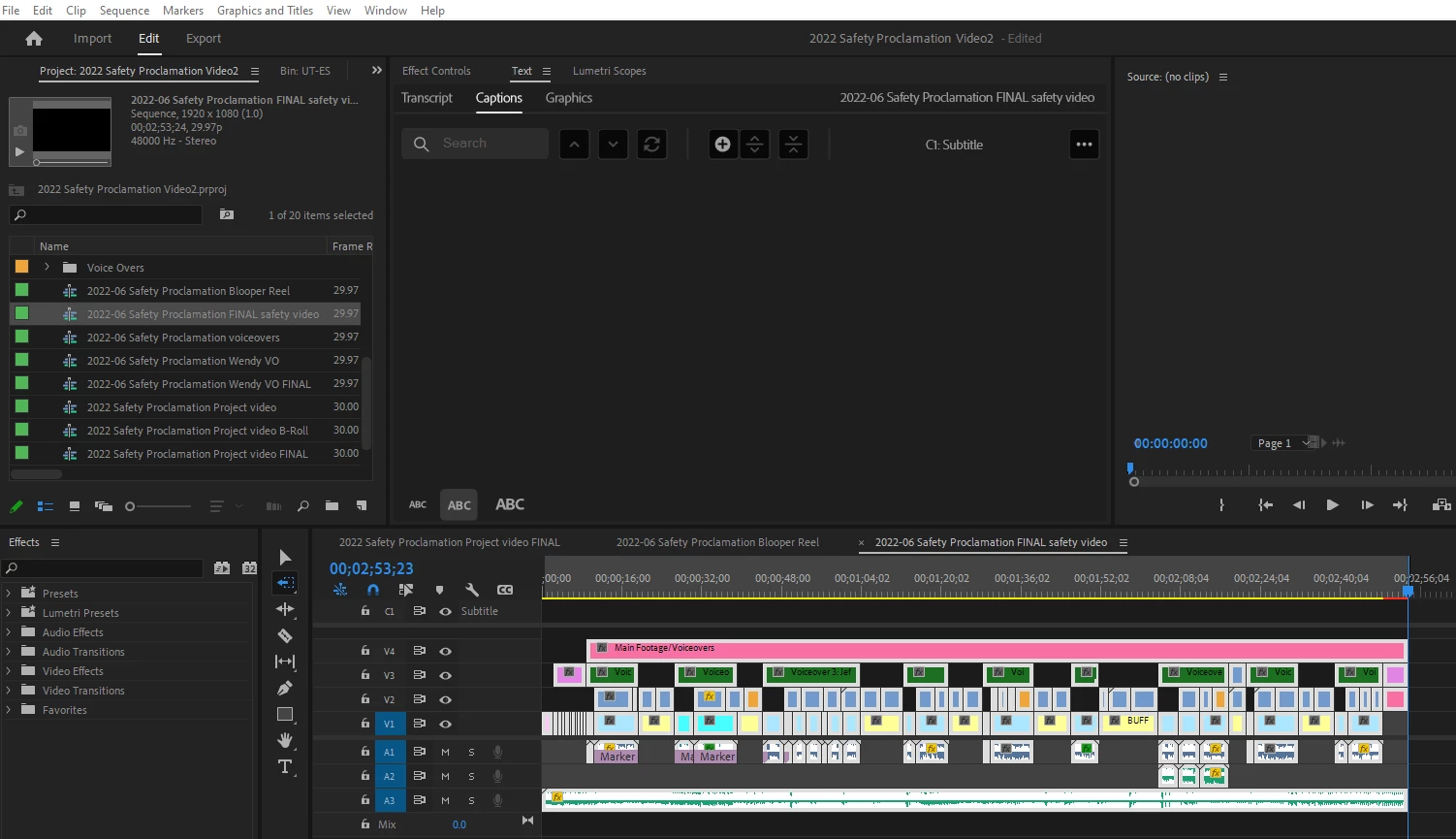
So I finished my latest project, transcribed the sequence, and then went to create a captions track.  The only problem is the sequence transcribed pretty well.  However, when I went to create a captions track it didn't display ANYTHING!!!???


What gives?  I really don't want to shut all the way down to "see" if a reboot is going to fix everything.


Is anyone else out there in Adobe land experiencing the same issue/error???


Randy


This topic has been closed for replies.

2 replies

mingogomes
Participant
June 9, 2022

Me!

I have had this issue for weeks, and have waited for an update to solve it, but so far... still the same.

And just like you say: it creates the transcript perfectly. But when I touch on Create the Captions, they are always blank. 😕😕

Stan Jones
Community Expert
Community Expert
June 10, 2022

Mingo, Randy's version of this issue was odd. Make sure that yours is not the one described at this link. There is an easy workaround for it:

https://community.adobe.com/t5/premiere-pro-discussions/updated-22-4-not-showing-captions-in-timeline-or-text-panel/m-p/12951059#M412291


Stan


Stan Jones
Community Expert
Community Expert
June 7, 2022

That is odd. It behaves just like this bug, except that your transcribe times are "regular" (they don't start at the 8 or 9 hour mark):

https://community.adobe.com/t5/premiere-pro-discussions/updated-22-4-not-showing-captions-in-timeline-or-text-panel/m-p/12951059#M412291


Note that this is fixed in Beta:

https://community.adobe.com/t5/premiere-pro-discussions/updated-22-4-not-showing-captions-in-timeline-or-text-panel/m-p/12985870#M415130


The workaround when transcribing a full sequence is to be sure you have "transcribe in to out" unchecked. So I would give that a go even though this does not appear to be your problem.


Is this sequence almost 3 hours long? I can see that you have in/out set (or at least an out)?


Stan


Randune23
Randune23Author
Inspiring
June 7, 2022

Stan,

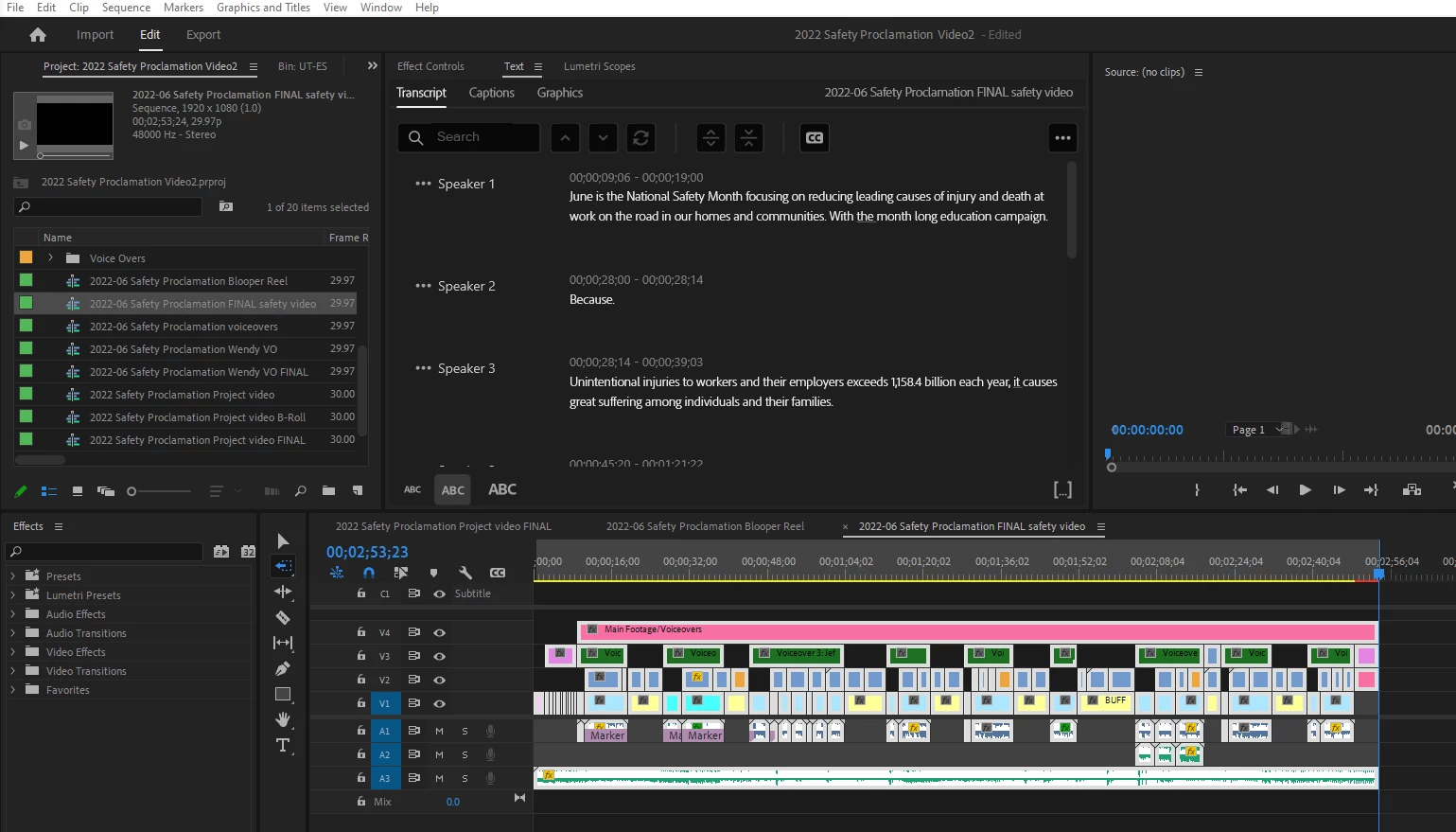
I'll have to read your previous post later as I am in a nine-line bind trying to get this project finished for tomorrow's debut.  But I have to share this with the community.  So today, when I opened up the project, the captions are there.  However, the text under the text tab is flawless with just a few grammatical errors that I need to fix.  However, the captions that appear on-screen look like an alien language:

WHAT THE WHAT!!!  Normally, I would delete the captions track and re-transcribe the sequence, and have it create new captions...

Now onto your fix...


Randy