



Clip order not preserved when dragging or copying storyboard from Freeform View to Timeline panel
I would love to be able to preserve the order of my clips in the Freeform tool grid when moving the storyboard I create in there to the Timeline panel. Currently, when multiple clips are dragged or copy/pasted from the Freeform view to the Timeline Panel they are being reorganized based off of their file name. Seems like a design flaw so I would love to hear if someone has found a work around to solve this. Does anyone use the Freeform view to create storyboards? How do you transfer than information to the timeline? I am currently dragging each shot over individually to preserve the order. Pasting my process below for reference, using mac and pc.
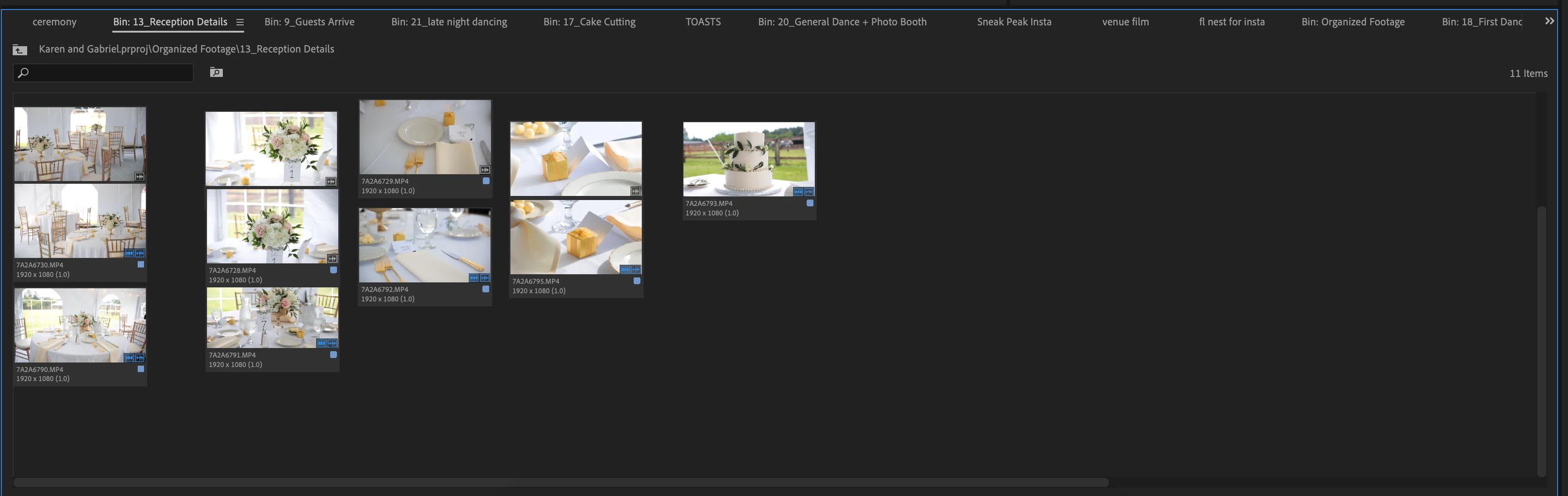
- I use the Freeform view to create a storyboard out of my clips by arranging them in the order I would like them in. See pic #1. The cascading columns of clips are for alternative clip options to be decided later in editing.
- I set in and out points for each clip and delete the trash.
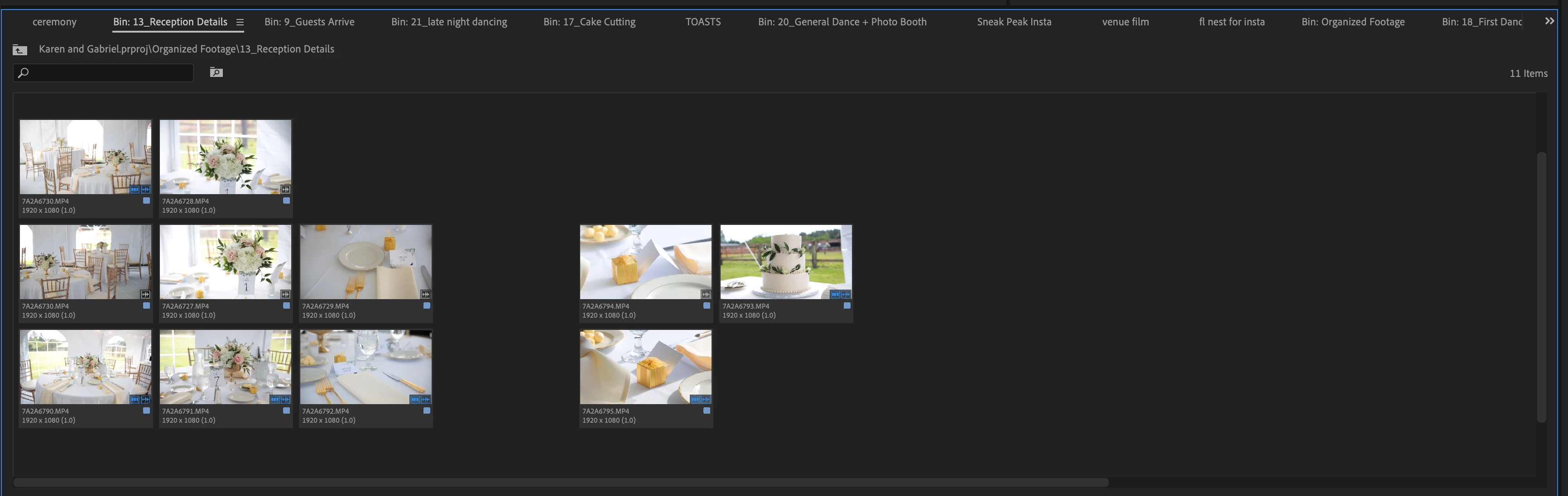
- I align clips to grid. See pic #2
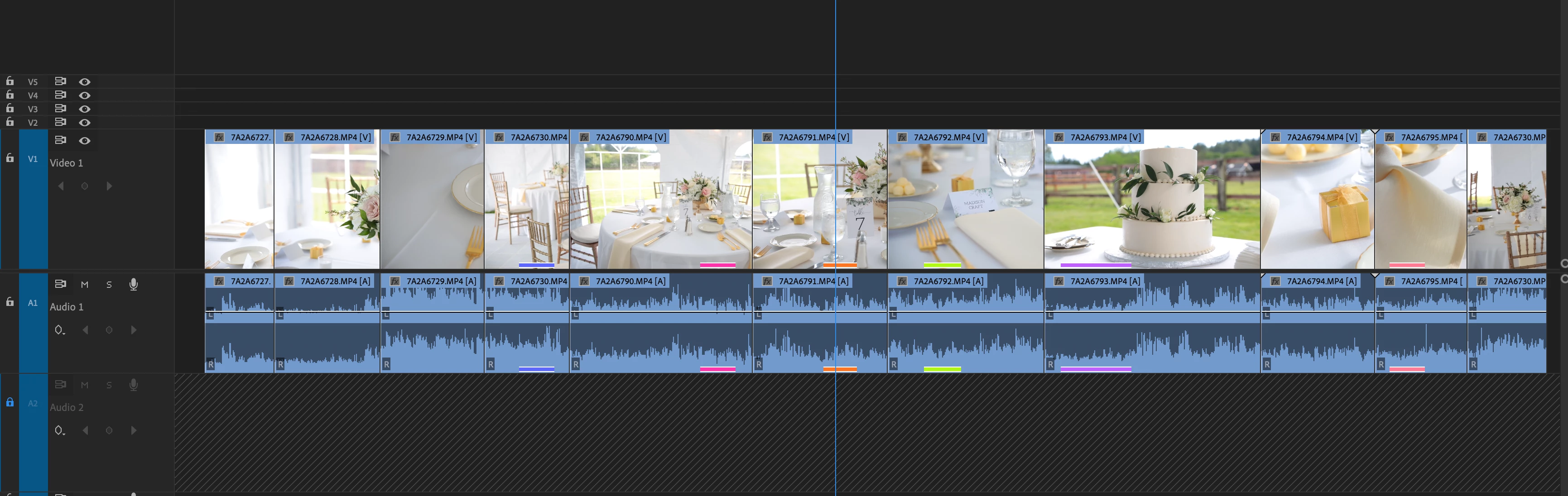
- I select all the clips in my Freeform grid storyboard and drag and drop them into the timeline panel. The clip order I created in the Freeform view grid is lost and the clips are reorganized base on file name. See pic #3
[Moderator note: please drag/drop all images directly into the text area of your reply box, do not make other users download strange files to their computer to see your post completely. I fixed this for you in this post or it might tend to get ignored.]
 AdChoices