



Color artifacts in Premiere OpenCL Radeon RX 5700
This seems to be a common issue that pops up every once in a while. I'm running Premiere Pro 2020.
I have a newly installed Radeon RX 5700 and I get weird color artifacts during playback with Open CL. I notice that they come up in deep blacks and highlights. So, pretty much anything that is clipped.
Here's a sample.
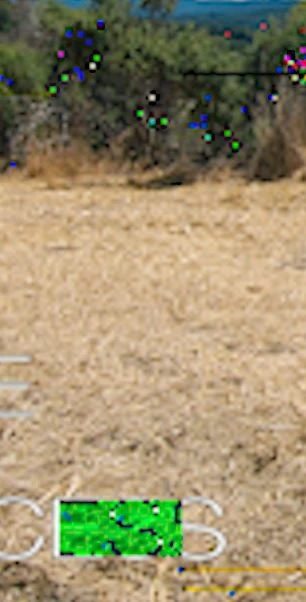
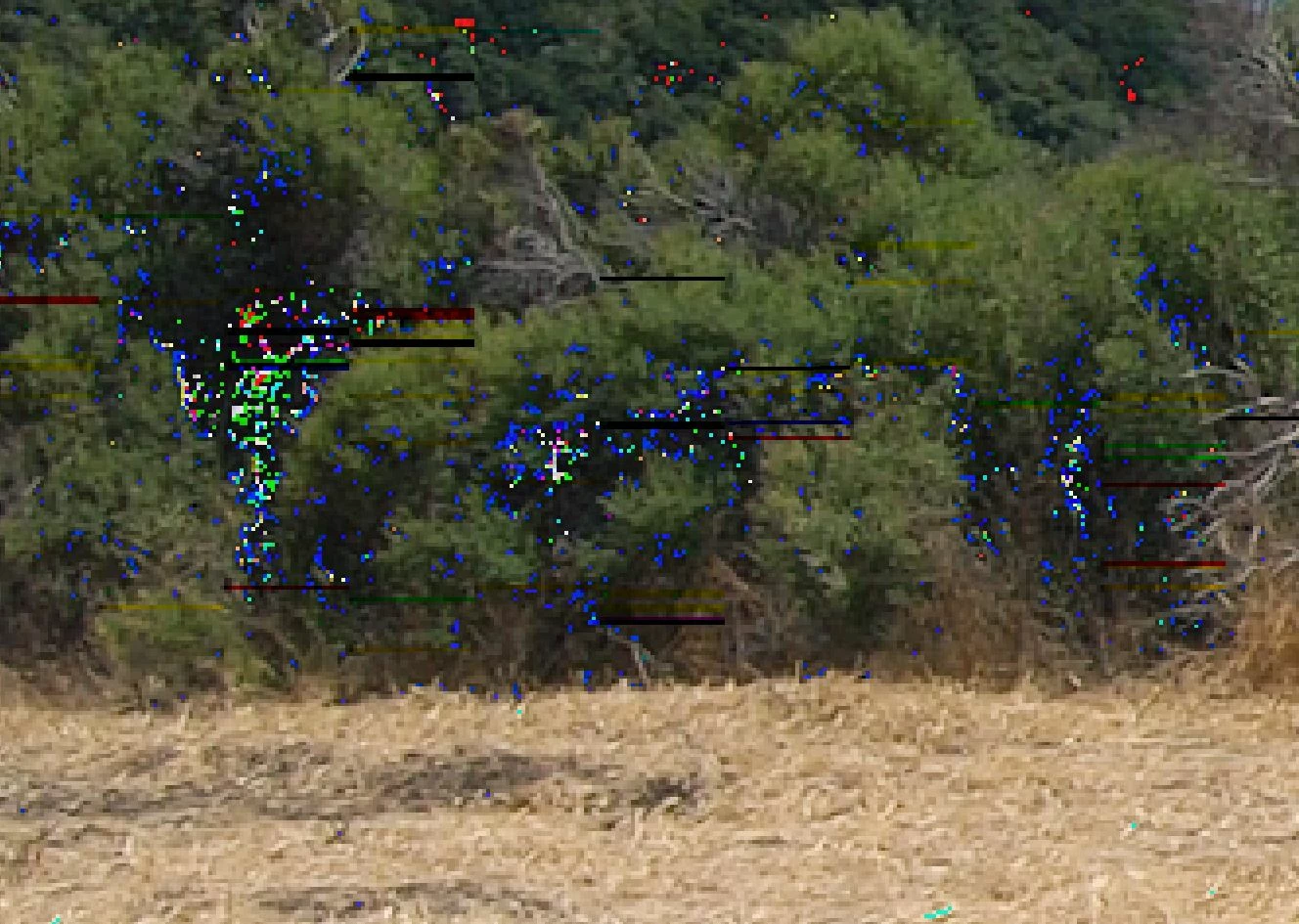
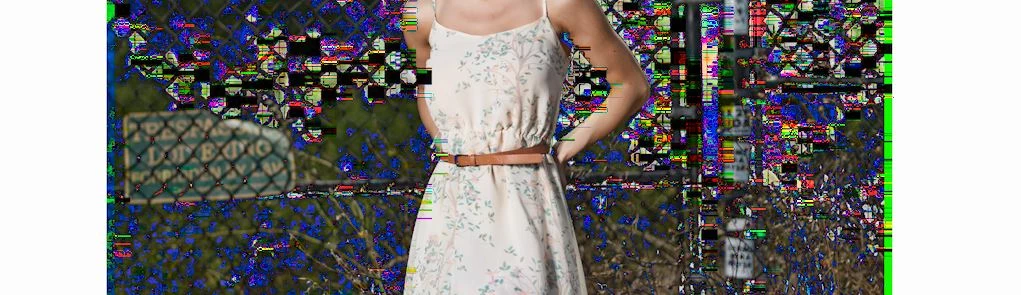
This happens with GoPro 7 Black files, jpegs files that are dropped into the timeline, but not M6 2 files. It doesn't make a difference if the files have processing or not. I tried a new project with M6 2, GoPro, and jpeg files and experienced the same issue.
Rendering with AME has some artifacts, but less than the playback in Premiere Pro. Rendering from Premiere Pro is fine since it uses software rendering.
I've used several different AMD video drivers and they all have the same issues.
My software performance is abysmal and I only get 1 frame every couple of seconds and when I a jpeg with text plays it takes about 5 seconds to switch to and from a single frame of the clip. Premiere is unusable when using software only. I have a Ryzen 1700 now and a 3900x coming on Monday but I don't see how that's going to help much. Plus, using software defeats the purpose of the RX 5700.
 AdChoices