New Participant
February 23, 2018
Answered

Color grading with masks

  • February 23, 2018
  • 1 reply
  • 479 views

Hi,

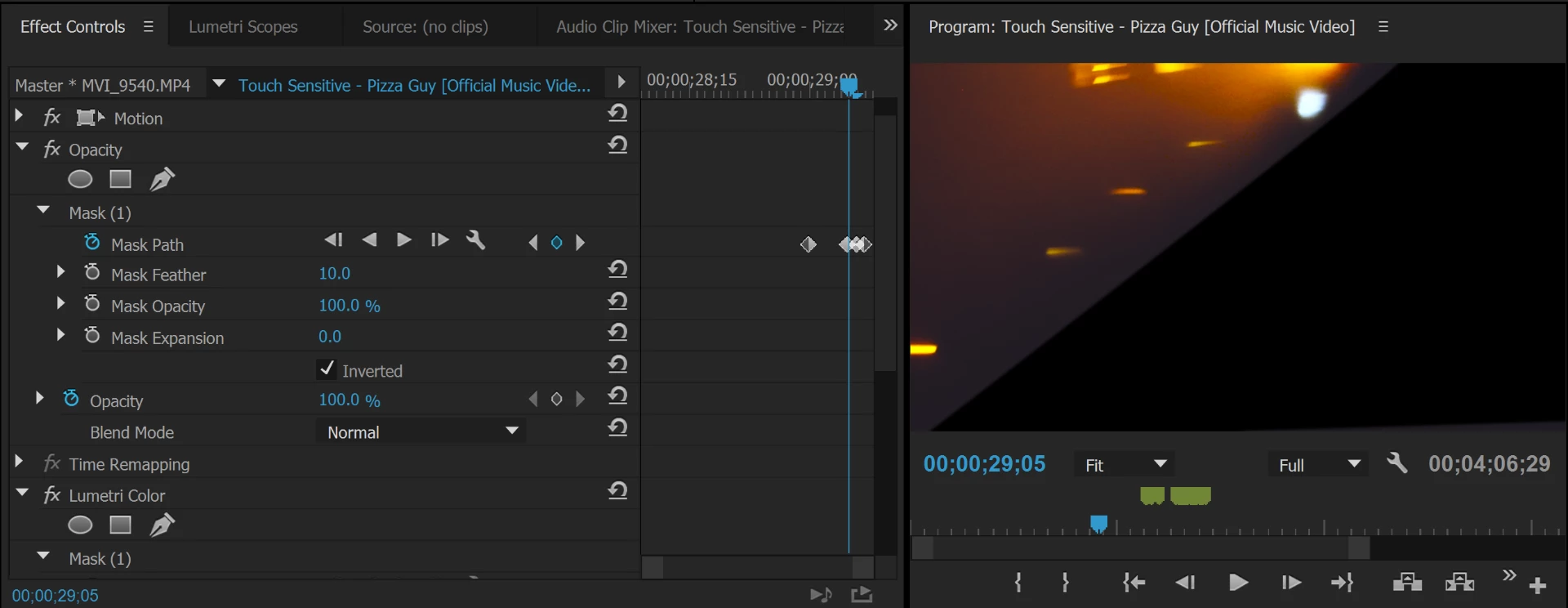
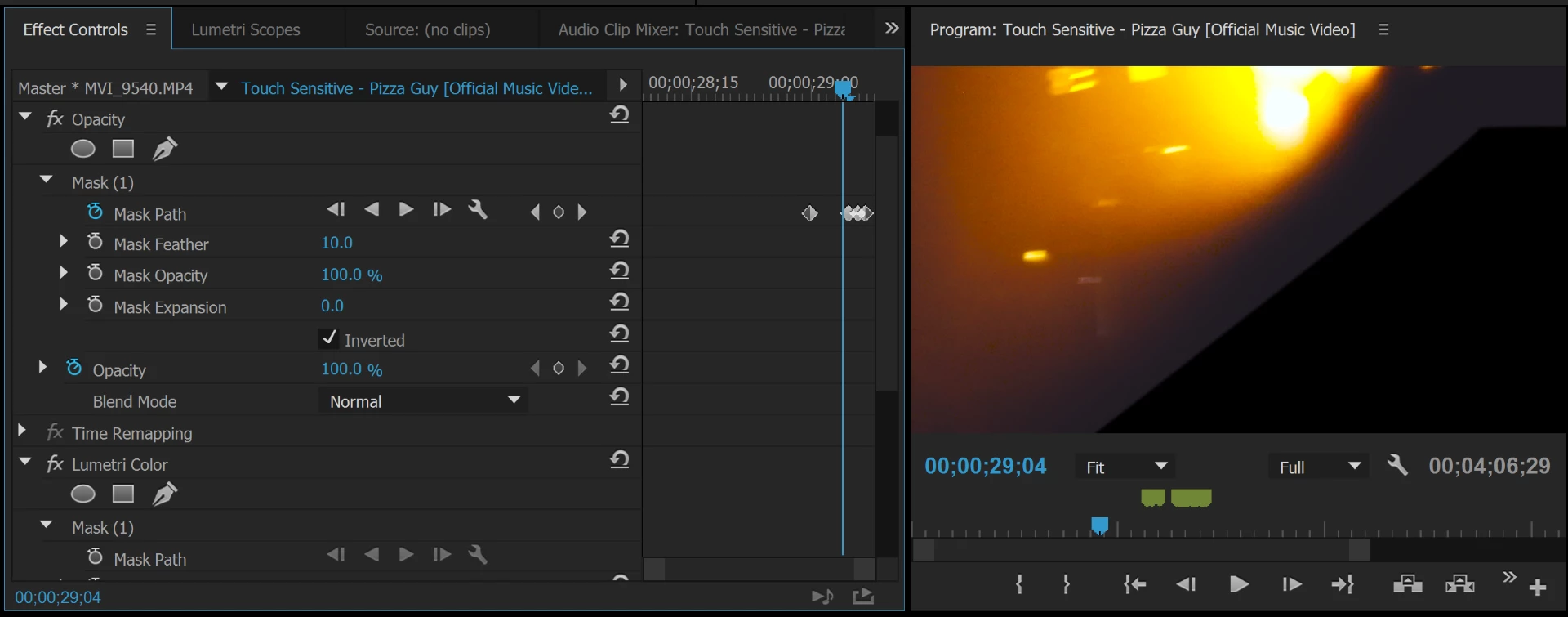
I've been playing around with masks for different transitions lately however while color grading I've realized that my masks appear a different color than the color grade applied to the clip being used. How do I go about fixing this?

Thanks

    This topic has been closed for replies.
    Correct answer R Neil Haugen

    I think the issue here is the 'black' of your image is a ton lighter than the real black of the mask. And you don't have a feathering applied to blend from the image to the mask area ... just the hard line. Increase the Mask Feather number either in the box of blue that now says 10 (pixels) to something quite larger, or use the mask controls in the Program monitor itself.

    And the grade from an image you're masking isn't applied to the mask, ever. Unless say you've another clip on a higher layer and use a mask to reveal that layer ... then whatever grade you've got on that upper clip of course shows.

    Neil

    1 reply

    R Neil Haugen
    Brainiac
    February 23, 2018

    I'm trying to understand the problem, and failing so far. I see two slightly different masked areas in shape. I see there's some feathering going on. I can't tell what I'm supposed to be seeing and where.

    A bit more information as to what we're supposed to notice, or what you see that's unusual here, would help.

    Neil

    Everyone's mileage always varies ...
    New Participant
    February 23, 2018

    Sorry for the confusion. The two pictures are just a mask as it tracks from one frame to the next (there was really no need for me to upload both pictures). The problem is that I have color graded the clip, BUT this has not been applied to the mask, causing the mask to becomes visible. Below is a picture of the clip frame without color grading (so the masks blends in) and then a the same clip frame with color grading (causing the mask to become visible). The reason I am using a mask here is because I am attempting a wipe transition and would like the screen to become black as it wipes from right to left.

    R Neil Haugen
    R Neil HaugenCorrect answer
    Brainiac
    February 23, 2018

    I think the issue here is the 'black' of your image is a ton lighter than the real black of the mask. And you don't have a feathering applied to blend from the image to the mask area ... just the hard line. Increase the Mask Feather number either in the box of blue that now says 10 (pixels) to something quite larger, or use the mask controls in the Program monitor itself.

    And the grade from an image you're masking isn't applied to the mask, ever. Unless say you've another clip on a higher layer and use a mask to reveal that layer ... then whatever grade you've got on that upper clip of course shows.

    Neil

    Everyone's mileage always varies ...