

Colour Grade in Premiere Pro 2022 exporting washed out colours
Hey everyone, I'm hoping somone can help me with this one, I'll try explain as best as possible as I've already spent about 2 days trying to fix this.
I recently completed the colour grade for a music video and exported the video. I wateched it before I sent it over and noticed my colours are washed out. I've searched through the forums and found the correction LUT supplied by Adobe and tried this with a new export and it did not work, it actually made everything darker then what I saw in Premiere.
This is also the first time I've had this problem and recently completed a different project in Premiere Pro 2022 and did not have this problem. I didn't do anything differently from the previous project when setting everything up, I just did it as I usually do so i don't quite understand what the problem is here.
I've aslo gone though and tried various different export formats and nothing is working.
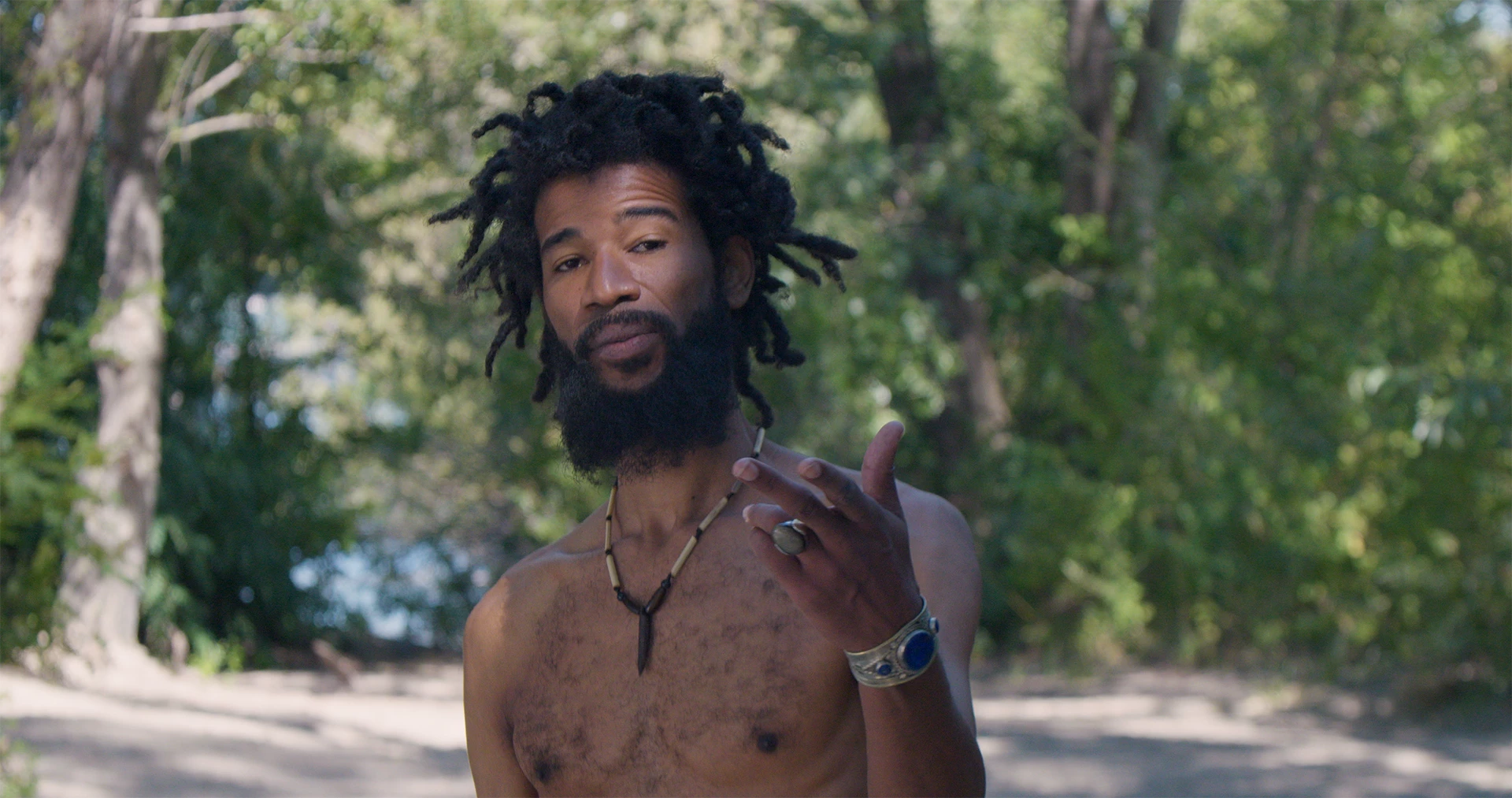
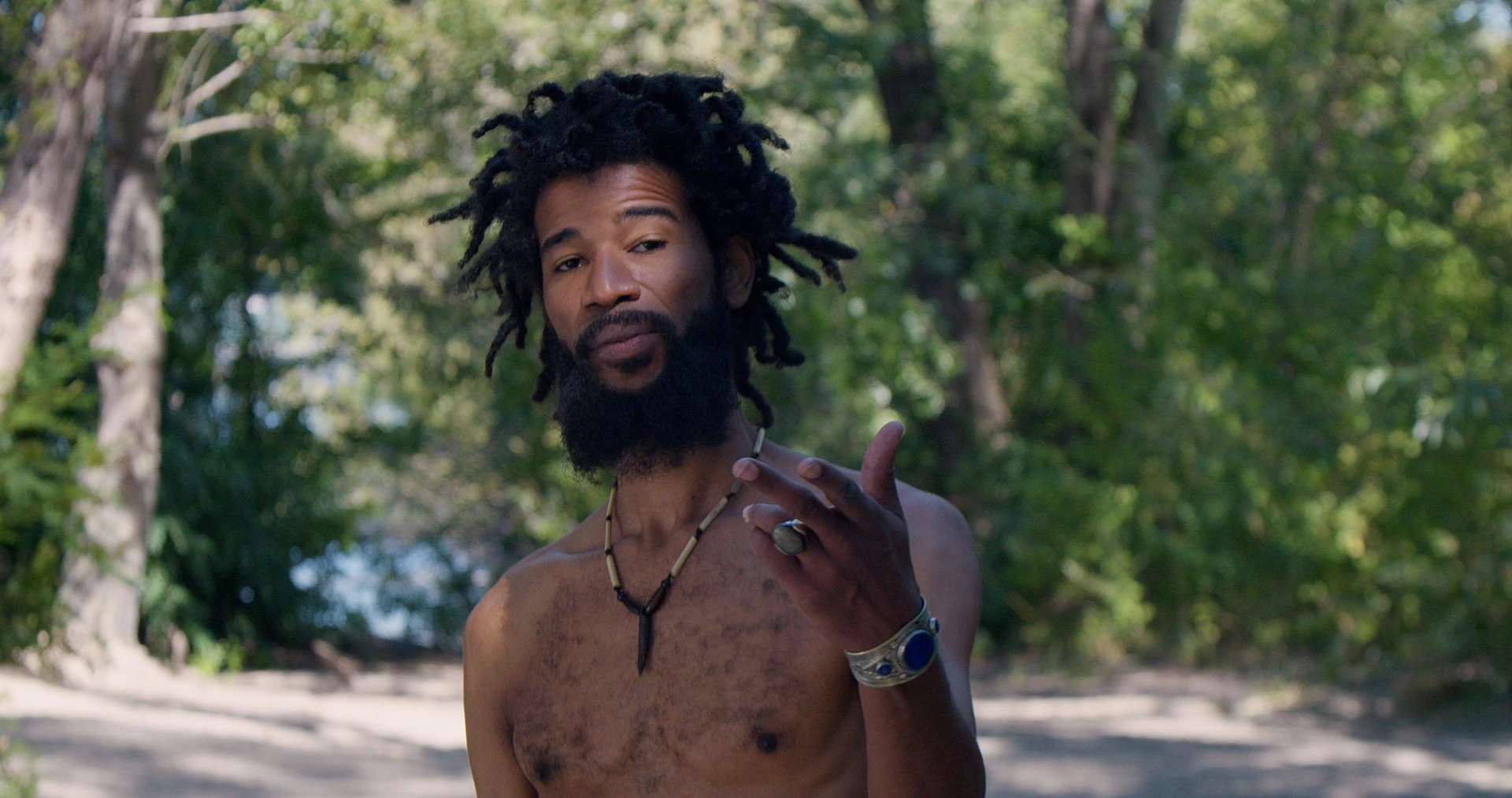
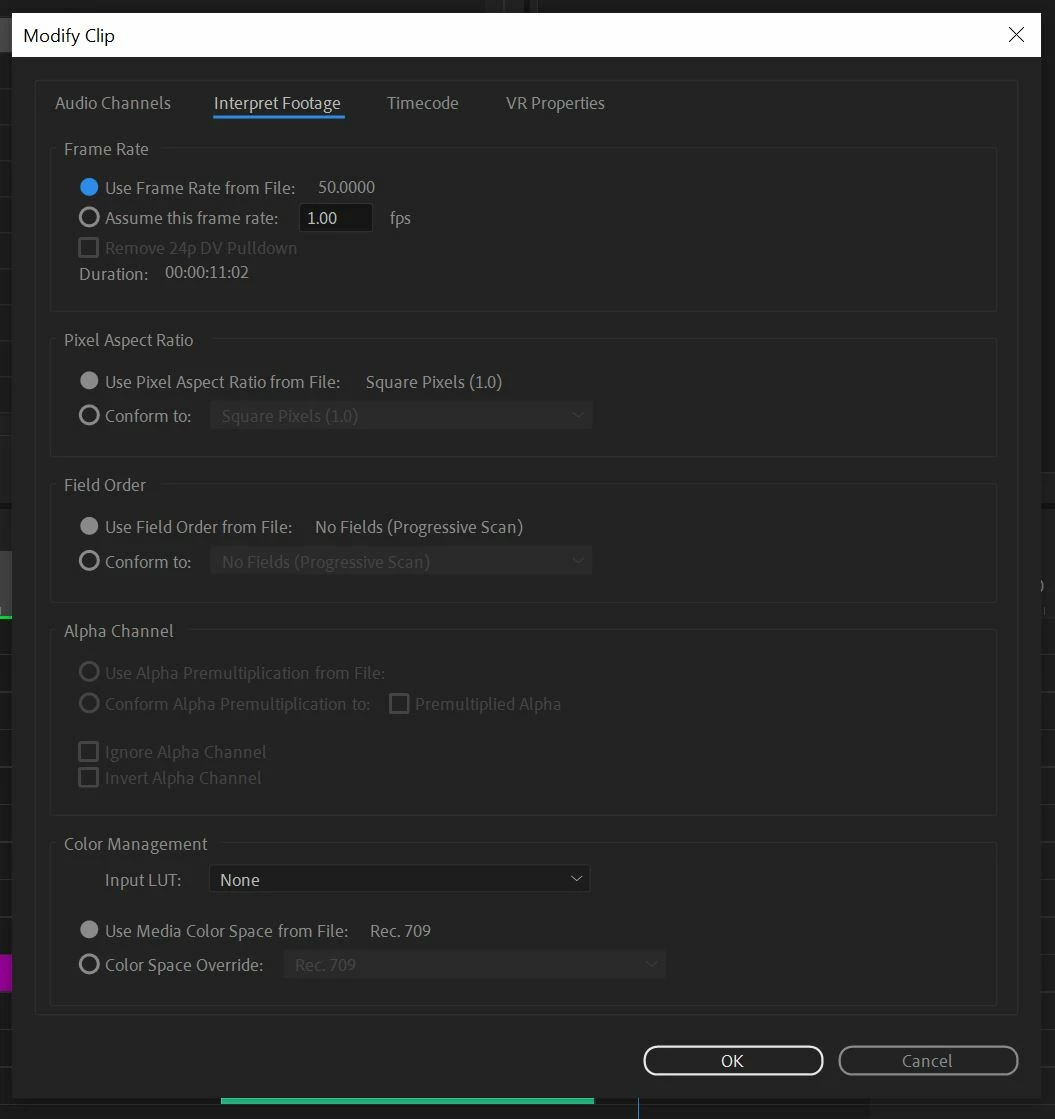
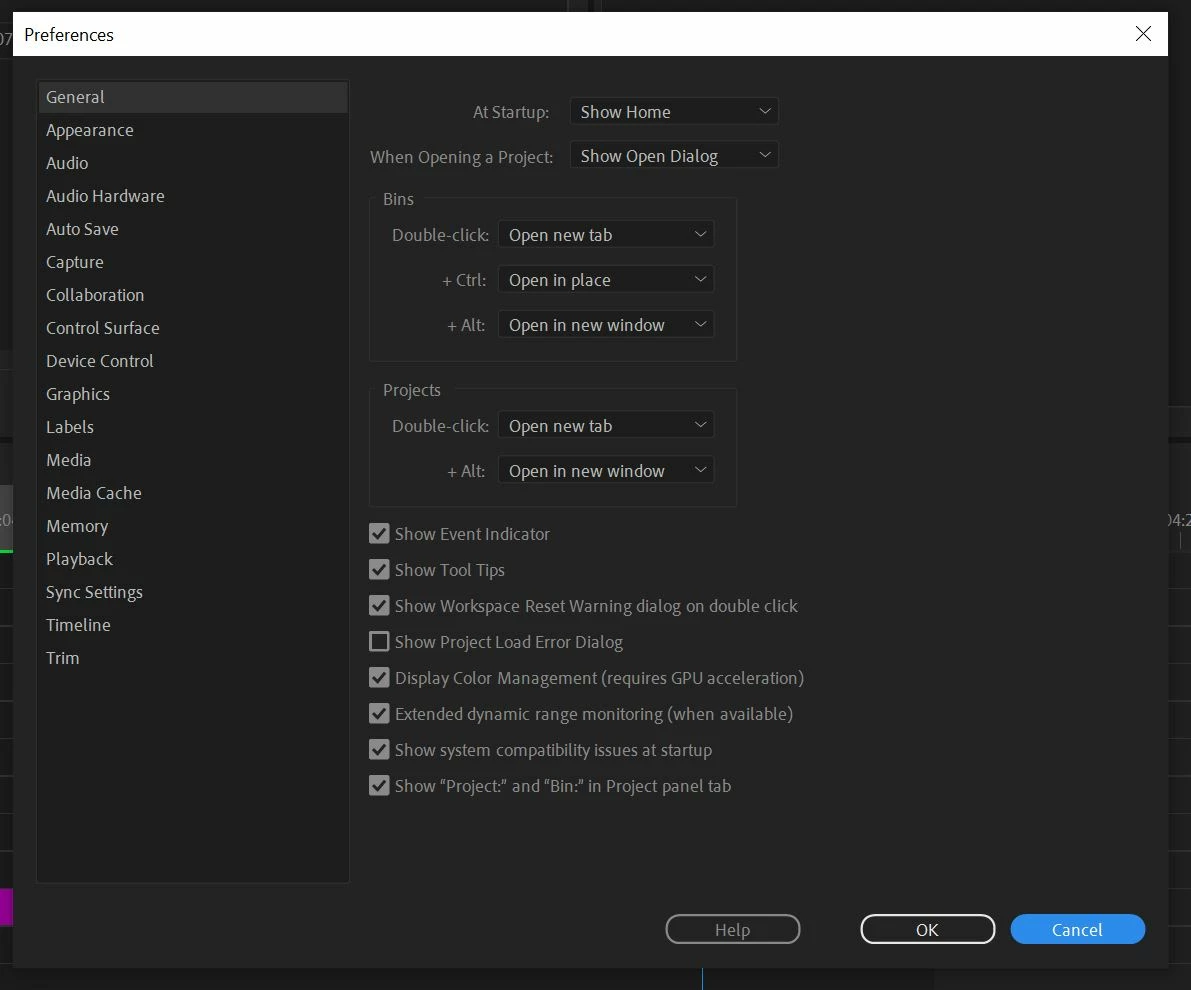
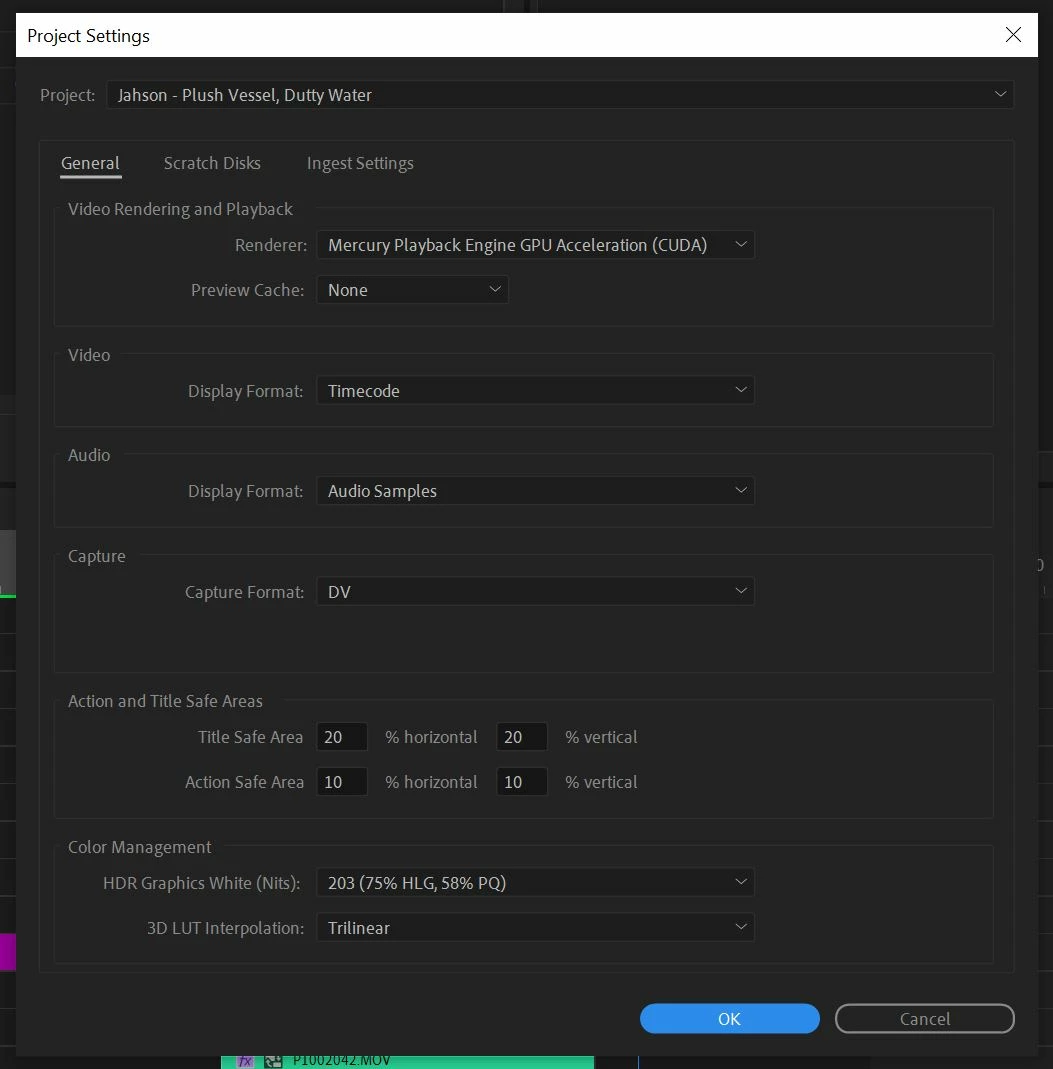
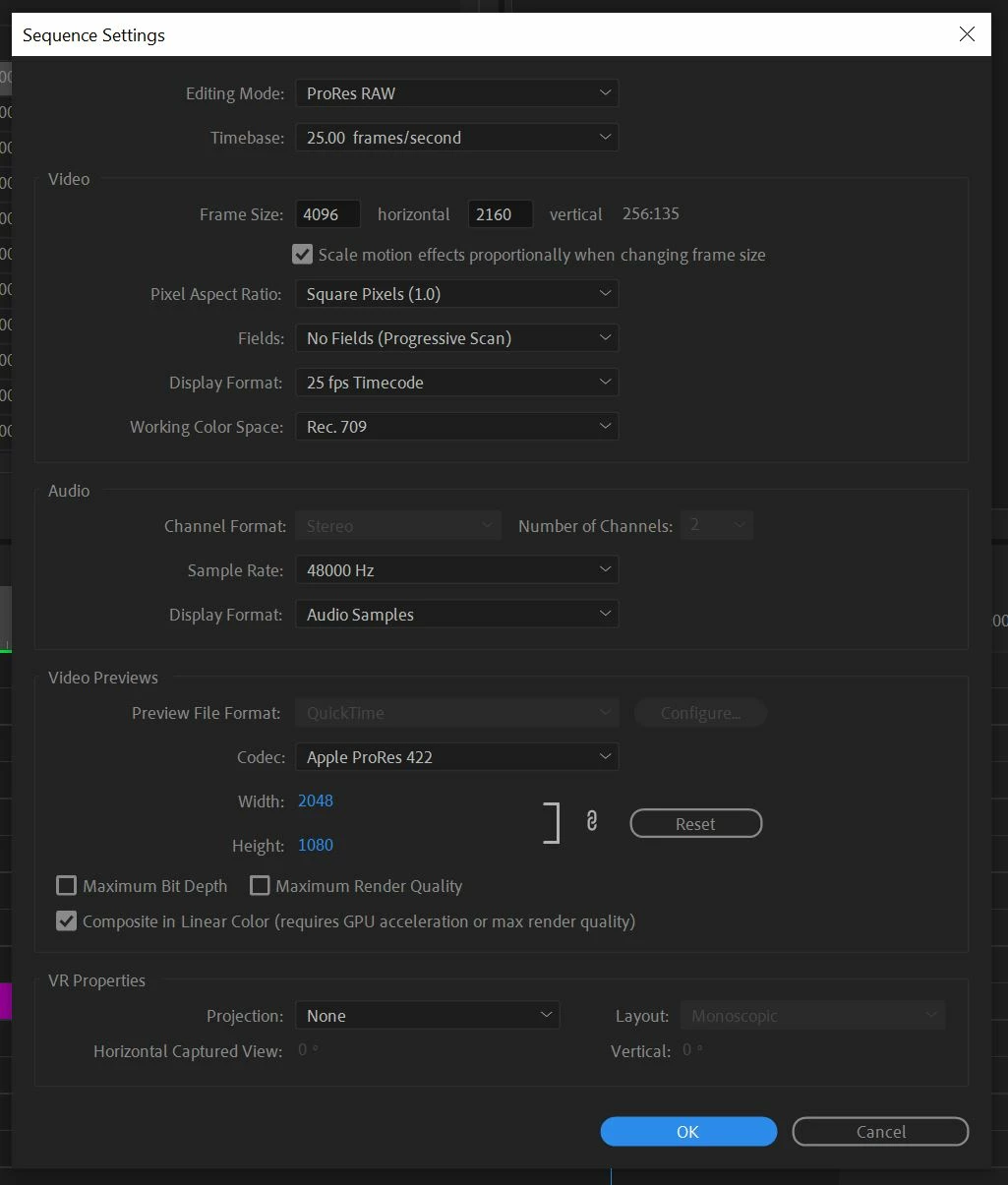
I've attached images below of the examples of the colour differences, as well as my Project Settings, Sequence Settings, Preference Settings and the Modify Clip settings.
Everything was shot on the Panasonic GH6 in VLog in .MOV
The Screen shot below of the correct colours is literally from the export frame tool in Premiere so I don't understand how that is possible to get the colours corrrect from exporting a frame but the export to be washed out, am i missing something?
Please Help!
Washed Out Colours
Correct Colours
All the Project / Sequence / Preference / Modify Clip Settings
 AdChoices