


Answered
Context Menu in Source Monitor does not work (APP 11.1.2)
The context menu that opens with the right mouse button does not work in the Source Monitor. In the programs monitor it works. How can this be remedied?

The context menu that opens with the right mouse button does not work in the Source Monitor. In the programs monitor it works. How can this be remedied?
Look at the picture - on the right the menu opens, on the left - there is no
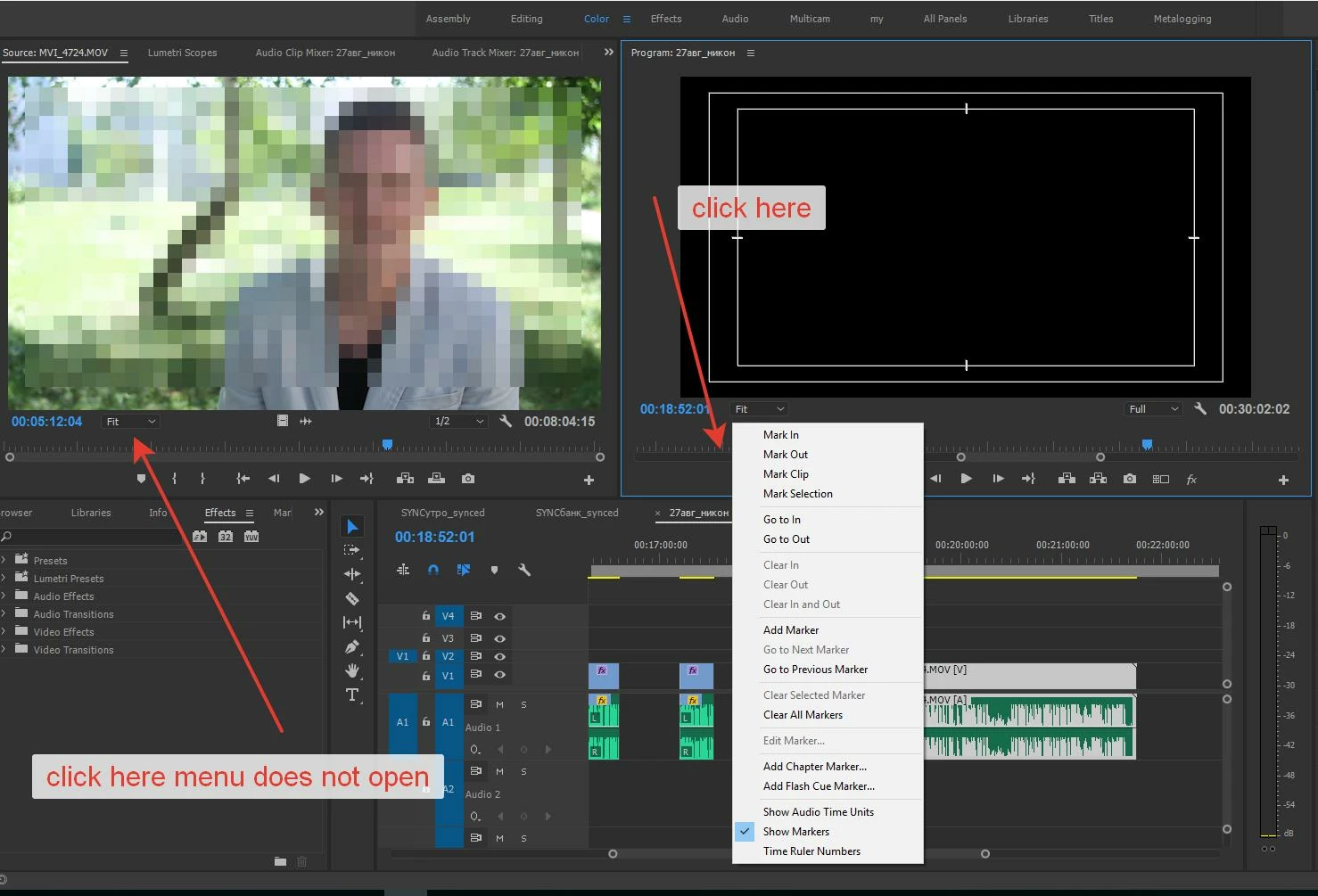
Don't click where you're clicking. Click on the image.
Already have an account? Login
Enter your E-mail address. We'll send you an e-mail with instructions to reset your password.
 AdChoices