


Known Participant
June 26, 2021
Answered

Correct export settings?

  • June 26, 2021
  • 3 replies
  • 3536 views

I've been working on an annimated film which was made on an old Amiga 2000. The captures were brought to me in full HD 1920 x 1080, but the original (having been started in 1993) is of course in 4 - 3 fomat. The pictures are terrific. I imported the captures into a 1920 x 1080 project and re sized the width to revert to original dimensions and it looks fine on the timeline. The project is complete and ready for export to MP4 but, not being an expert on formats I'm not sure which option to choose.  The media encoder suggests it should be 1080 x 1440! But I'm left wondering if this is correct?  Any advice.  Thanks.  Charles.
This topic has been closed for replies.
Correct answer Ann Bens

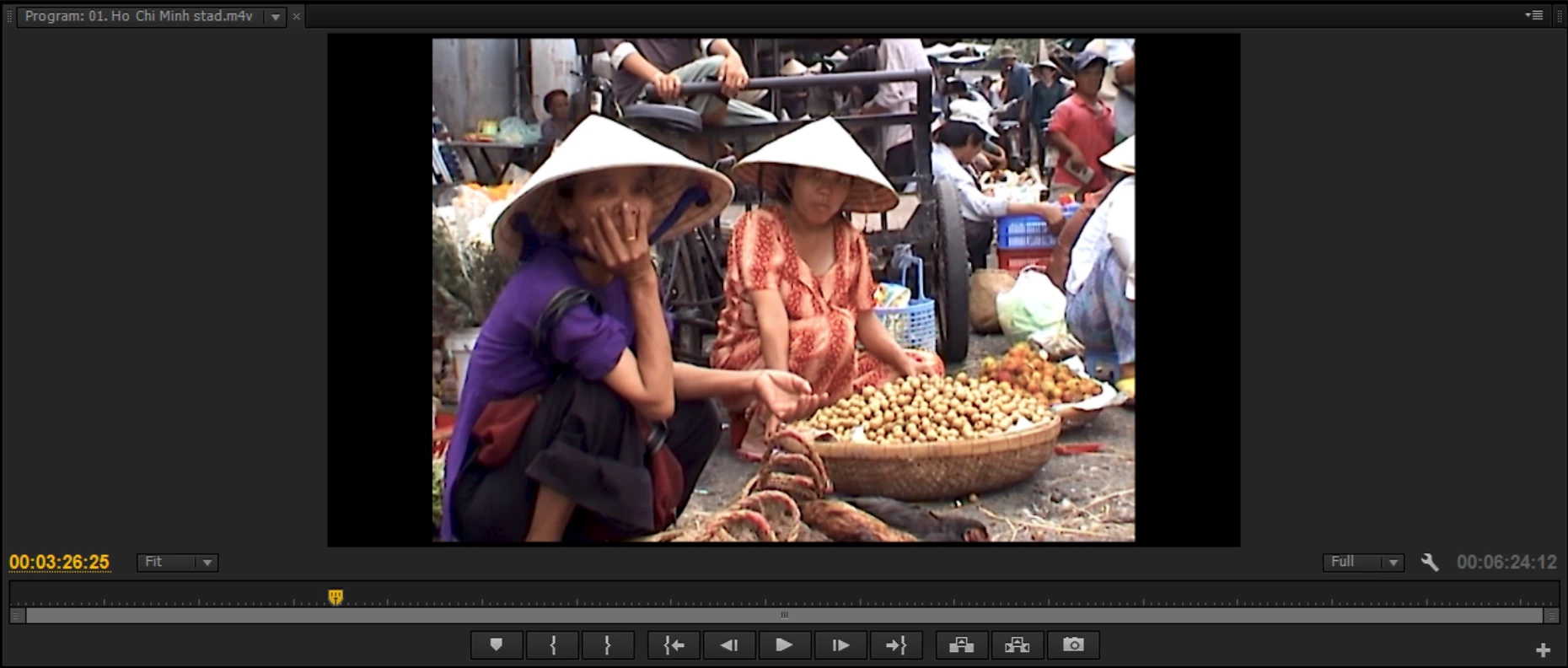
This is from CS6. I'll put up the Treeview. One segment only (they are all identical with no audio) The image doesn't look correct, but looks correct  in monitor, and in a test export at 1440. The original footage (From an Amiga 2000) was obviously in 4 - 3, but those who captured it did so in 16 -9. which is why we needed to convert it to original for editing. It's not my product, but the guy who made it has taken 27 years to complete, and |I'm keen to give him as good a result as is possible in very odd circumstances.


Might look ok in the Program monitor but you cannot convert 1920x1080 to the original 4:3 (without cutting top/bottom off) that is why it looks distorted. 1440x1080 1.33 is a total different format.

You also put 60 fps in a 25 fps sequence and exported a progressive timeline to an interlaced one.

You will have to set up a 1920x1080 progressive par 1.0 60 fps sequence.

And it will look like this:

Export in 1920x1080 progressive par 1.0


If you want to keep the 4:3 setting 1440x1080 par 1.0 might work but

no guarantee it will play in all players/tv.

I would keep 16:9 as that is the present day norm.


3 replies

Harold Silva
Braniac
June 26, 2021

Una imagen de 1993 en definitiva es NTSC 720x480 proporcion de pixels 0,9

Si lo quieres exportar en full HD deber convertirlo a Progresivo (porque tu video es entrelazado)
y dejarlo en proporcion de pixel cuadrado. Aunque tendras los bordes negros.
Yo te recomendaria 1280x720 como maximo.


Salu2

Harold Silva B.
chic rAuthor
Known Participant
June 26, 2021

Thank you. The images were captured from an Amiga 2000 (in the UK) in March this year and converted into MP4 during capture. 


Charles

Ann Bens
Braniac
June 26, 2021

This is in Treeview:

But I am guessing its a 4:3 image in a 1920x1080 PAR 1.0 setting.

Does the output image on the left in your first screenshot look correct?

Even your screenshot itsself looks distorted.

Is this CS6?


Inspiring
June 26, 2021

If they are HDV video files then 1440 X 1080i is correct. You can drop it into a 1080 60P sequence. 

Ann Bens
Braniac
June 26, 2021

Post screenshot of export settings with left tab to output with an image.

Also post a screenshot of a clip in MediaInfo in treeview.

chic rAuthor
Known Participant
June 26, 2021
SETTINGS.jpg
Ann Bens
Braniac
June 26, 2021

Export settings is the same as sequence settings exept for the fields.

Now please a screenshot of the media with Mediainfo if you want the correct settings.