


Exit
  • Global community
    • Language:
      • Deutsch
      • English
      • Español
      • Français
      • Português
  • 日本語コミュニティ
  • 한국 커뮤니티
0

Damaged file options

New Here ,
Nov 10, 2024 Nov 10, 2024

Hi, I've been using the new iPhone 16 Pro ProRes log 4K/120 FPS filming options. While recording the camera app crashed, so the file wasn't properly finished. I can review the footage in various players that runs for four minutes/80 GB.


When I loaded into Premier pro (any version) The file only loads approximately two seconds of footage.
Is there any options I have to correct it? It was kind of a special one off take that I can't really refilm. 

But those 2 seconds of footage auto imported/color corrected beautifully. We filmed at sunset in this beautiful rural cemetery/walking park and the light in the trees was just magical.


Thanks for any advice.
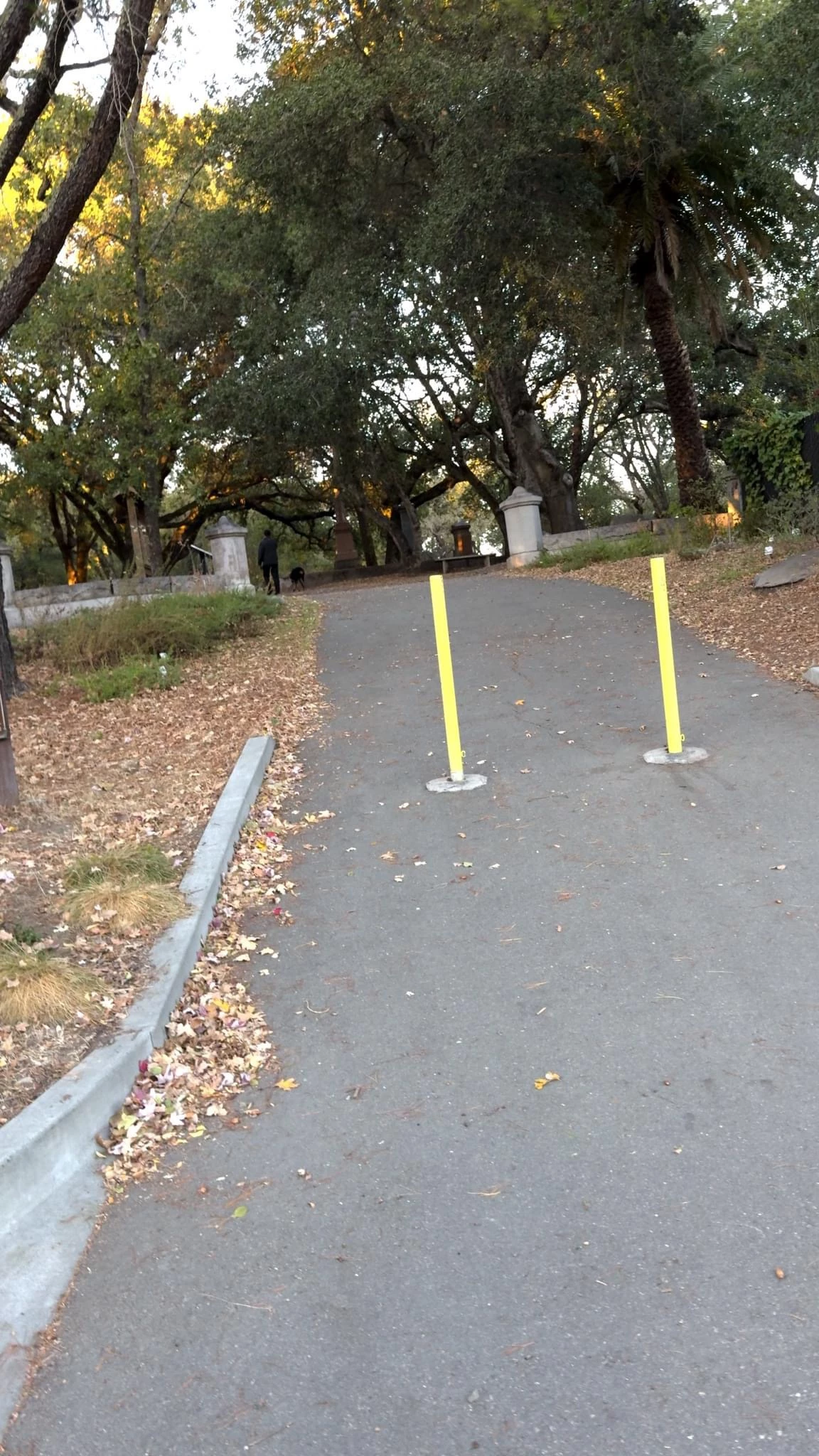
IMG_0702.jpeg

154
Translate
Report
Community guidelines
Be kind and respectful, give credit to the original source of content, and search for duplicates before posting. Learn more
community guidelines
Community Expert ,
Nov 11, 2024 Nov 11, 2024

Hi Alan,

Perhaps some of those viewers you used could also save the file out and thus save it?


Best regards, Euan.
Translate
Report
Community guidelines
Be kind and respectful, give credit to the original source of content, and search for duplicates before posting. Learn more
community guidelines
Community Expert ,
Nov 11, 2024 Nov 11, 2024
LATEST

Moved from beta to regular forum.

Translate
Report
Community guidelines
Be kind and respectful, give credit to the original source of content, and search for duplicates before posting. Learn more
community guidelines