


Participant
November 16, 2022
해결됨

Diagonal lines - proxies - all kinds of trouble

  • November 16, 2022
  • 1 답변
  • 830 조회

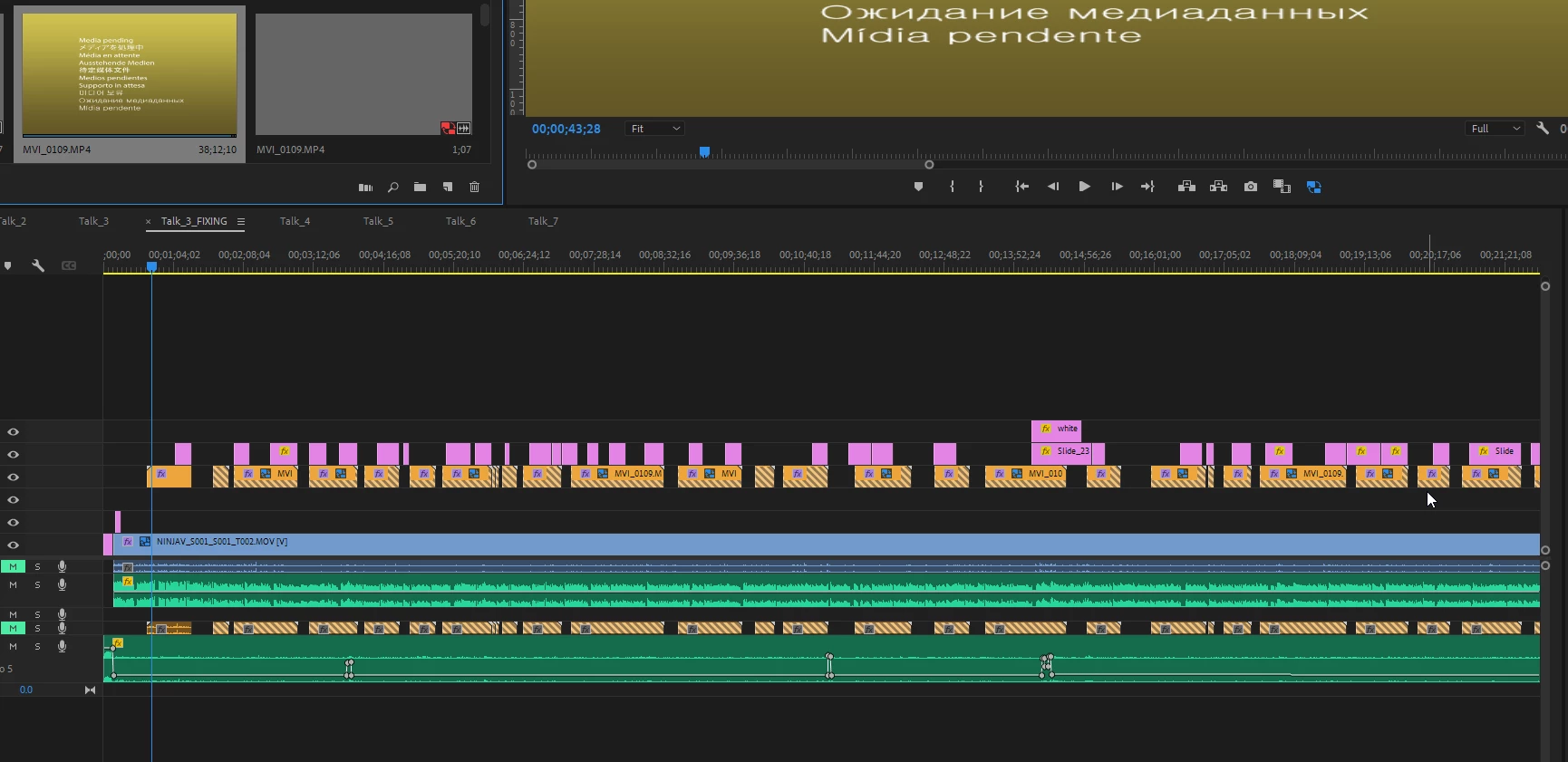
Hi everyone, So I have been having a strange issue in Premiere. I recorded 7 talks with two camera angles. I proxied on ingest all footage. These were then worked on from google drive (In the process of changing this workflow as it is temperamental)

Currently one camera angle in one of the talks is showing all of it to have diagonal lines. I can see the original media at the correct file size as well as the proxy in the project folder in file explorer - so everything is there. I thought, no problem, I will just replace with clip from bin and it will fix this. The clip is 38 minutes long and the RAW is 13.4gb and the proxy is around 2.3gb. However in Premiere (even if I re-import the original file) it says the duration is 1.7 seconds long. 

I have tried making the clips(s) offline and replacing clip from bin but as it's only 1.7 seconds long it obviously doesn't work. I can import the proxy direct from file explorer and that shows the correct length but obviously I want the original media to be linked to it for when I render. 

I am so confused. Has anyone had an issue like this before? The entire rest of the project is fine and all the other talks with second camera angles are all fine, just this one clip. 

Many thanks

 

이 주제는 답변이 닫혔습니다.
최고의 답변: defaultvrn51r29rdp9

Hi,

I think what might be happening is that there are two clips named the same thing. Can you do a Find on your media drive for other clips with this name? You can also try to find the clips in the project file with the search function. I hope we can help you reconnect the identically named clips.


Cheers,
Kevin


Thanks for the reply Kevin. I think it was something to do with that, and Google Drive. What solved it for me was taking the original media which i still had on an external SSD, putting it on my laptop, rendering it out again and bringing it back in. I had to link it from a local SSD away from the rest of the project otherwise it would still think it was 1 second long. Who knows what was going on to be honest..

1 답변

Ann Bens
Community Expert
Community Expert
November 16, 2022
Participant
November 16, 2022

Thanks for the link, I hadn't found that during my search. Alas - that solution they offer at the bottom does not work. 

Kevin J. Monahan Jr.
Community Manager
Community Manager
November 17, 2022

Hi,

I think what might be happening is that there are two clips named the same thing. Can you do a Find on your media drive for other clips with this name? You can also try to find the clips in the project file with the search function. I hope we can help you reconnect the identically named clips.


Cheers,
Kevin

Kevin Monahan - Sr. Community and Engagement Strategist – Adobe Pro Video and Audio
