


Answered
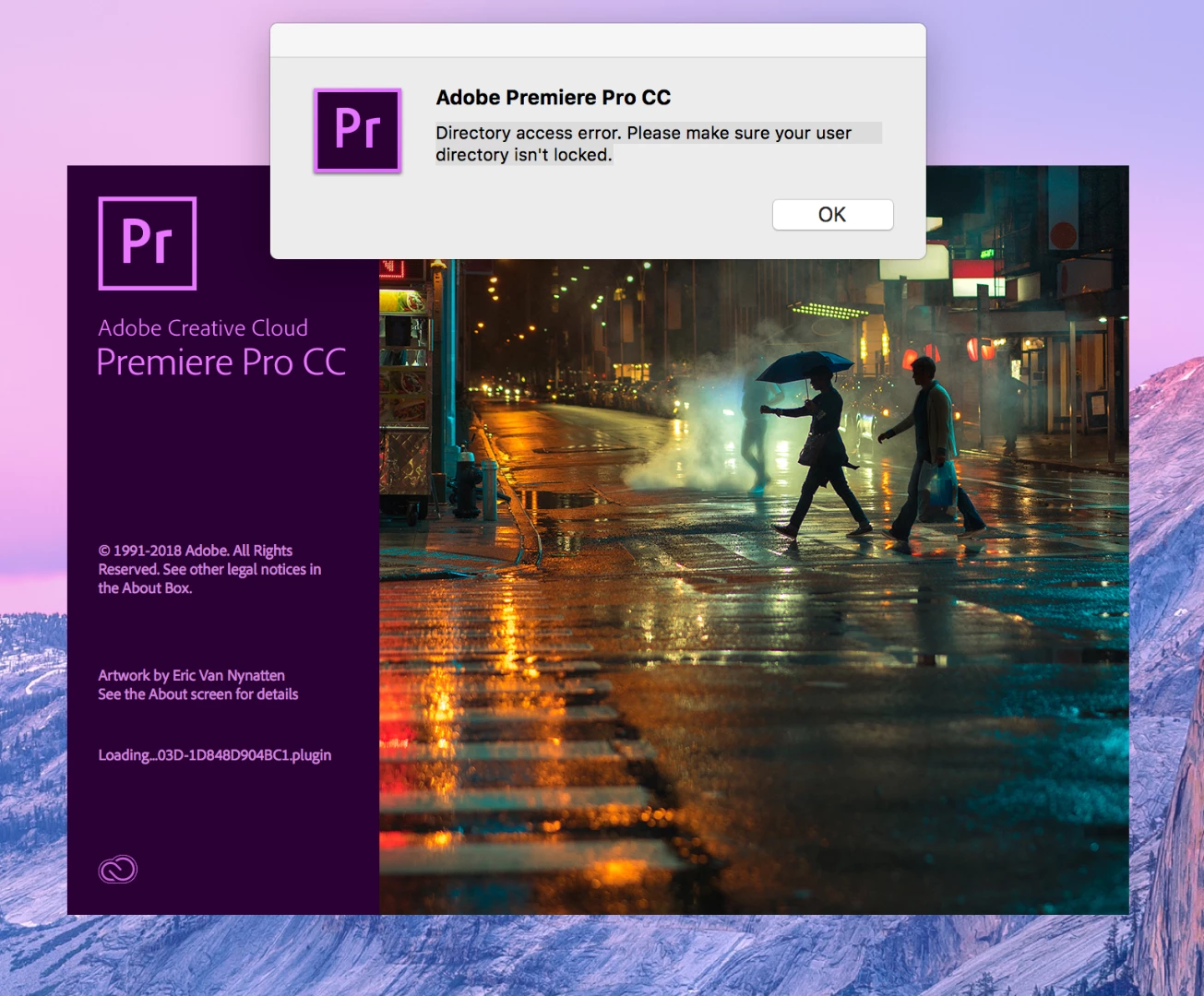
Directory access error. Please make sure your user directory isn't locked.
Hi,
Just tried to open Premiere Pro CC but got this error message this was working fine not long ago. I have tried photoshop and seems to work fine.
Thanks

Hi,
Just tried to open Premiere Pro CC but got this error message this was working fine not long ago. I have tried photoshop and seems to work fine.
Thanks
This error will come up when your Documents folder and/or its contents (including the Adobe folder) may not be modifiable. Make sure that you have permission access to make modifications in the Documents folder and all of it's sub folders.
For example, go to Documents and open the Adobe folder. Try to add a file to the Adobe folder and Premiere Pro folder. If you get a warning that you don't currently have permission to access this folder, then you need to change the permissions so that you have rights to modify these folders.
Already have an account? Login
Enter your E-mail address. We'll send you an e-mail with instructions to reset your password.
 AdChoices