


aymericd66365055
Participating Frequently
December 28, 2019
Question

display velocity/speed keyframe for more than one element

  • December 28, 2019
  • 2 replies
  • 609 views

Hi !


I'm suprised i can't find the answer by myself, but i need some help here !

I want to display velocity keyframes for ALL my elements in the timeline.


When i select only one element and rightclick on it - i have no problem, option appears (the last one in the menu).
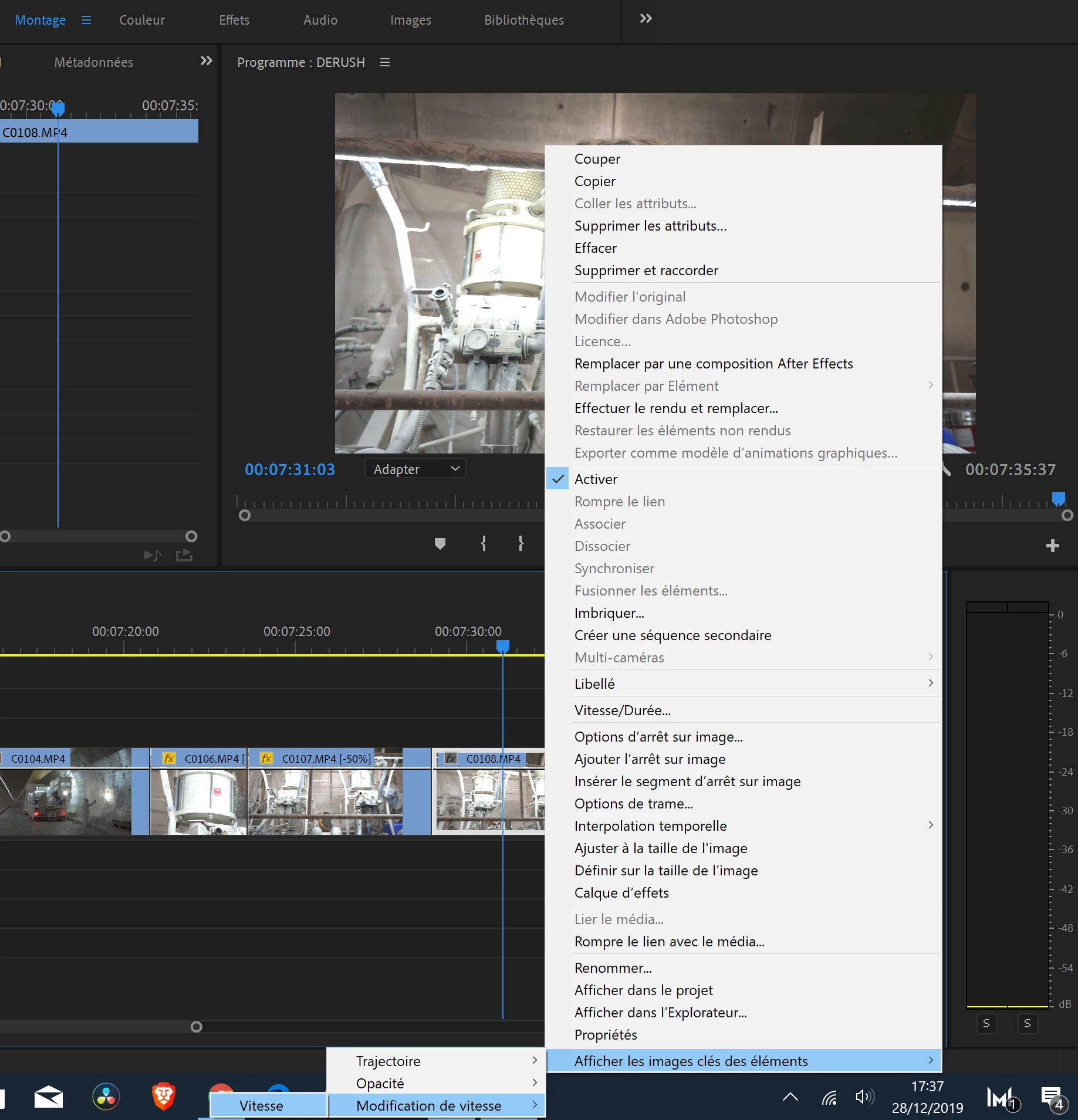


When i select 2 or more, this option dissapears  ! and i can't find the solution in any menu..
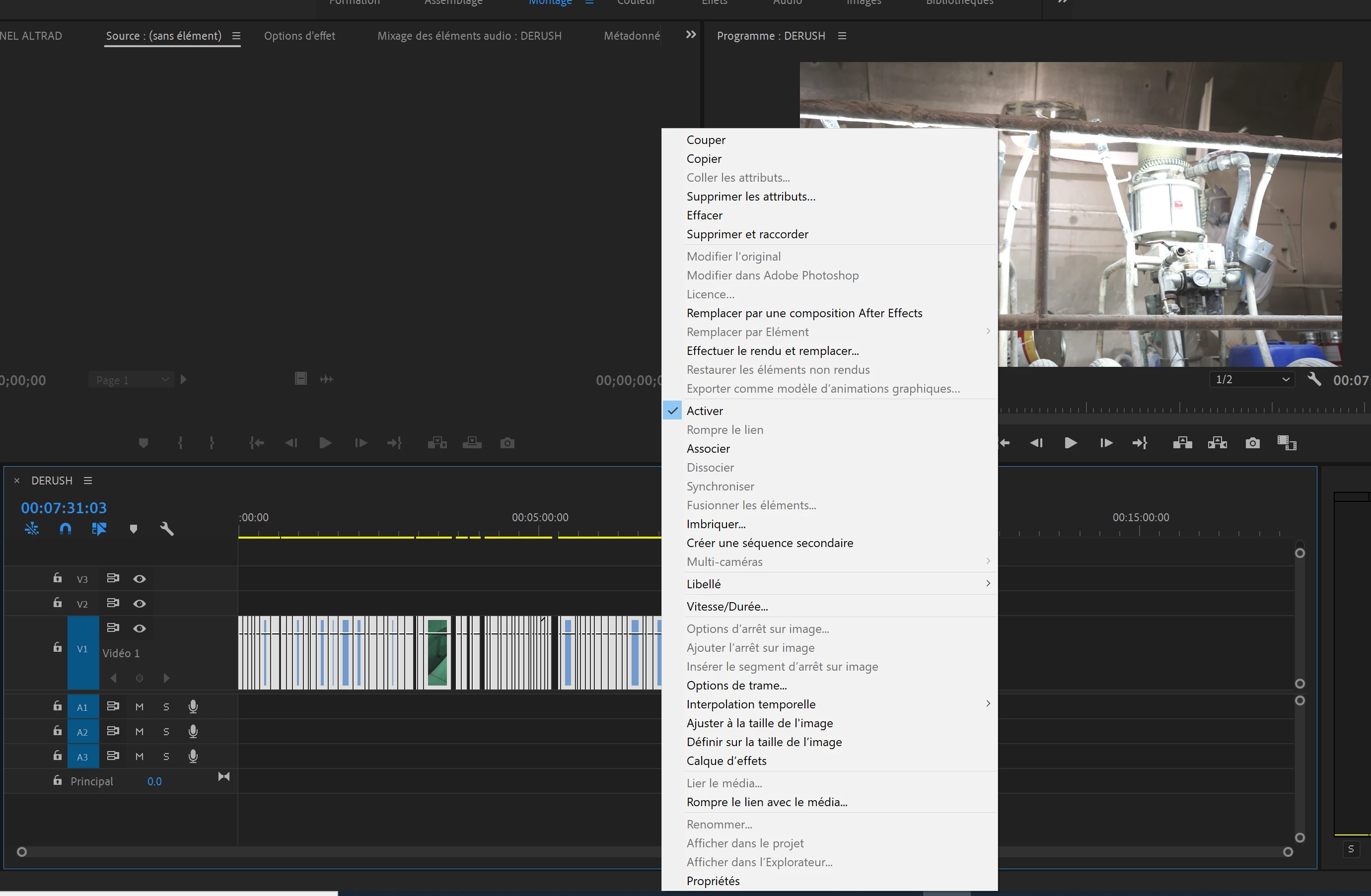


I definiltely will not click on each of thousands of elements, so do everybody know the trick ??


thanks!

This topic has been closed for replies.

2 replies

Inspiring
December 28, 2019

I don't know any way of doing what you want, I believe that setting can only be changed on an individual clip basis . . .  but I could easily be wrong.


MtD

aymericd66365055
Participating Frequently
December 30, 2019

sounds crazy to me but seems you're right.


Thanks for replying

Ann Bens
Community Expert
December 28, 2019

Please post screenshot as it is not quite clear which keyframes you are referring to.

aymericd66365055
Participating Frequently
December 28, 2019

I just update the post with screenshots !

(it's french, but you easily can see what menu it's about)

Ann Bens
Community Expert
December 28, 2019

Nope: one by one.