



Double frame every 4 or 5 frames in an animation project
Good day, everyone.
I have a problem about frames adding to an 3D animation I made.
Before I go ahead, I should tell you, my english is far from perfect.
Please, when you feel confident I meant something else, read it that way. Also, when it comes to exporting videos, my technical knoledge is poor. I keep on the settings I was told were good for what I need.
For these two reasons, it's very difficult to search for threads where my question could be answered before so in advance please forgive me if It was allready answered somewhere and please link these answers for me to read them.
Now what brings me here:
I work on an animation peoject of mine on a 3D software called Autodesk Maya. There, I exported each frames of each in jpeg still images, with each shot in their own folder and I import them in a Adobe Premiere file to mount them together.
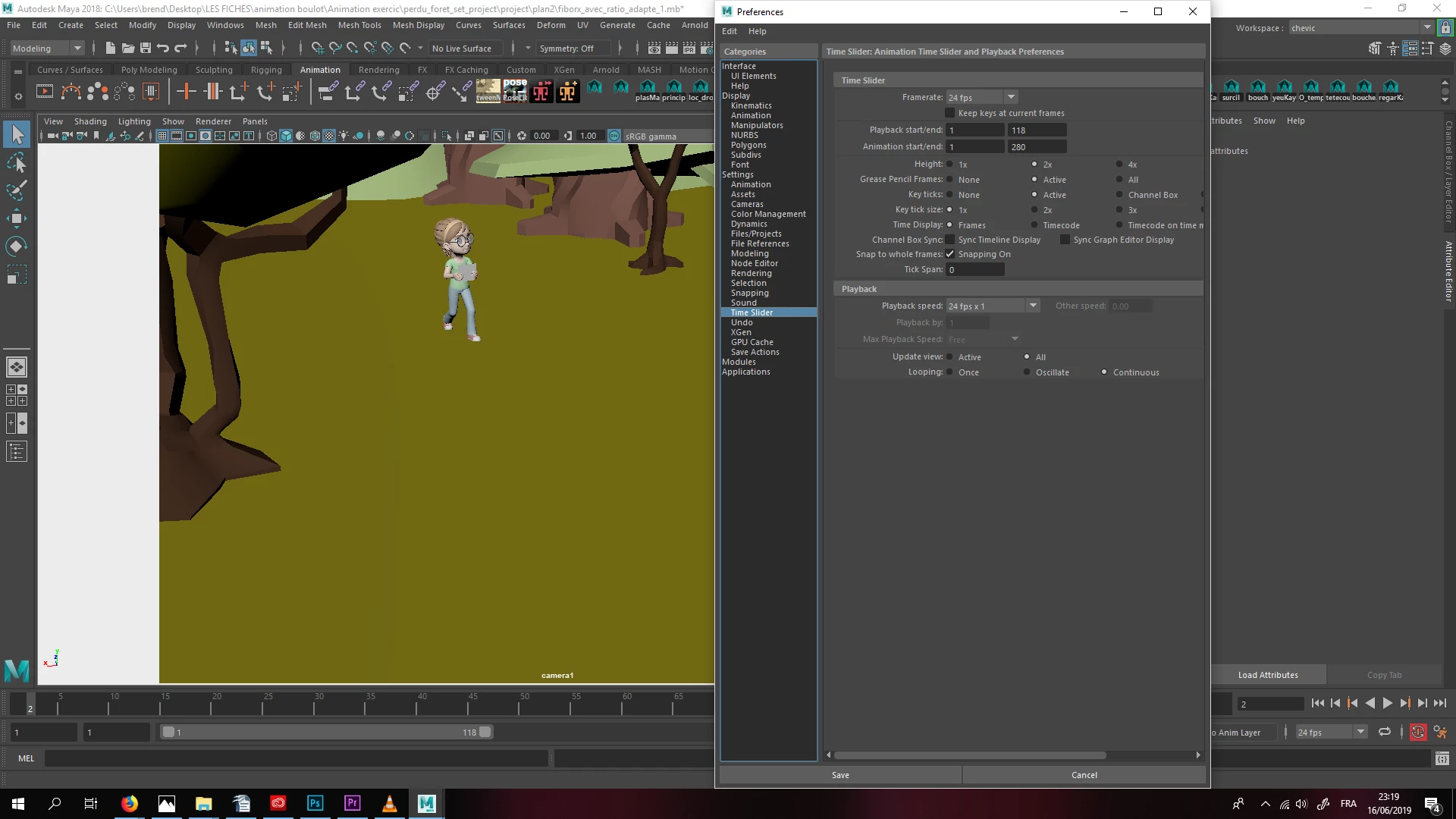
I made sure in the animation preferences of Maya that the frame rate 24 frames by seconds .
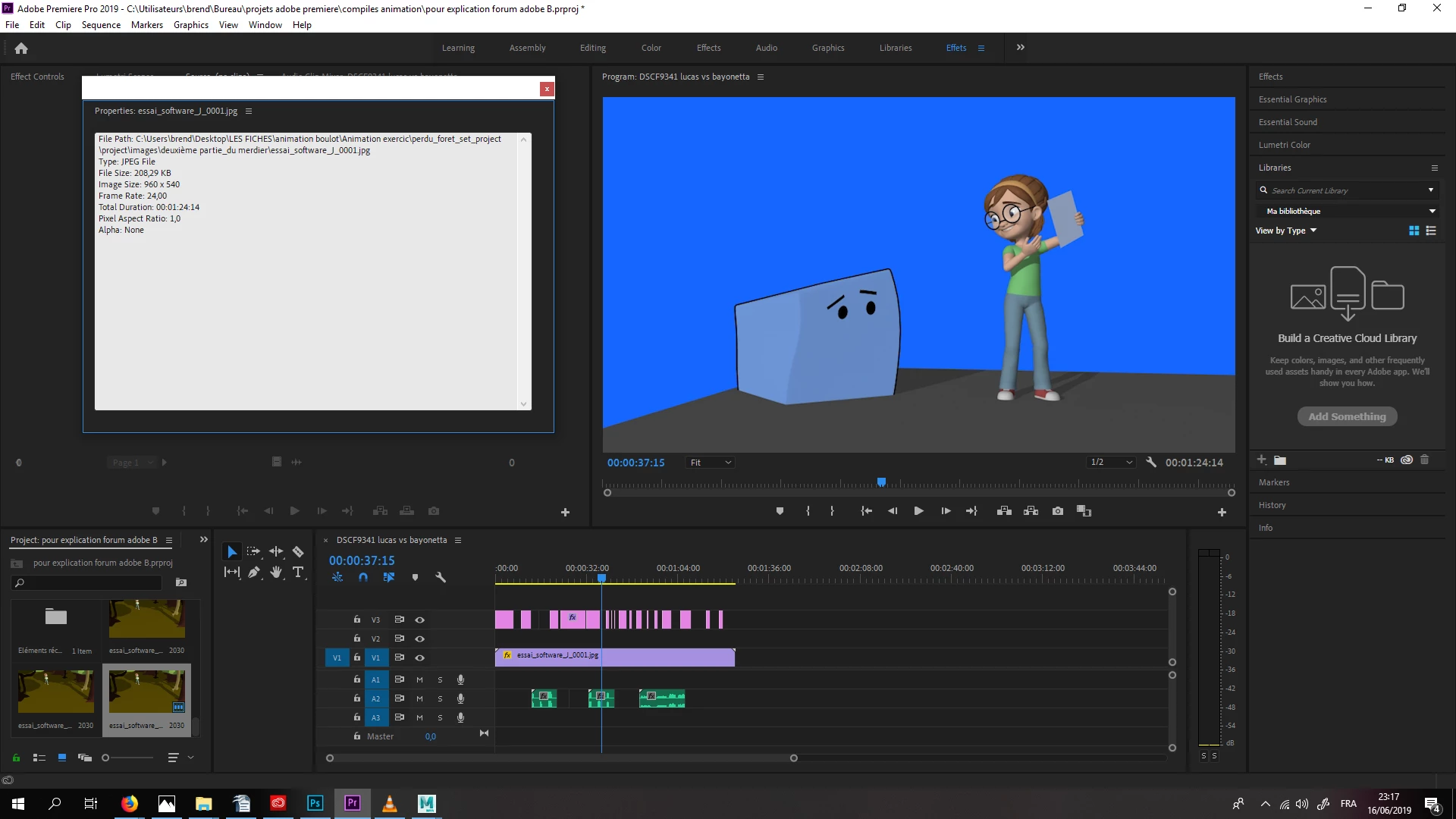
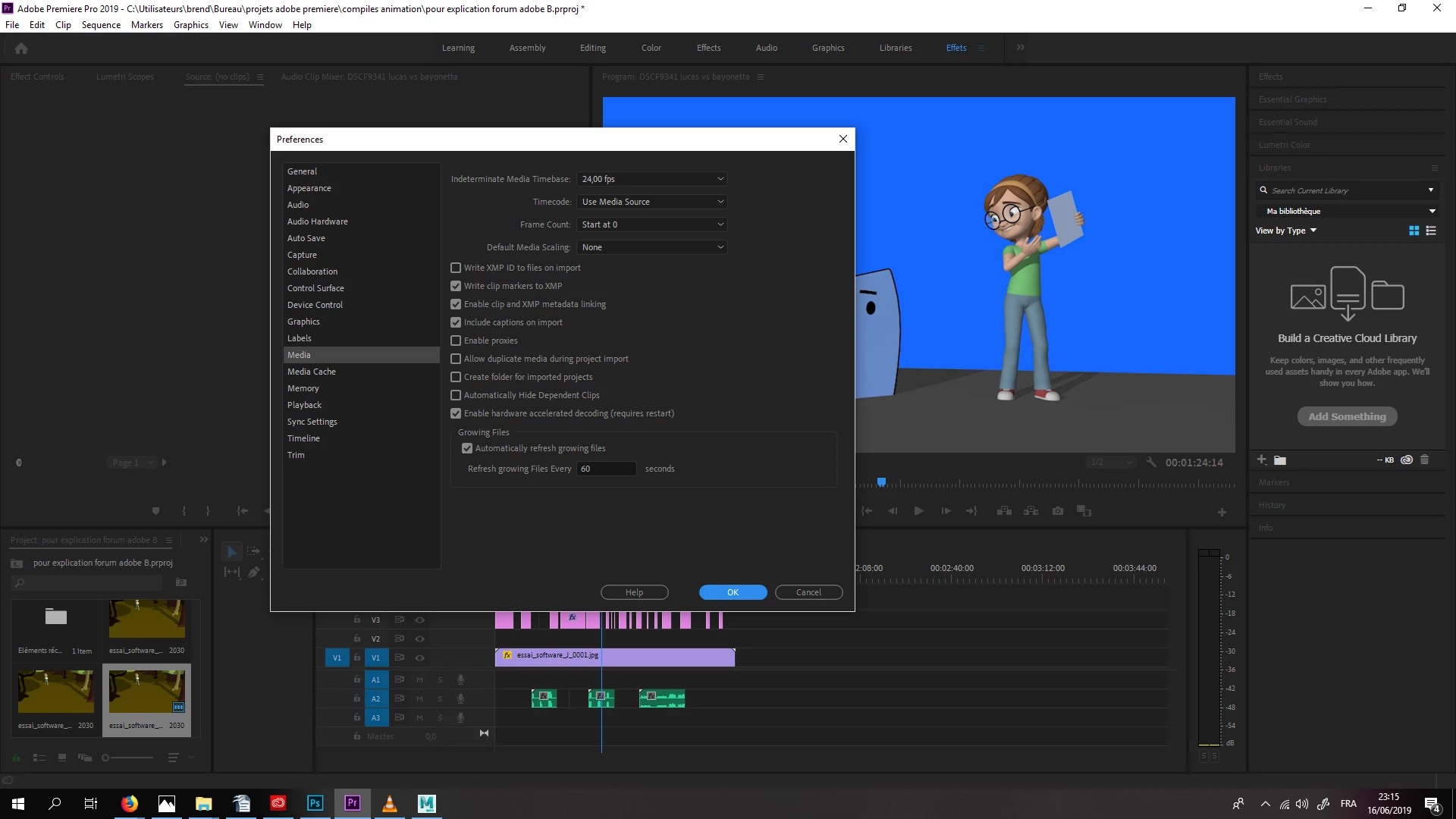
In Adobe Premiere, there is also preferences to set to 24 frames per seconds. I checked by right click ingon the sequences made of the frames to see if they are at 24 fps.
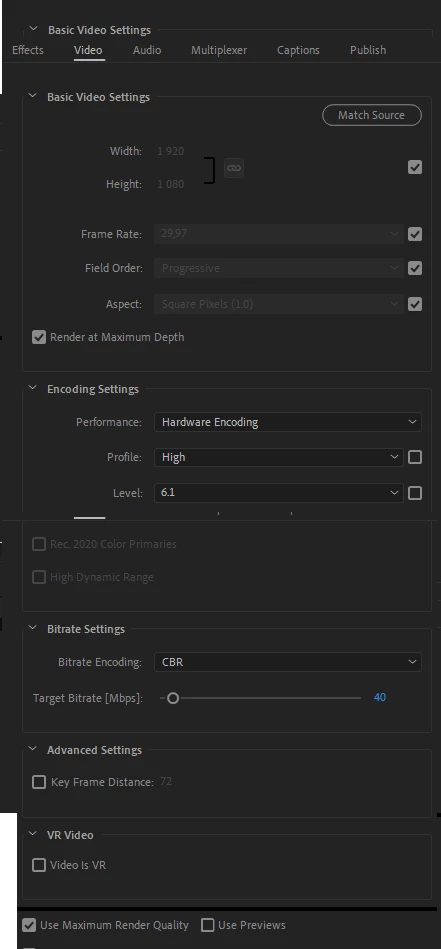
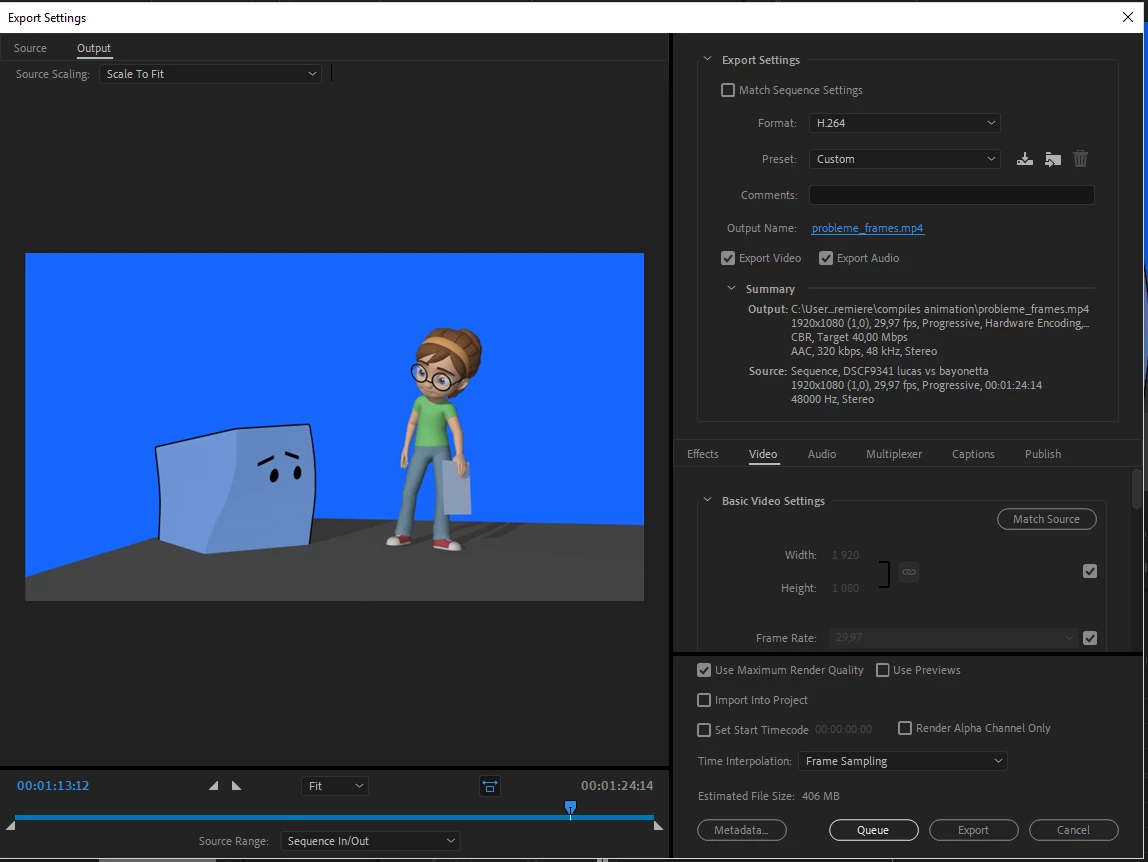
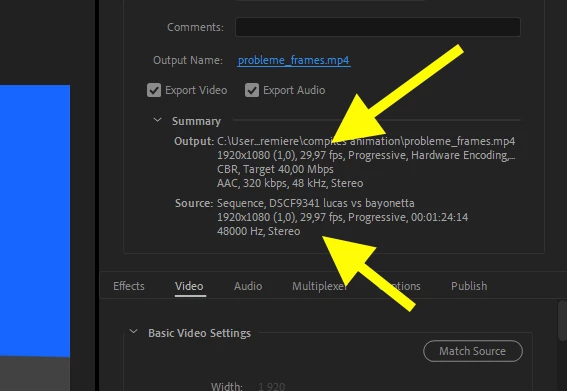
In the export setings also they are set to 24 fps. When it comes out, there is a double of a frame around each 4, 5 or 6 frames. It makes the animation unclean. I tried everything I can and even showed it to friends in the business. No matter what I try, these extra frames show up.
They show on each viewer I use. QuickTime, VLC, windows's media viewer.
When I click frame by frame in QuickTime and VLC, the extra frames are clearly visible.
In VLC, I can capture frames with the camera button. This way confirms this problem.
Only one Premiere work file makes it work. It has no other elements than a single shot of these still frames with nothing else. No sounds, no titles, no other sequences. It might be weird but I think there is a beginning of clue there. Not sure how it can be fixed.
Here , in the linked pictures, are the various places in Adobe Premiere where I checked the frame rate is right. And in Autodesk Maya also although it's not an Adobe software. The video section of the export menu is all glued together in photoshop so I don't crowd the message even more with big pictures.
Can anyone help me with that? Has anyone faced something like that before?
Thank you very much for taking the time to read
.

 AdChoices