


- Home
- Premiere Pro
- Discussions
- Re: Encoder Failure on Render & Replace and Export
- Re: Encoder Failure on Render & Replace and Export
Encoder Failure on Render & Replace and Export

Copy link to clipboard
Copied
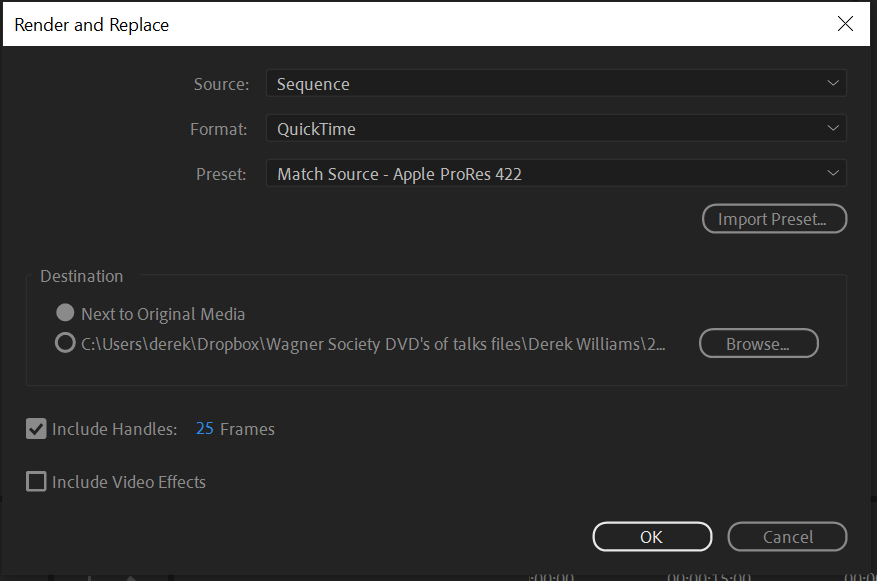
Until about 6 months ago, I used to be able to create Premiere Pro Projects compiled from diverse sources, including screenshots, different movie file formats, and audio mixes. Since then, as you can see from the four screenshots below, whenever I try to Render & Replace even a single mp4 project, after the messages 'Analyzing Project' and then 'Transcoding Project', an Encoder Failure error message appears - every single time. In the project folder, a short 'rendered' version of the original .mp4 file appears. The same happens when I try to Export the project to any format. This is occurring on both Mac and Windows platforms across several different machines, including Desktop and Laptop. I have the latest version of Adobe Premiere Pro through my staff account at Edinburgh University.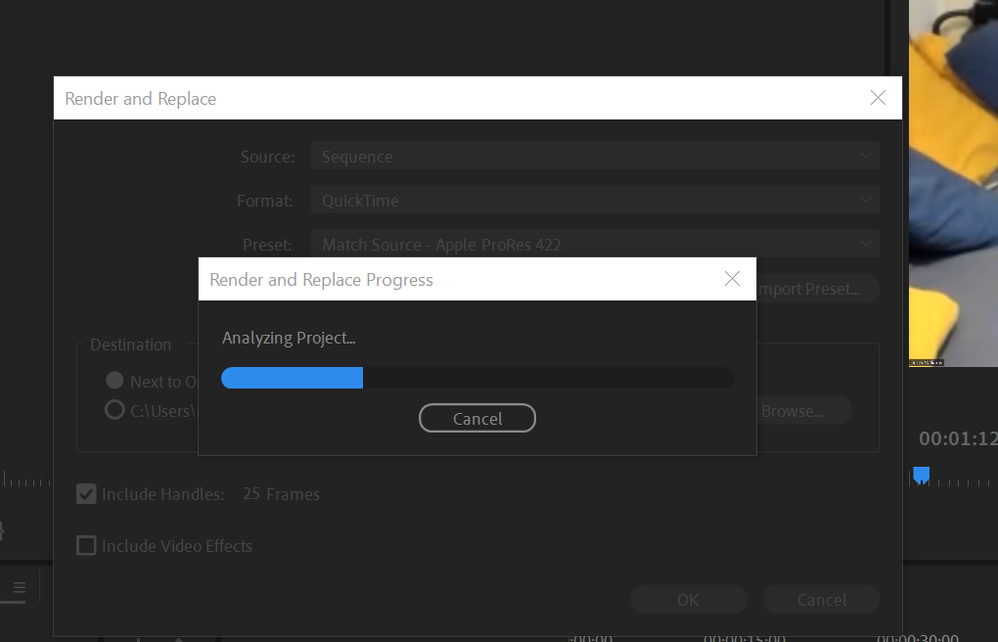



 8
Replies
8
8
Replies
8



Copy link to clipboard
Copied
I'm having the same issue. The error message is so vague and nothing I do seems to fix it.
Copy link to clipboard
Copied
The issues do not occur when I replicate the identical project in Apple Final Cut Pro. Everything just works.

Copy link to clipboard
Copied
any answers on this. Same issue.


Copy link to clipboard
Copied
Sorry to hear that. Which version of Premiere Pro are you using? Can you let us know your system details (OS, CPU, RAM, GPU)? Also, could you check if you have sufficient storage space on your drives. Running out of space during rendering or exporting can cause failures.
Let us know.
Thanks,
KR

Copy link to clipboard
Copied
I've got the same issue now. Was there a fix in the end?
Copy link to clipboard
Copied
I had the same problem
I had failed to notice my hard drive was full. After deleting some files it worked again

Copy link to clipboard
Copied
Hi Kartika,
I am experiencing the exact same "Encoder failure" issue. It happens when I try to use "Render and Replace" on my timeline.
Here are my system details and workflow:
System Specifications (Lenovo ThinkPad P52):
OS: Windows 10 Pro 64-bit
CPU: Intel Core i7-8850H @ 2.60GHz (6 Cores)
RAM: 32 GB Dual-Channel DDR4
GPU 1: NVIDIA Quadro P2000 (4GB VRAM)
GPU 2: Intel UHD Graphics 630
Storage: 1TB Kingston SKC3000 (SSD) + 512GB Samsung SSD (Both have sufficient free space).
Premiere Pro Version: Versicn 63 (Build 2)
The Issue: I am editing 5.3K footage from a GoPro Hero 13 (HEVC). When I try to perform "Render and Replace" using the QuickTime / Match Source - Apple ProRes 422 HQ preset, the process hangs on "Transcoding Media" for a long time and eventually fails with the error: "Encoder failure."
It seems like the combination of high-resolution source media and the HQ ProRes preset might be overloading the GPU memory (4GB), even though I am using the CUDA renderer.
Thanks for any advice.

Copy link to clipboard
Copied
Hi Derek,
Thanks for the post. This is an older thread, but I do understand your issue. Which version of Premiere Pro are you using? v. 24 or v.25? I don't understand the build you referenced. Were you successful in the past with the same workflow, or is this the first time you are trying this with your particular system and footage? Let me know, so we can troubleshoot more easily. I hope we can help you.
Thanks,
Kevin


Get ready! An upgraded Adobe Community experience is coming in January.
Learn more
 AdChoices