




Question
FAQ: Fix for NVIDIA GPU crashes when using a laptop on Windows 10 (PC)
Issue
If you are running Premiere Pro on a Windows 10 laptop with an NVIDIA GPU device and you haven't updated your graphics drivers recently, you might experience instability while launching the application or while editing your video.
Solution
Please update your GPU drivers to the latest version available! Here's a video tutorial on how to update your GPU driver on Windows 10.
And here's a document with more information on how Premiere Pro uses your hardware and how to update it. Below is a screenshot, please click the link to access the full instructions!
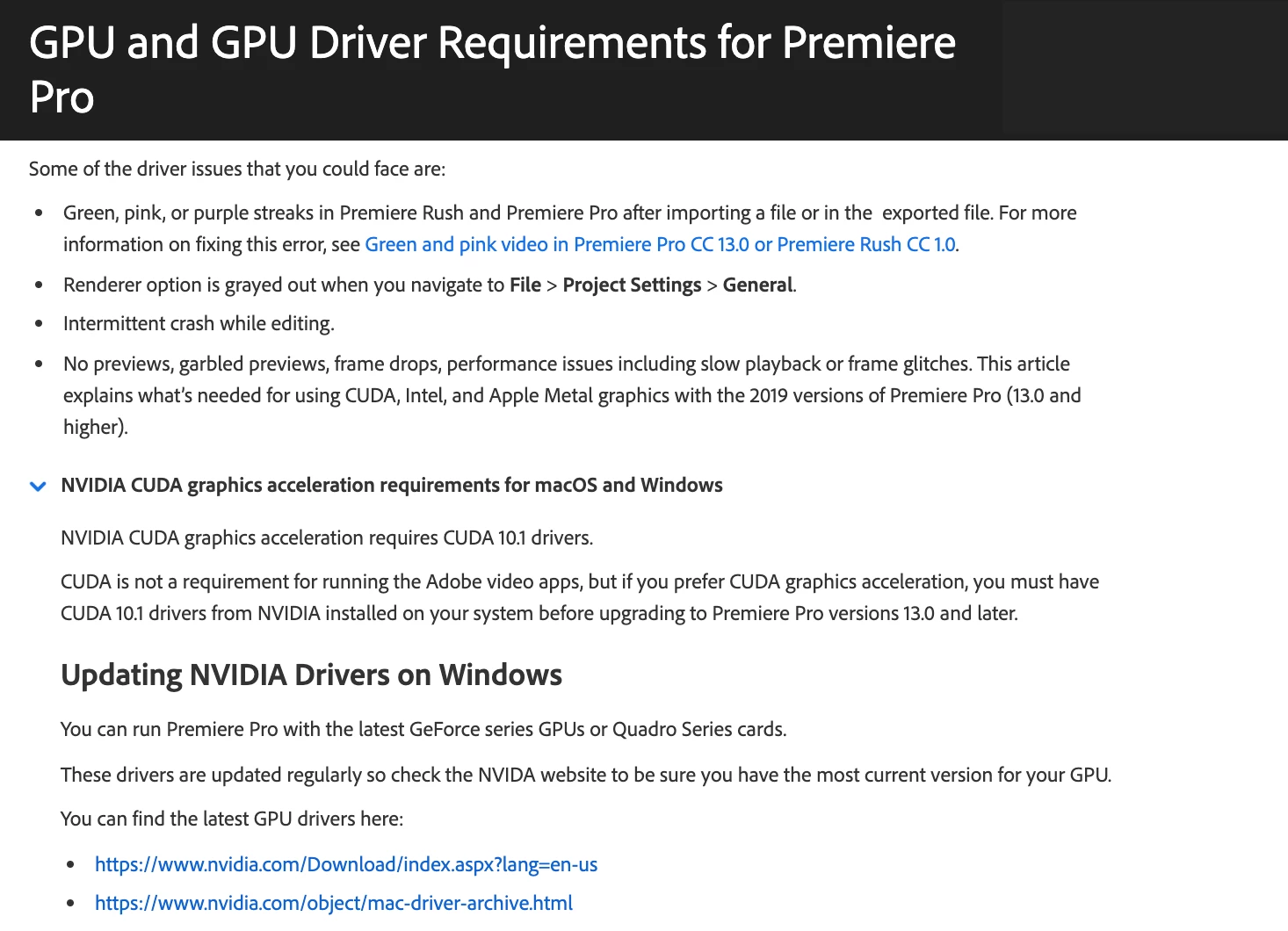
This should fix any random crashing you might be experiencing. Hope it helps!
Caroline
 AdChoices