

Question
FAQ: How to get free video clips from Adobe Stock
Are you aware that there are free video clips that you can download on Adobe Stock to edit with and use in your projects? These have no watermark and are free to use (check Adobe Stock for any restrictions). I don't believe there is an easy way to locate free clips within Premiere Pro; however, I discovered an excellent way to do this in concert with the Adobe Stock website.
- Go to the Adobe Stock Web Page for Free Elements: https://stock.adobe.com/free.
- Search for the kind of video you are looking for on the web page.
- Sort by Asset Type > Video in the left column of the web page. Check the results.
- "Save to Library" by clicking the heart-shaped icon for the video clips you like (and choose the Library you want the clip to go into).
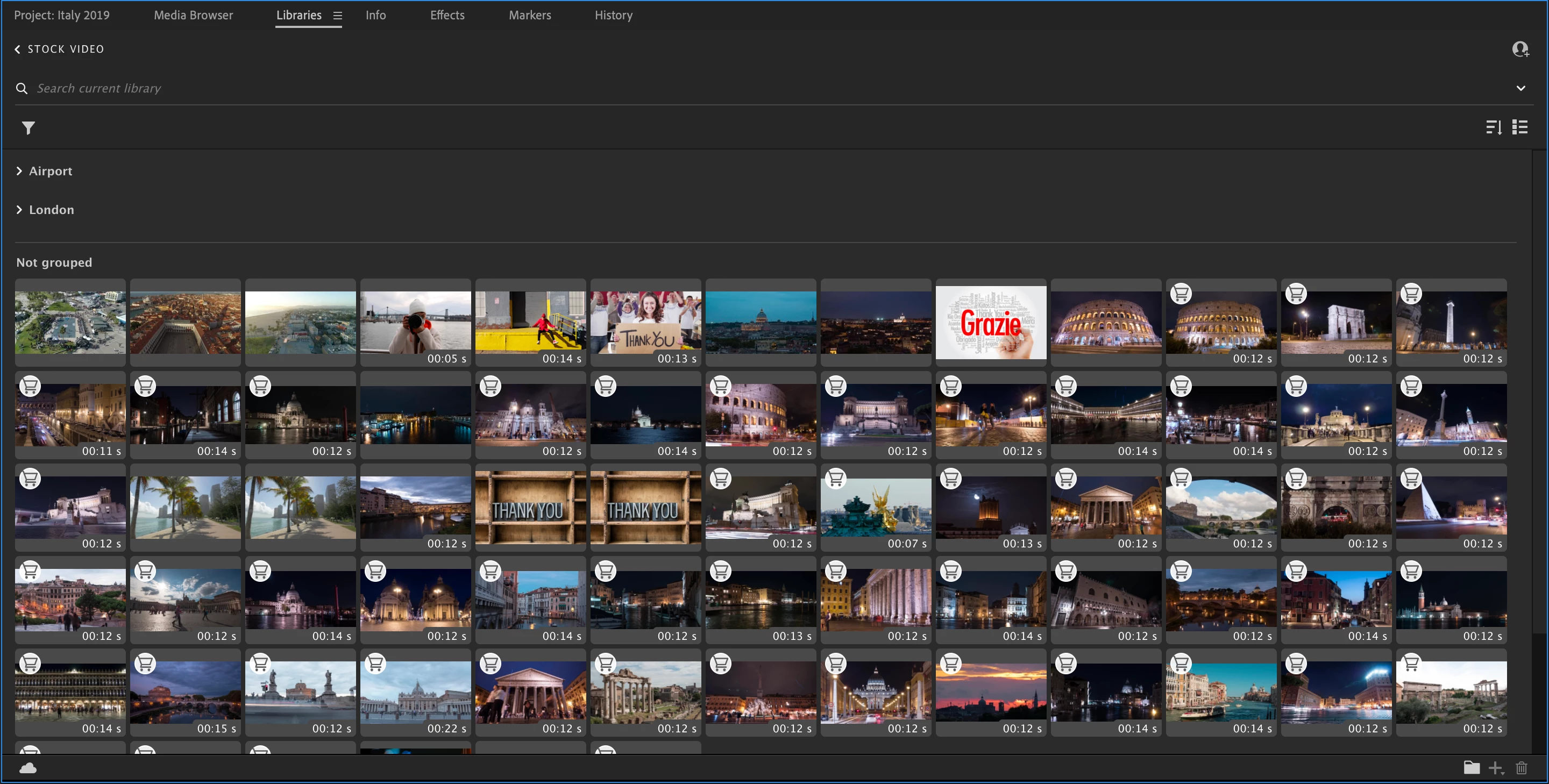
- In the Library panel in Premiere Pro, open the Library you saved your choices to.
- Click on the Shopping Cart icon in the Library, and a licensing dialog appears momentarily - your free clip is now licensed.
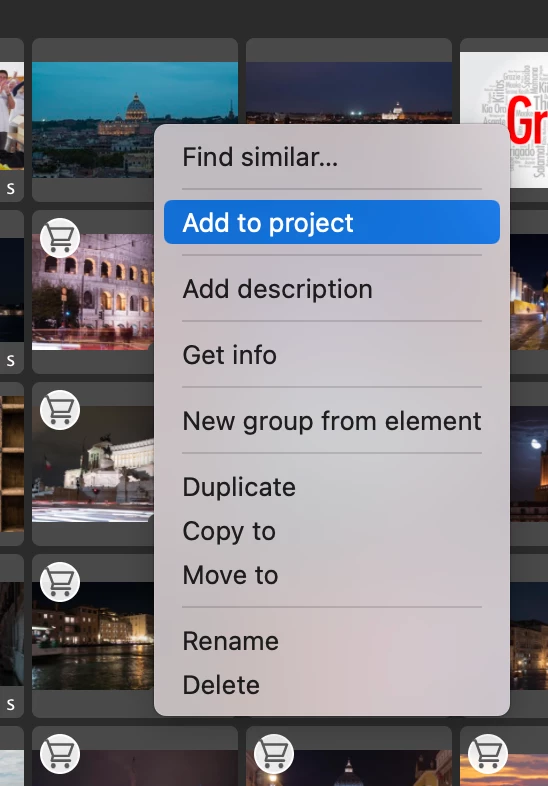
- Right-click and choose "Add to Project."
- The clip is downloaded and placed in your project.
Try it and see if it works for you!
 AdChoices