


edwinedits
New Participant
June 26, 2018
Question

File Import Failure - File Format Not Supported

  • June 26, 2018
  • 2 replies
  • 3914 views

I'm using Premier Pro CC 2018 on a PC

Has anybody seen this problem when they try to drag and drop files into the premierpro files?
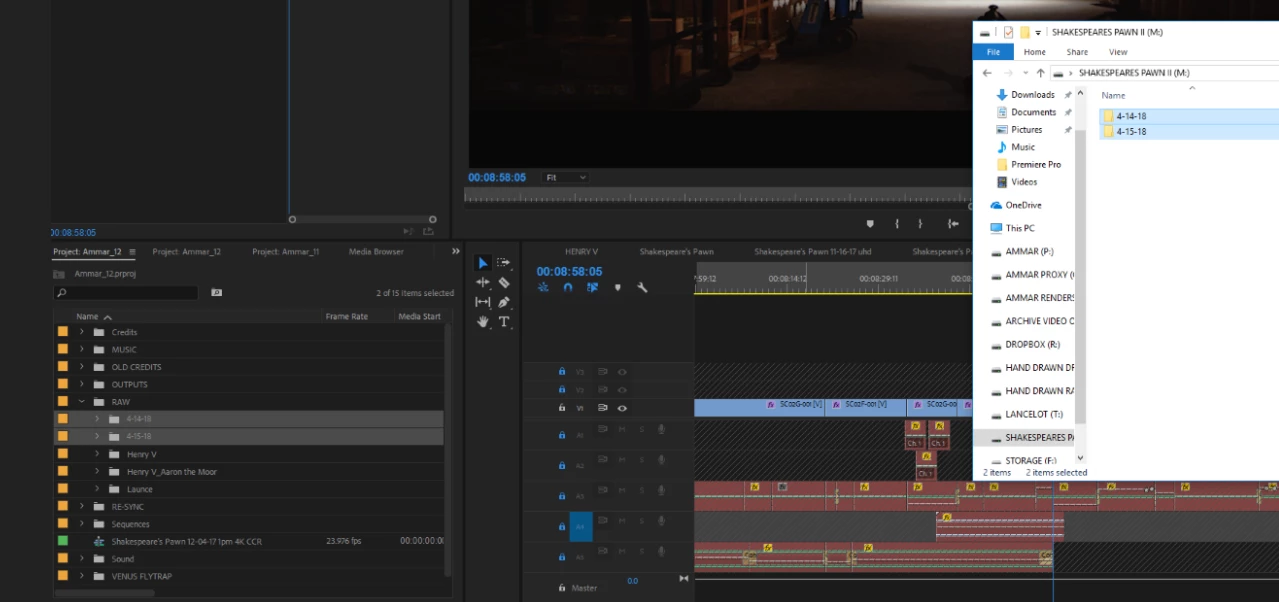
After I drop them into the left side in that folder of files, I get this error message:
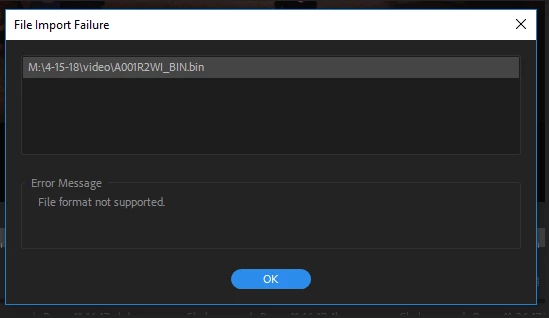
The files do transfer, even with this error message, but when I play them with Premierpro, there is no sound!?

Any ideas, please?

    This topic has been closed for replies.

    2 replies

    Brainiac
    June 26, 2018

    Step 2C below will solve this.

    Unofficial Premiere Pro Troubleshooting Guide

    R Neil Haugen
    Brainiac
    June 26, 2018

    What's the format/codec of the files involved?

    Everyone's mileage always varies ...
    edwinedits
    New Participant
    June 26, 2018

    so the files from the camera read like this:

    the other folder (I tried to move two at the same time) looks like this:

    one folder is video, the other is audio.

    But, the video file was recorded with no sound...they recorded the sound with external mikes.

    R Neil Haugen
    Brainiac
    June 26, 2018

    Ahhh ... you have a group of video files without sound, and a group of audio files, and need to match them?

    And there was no included audio in the camera files?

    Neil

    Everyone's mileage always varies ...