Participant
December 10, 2024
Question

Fit to Frame not working as expected on multiple clips

  • December 10, 2024
  • 6 replies
  • 563 views

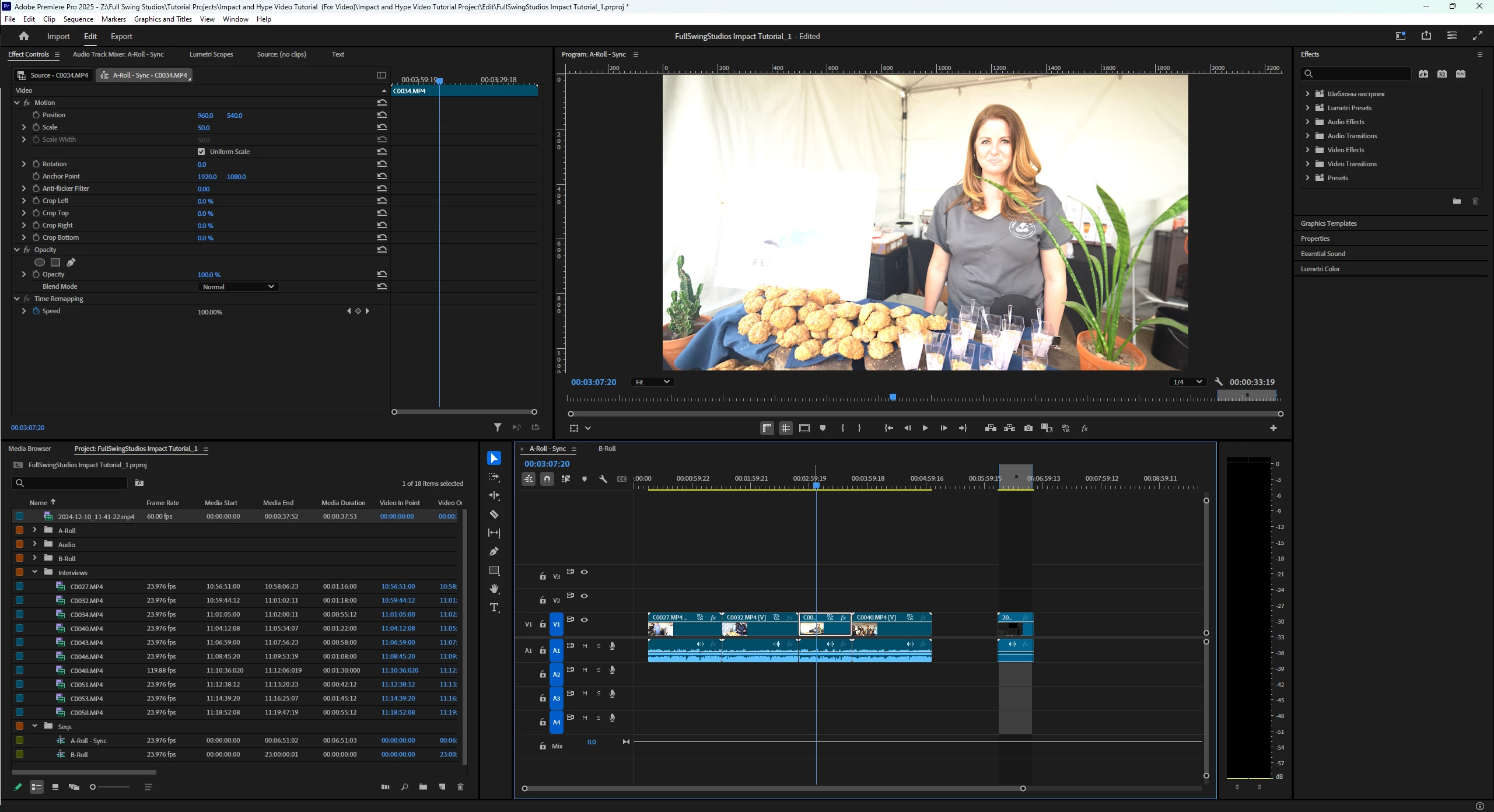
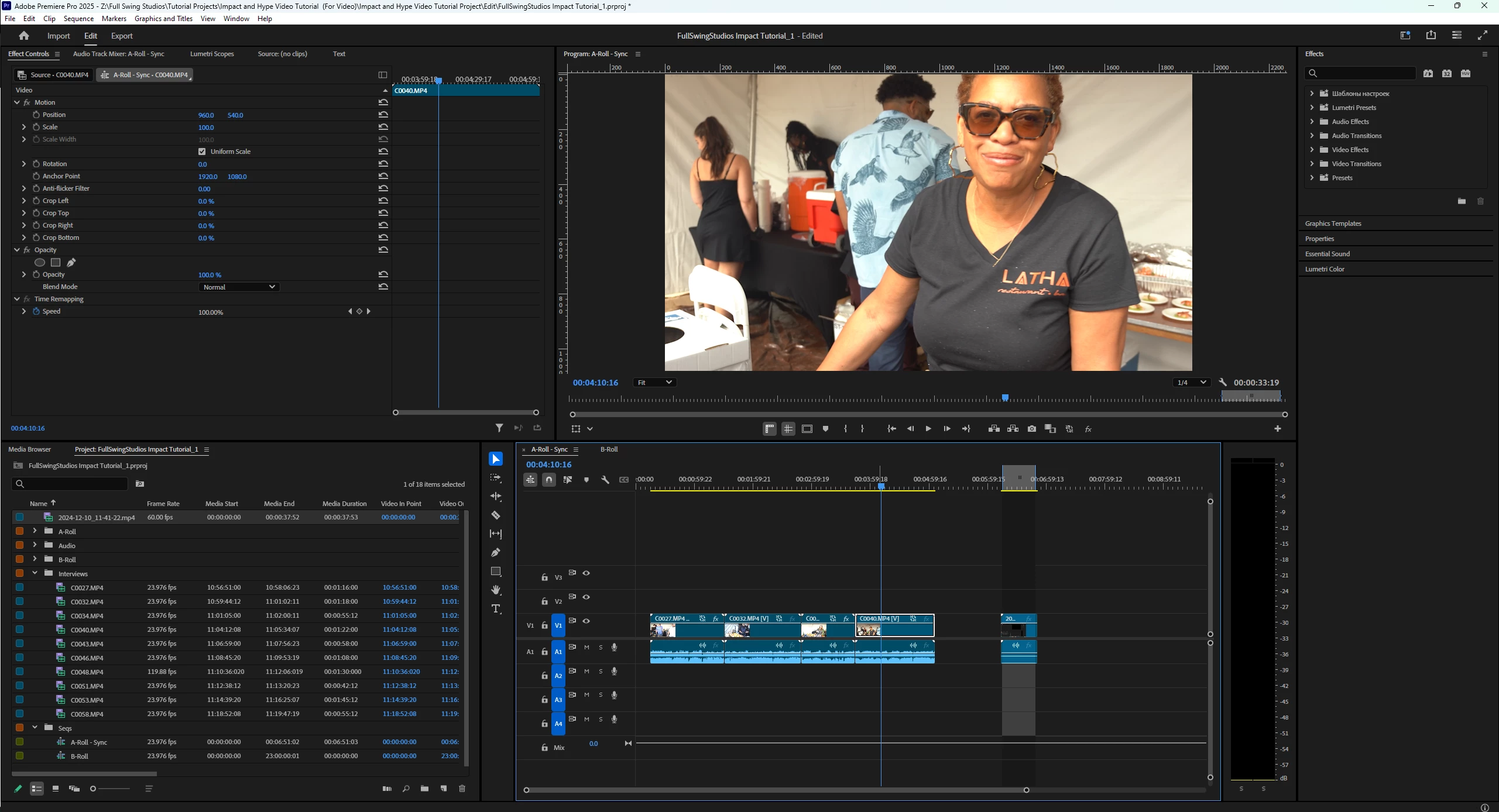
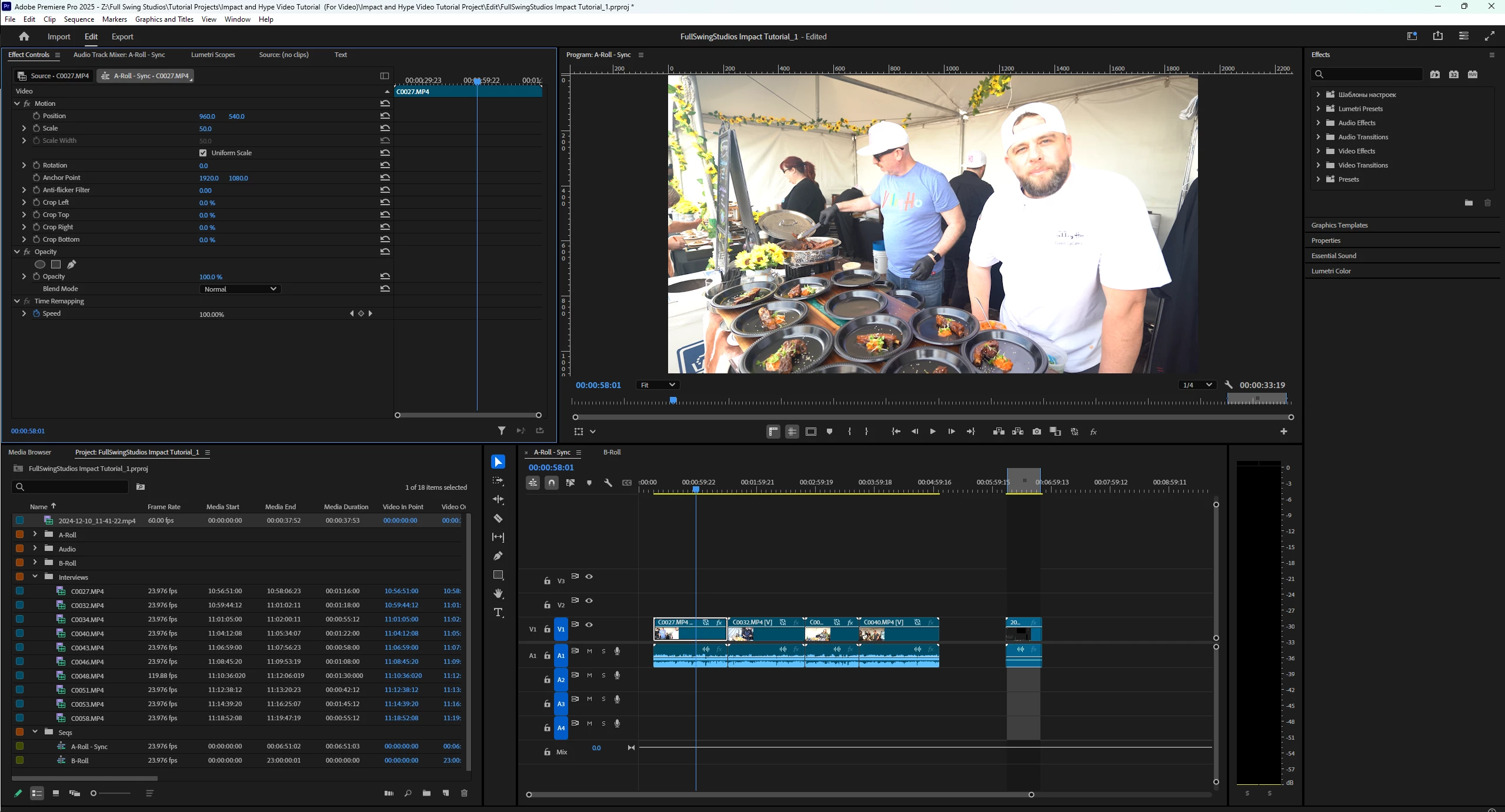
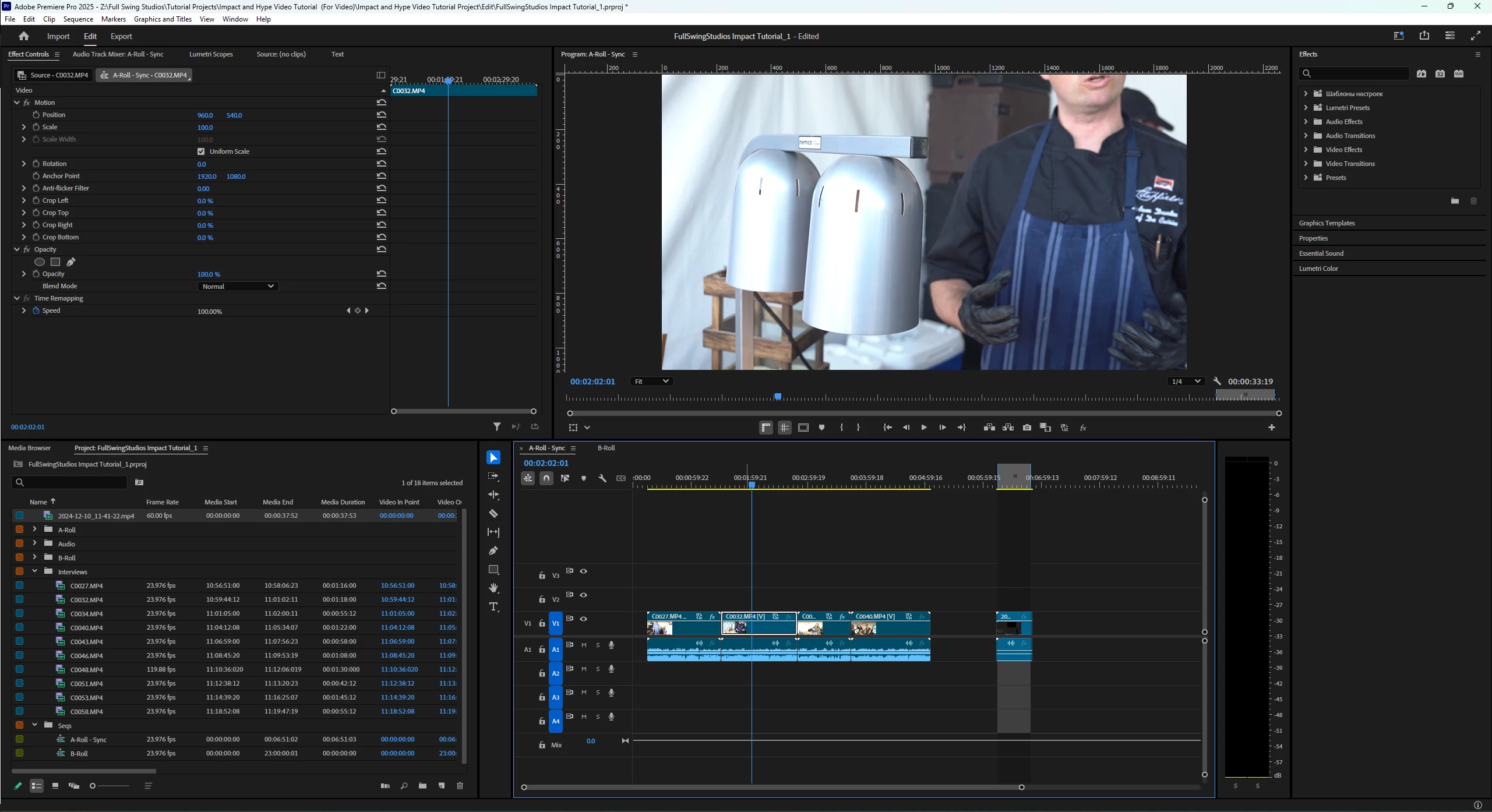
When I drag 4k clips into my 1080p timeline, if I drag clips one at a time everything works as expected, but when I drag in multiple clips, only every other clip is scaled to 1080p. I've tried changing my Fit to Frame setting, as well as restarting premiere and it is reproducable in multiple project files.
    

6 replies

IanB_360
Community Manager
Community Manager
December 10, 2024

Hi @SlaterFullSwing ,

Are all of your clips are the same resolution and coming from the same camera? They don't vary at all? We could also use you help with the basic bug details to see what else is happening on your system specs. Please see How do I write a bug report?

Thanks,

Ian

Participant
December 10, 2024

I tried deleteing all the clips and importing again and got the same result. Highlighting all the clips and selecting Scale to Frame Size also doesn't work, it basically reverses the problem and makes every other clip too small. All the clips are the same resolution and frame rate. 


This video shows this issue more clearly: https://www.youtube.com/watch?v=04V2i8Eu8YY

Ann Bens
Community Expert
Community Expert
December 10, 2024

You could delete all clips from project, make sure the setting is correct in the Preferences and import again to test the feature.

Ann Bens
Community Expert
Community Expert
December 10, 2024

I am not seeing this on my system but select all clips in timeline > right click and set Fit to Framesize.

Participant
December 10, 2024

These clips have all been imported with the setting. They are scaled in the timeline differently if I drag in 1 clips versus multiple and the same exact clips scale differently this way.

Ann Bens
Community Expert
Community Expert
December 10, 2024

Set to Frame Size in the Preferences only works on clips that have been imported before the settings has been applied.

Already imported clips are not affected.

Participant
March 8, 2025

You mean imported into the timeline or imported into Premiere Pro media window?

Ann Bens
Community Expert
Community Expert
March 8, 2025

dropping files on the timeline means the footage is already in the project.

As for the Project window (media?) its not yet imported into the project.