Participant
July 30, 2019
Answered

Footage looks pixelated in premiere and on export

  • July 30, 2019
  • 1 reply
  • 1767 views

Hey All,

I have some footage from a DJI spark and am importing as .mp4 into premiere CS6 on a PC.

I am allowing the footgae to dictate the timeline (so no mis-match issue). Its 29.97 fps full HD.

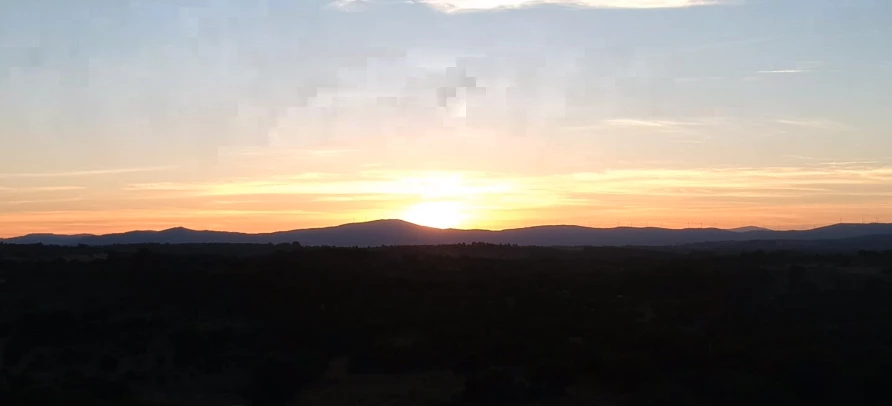
On a series of videos I have of a sunset pixels are visible in adobe (playback and still). Im playing back full scale and no frames are dropping.

This footage in video player, VLC etc the footage looks fine.

I have also tried rendering out the video and no matter how I render it shows these pixels.

I am new-ish to Premiere but have made other videos, no problems and also its only these sunset clips (i have 3) that are showing this error.

Any ideas. Happy to try anyting, provide more info etc. Below are some grabs of the pixelation.

Thanks so much!

Original
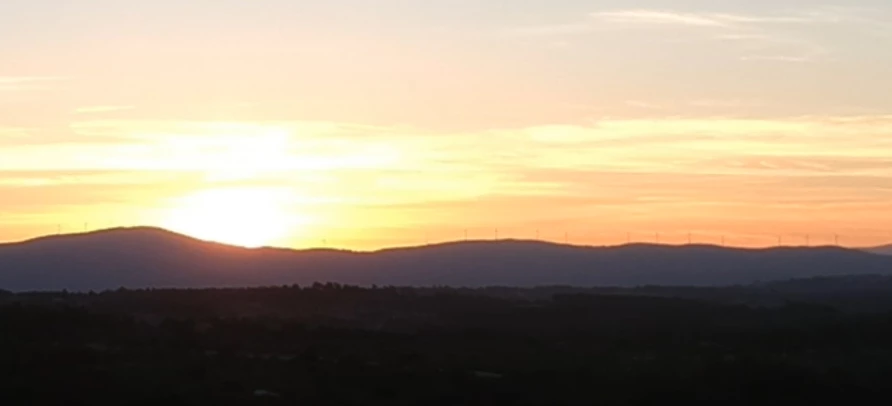
When in premiere and on export
This topic has been closed for replies.
Correct answer Ann Bens

Hi,

Sure, was just weird it is only on these clips that I have seen the problem. Thanks!

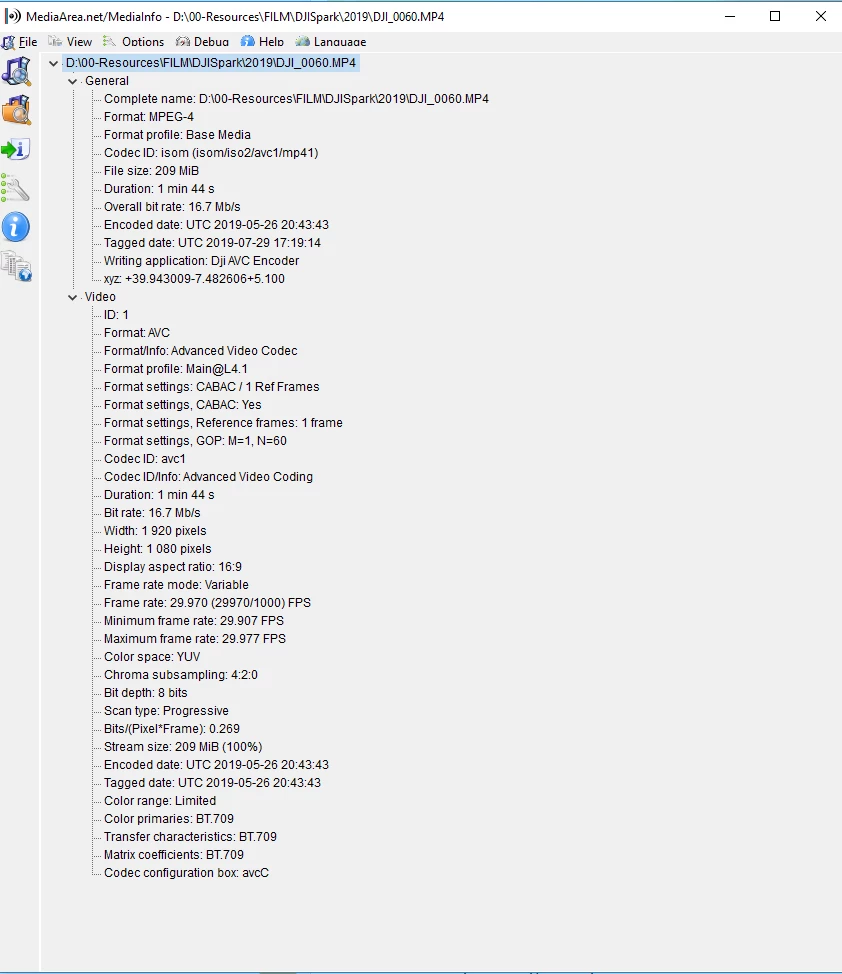
Here is drone clip:

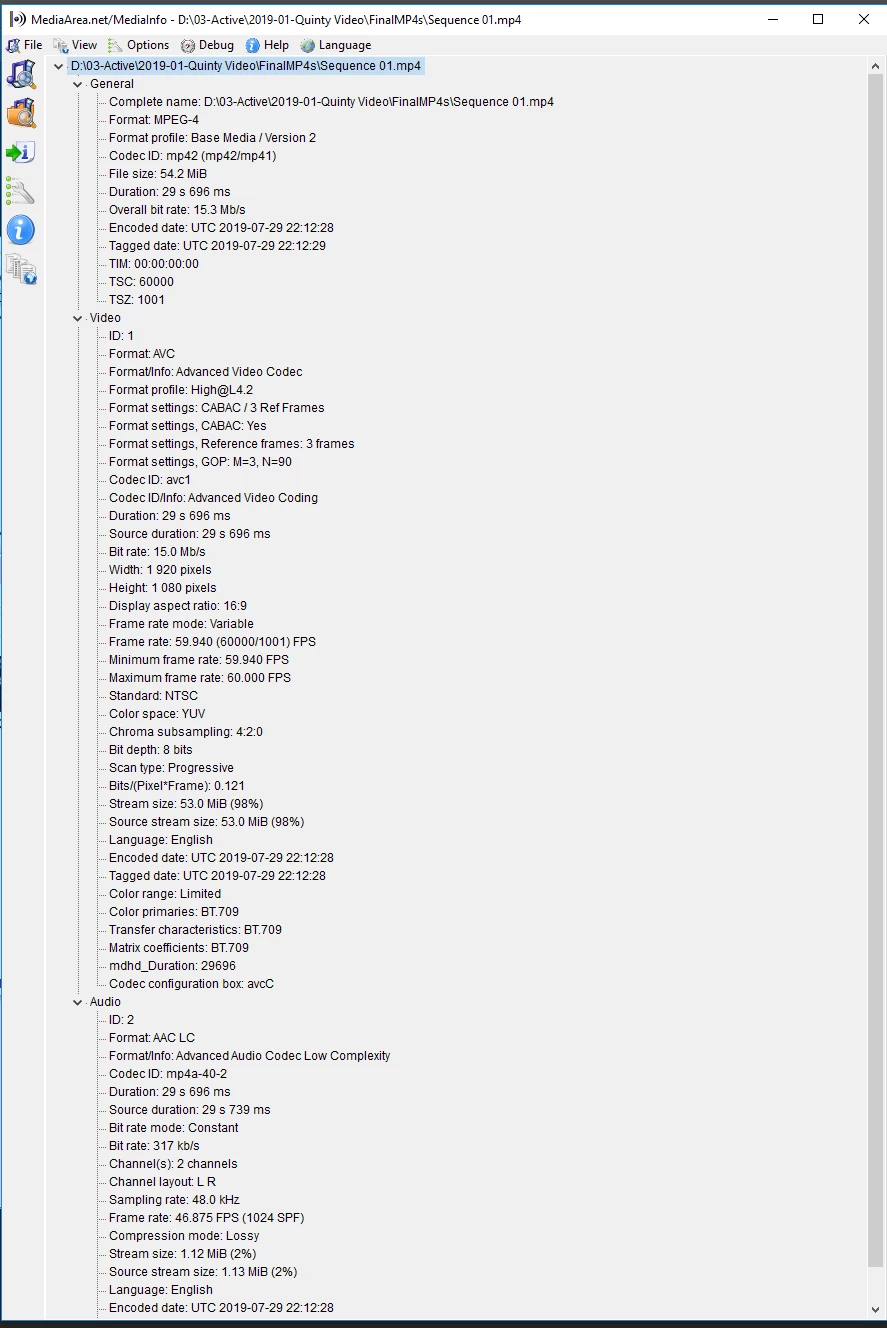
Here is one of the millions of export tests I did:


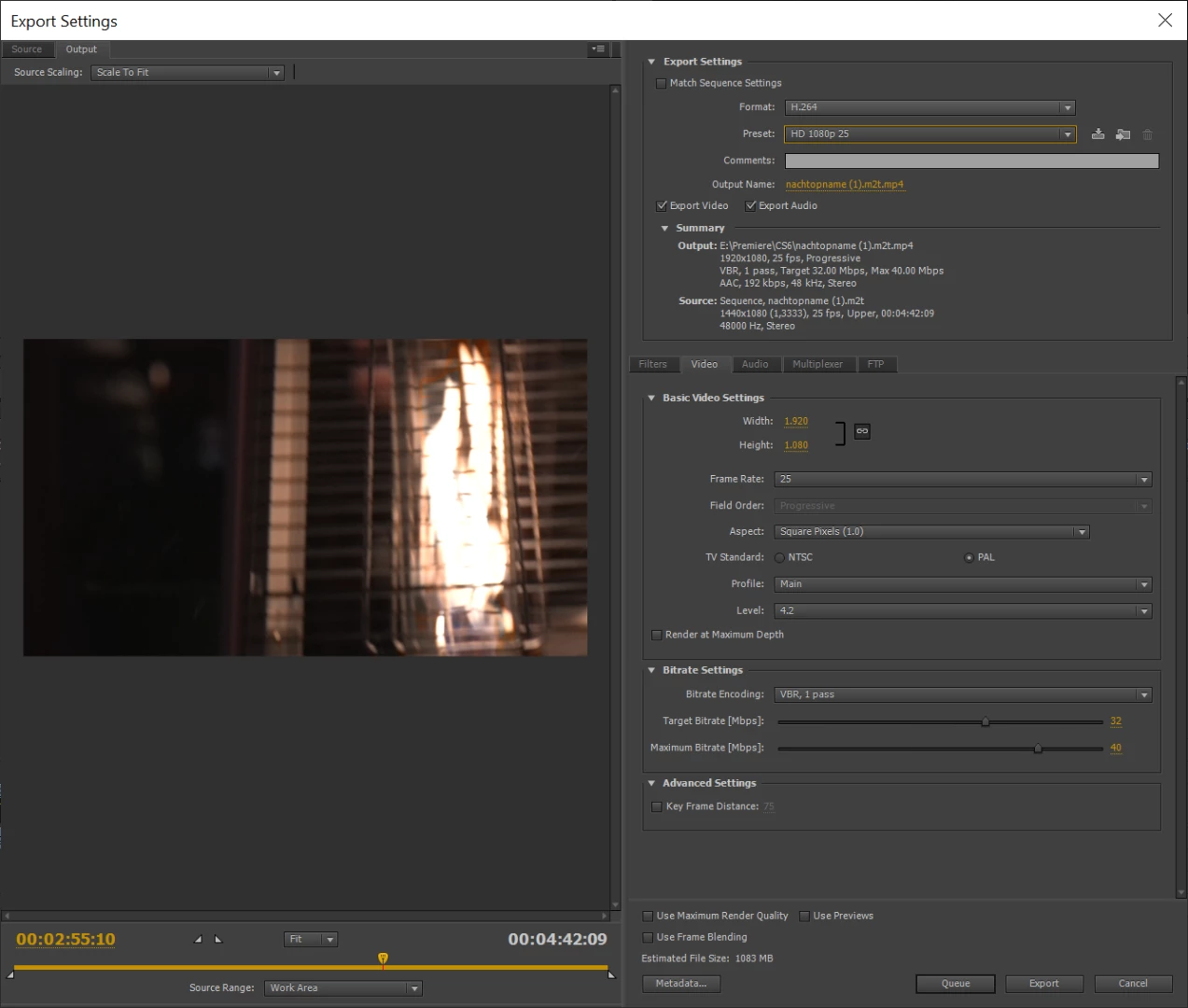
Export settings as in:

Your original footage is variable framerate and CS6 cannot handle that. Need to convert to a format for easy editing.

HandBrake

1 reply

Ann Bens
Community Expert
Community Expert
July 30, 2019
Ann Bens
Community Expert
Community Expert
July 30, 2019

Post screenshot of export settings and clip in MediaInfo windows in treeview.

You have to remember CS6 is not optimized for drone footage.

kier4nfAuthor
Participant
July 30, 2019

Hi,

Sure, was just weird it is only on these clips that I have seen the problem. Thanks!

Here is drone clip:

Here is one of the millions of export tests I did: