


Frame size changes on some clips once I export to MP4
I have a new problem that have not had before. I am running Premiere 13.1.5. I have inserted various mp4 clips and jpg photos into my timeline. Set all to "Set to Frame Size". Then I adjusted the scale on each manually as needed, taking care to not have any smaller than the frame size. When I run playback, all are fitted exactly as desired. But once I export to Media to H.264 format, there is inconsistency in the resulting frame size clips. Some retain the size I desired, others are smaller. Something seems to be happening on the export routine. I had already rendered in and out before export but I tested with and without rendering first and the result is still the same. I have not had this happen before and am using the same camera for most clips, recording at 59.94 fps. My previous exported videos did not do this and I am not aware of changing any settings. Screen shots are attached. Can anyone offer recommendations? thanks, Bob
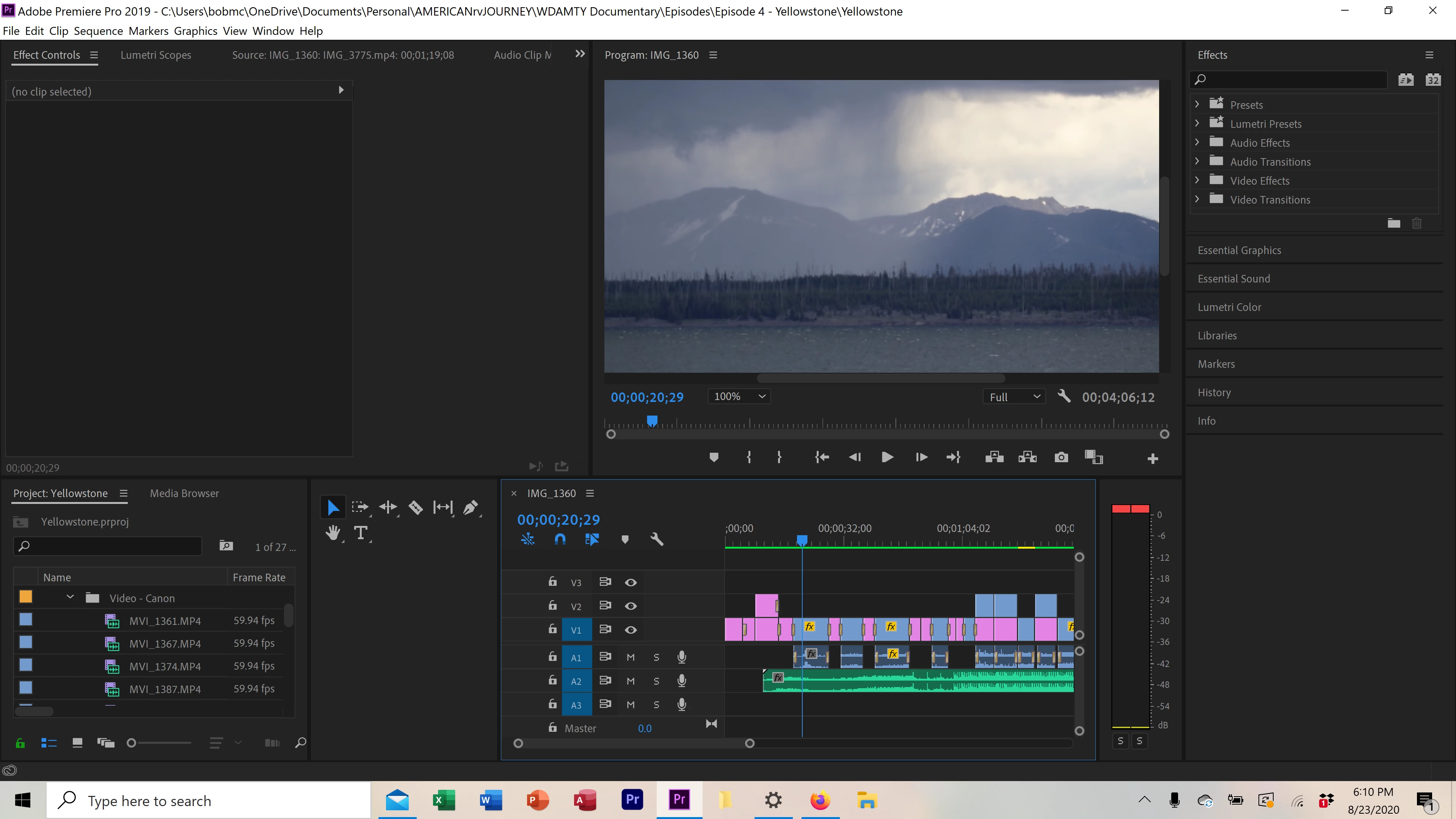
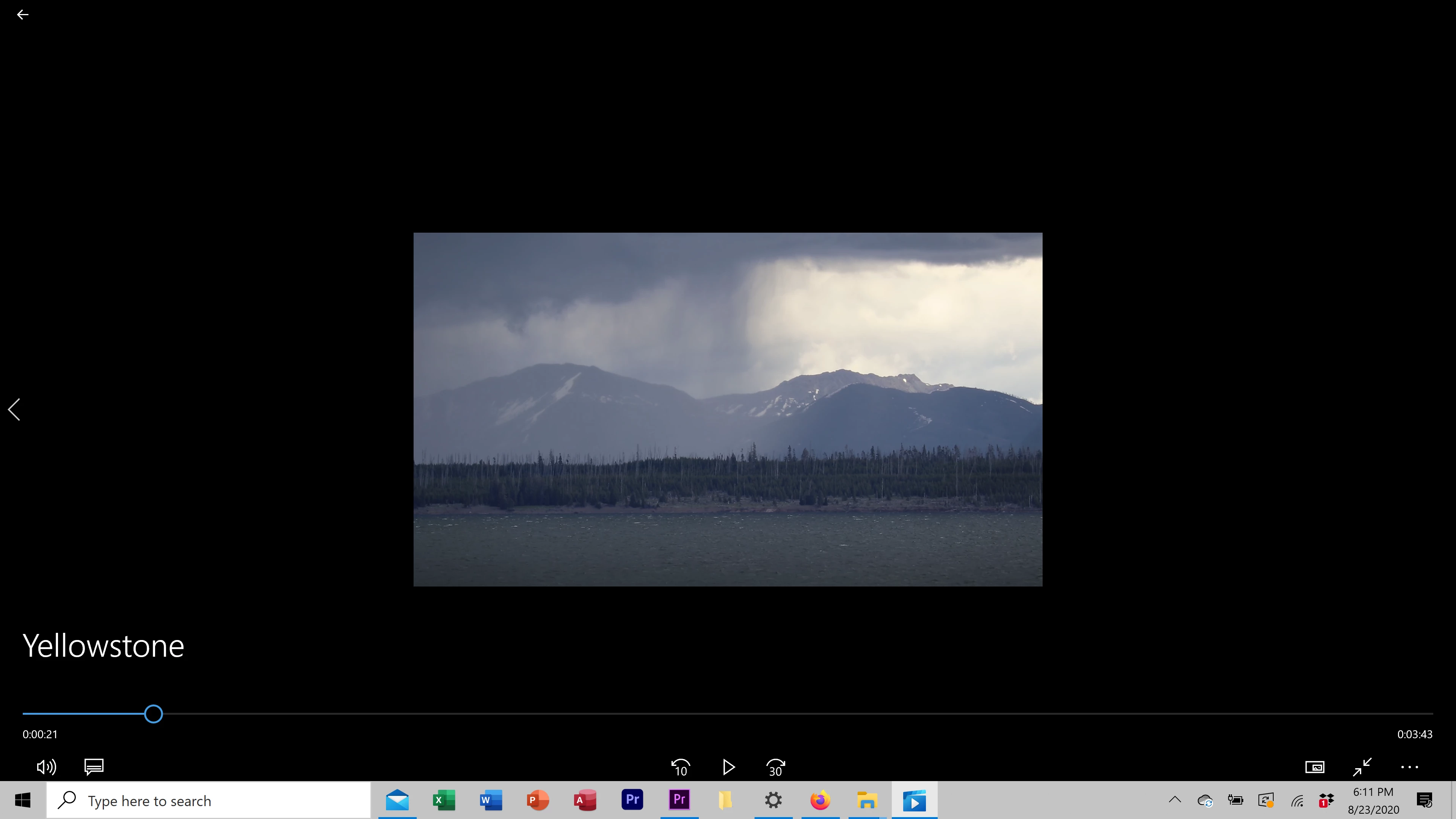
[Moderator note: Please add images directly to your reply box, do NOT attach them ... that makes users download strange files to their computers. I fixed this for you this time.]
 AdChoices