


Inspiring
December 12, 2023
Question

Frequent yet unexpected crashes on Premiere Pro 24.1

  • December 12, 2023
  • 6 replies
  • 5308 views

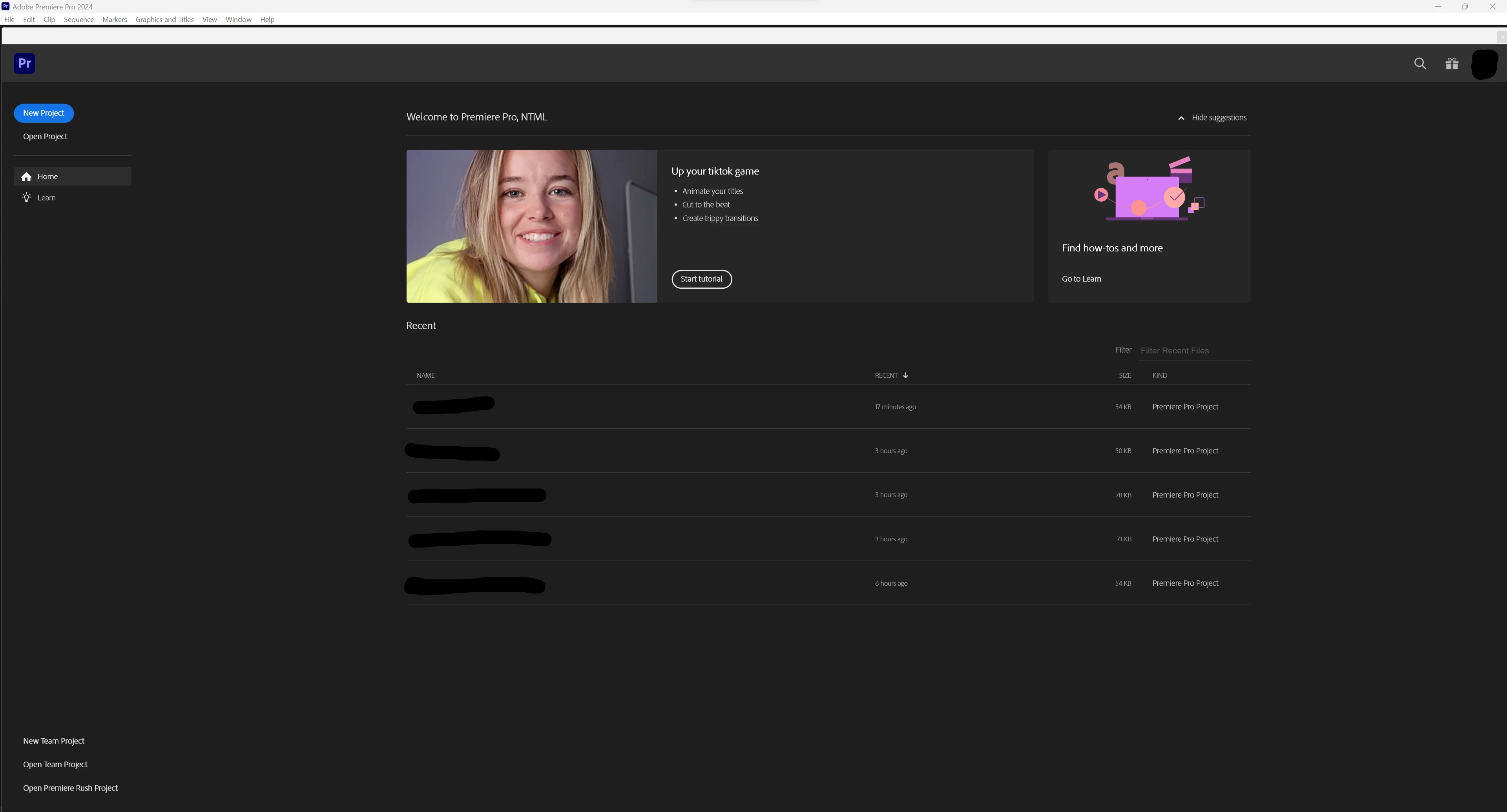
This is the first time I'm using Premiere Pro in a while, and I've installed the latest version (24.1). However, I'm experiencing frequent crashes in the program, and the timing seems somewhat random. For example, sometimes the program crashes immediately after I open a project, while other times I can work on the project for 10 to 20 minutes before it suddenly crashes (usually it just crashes but sometimes it freezes for a while then crash). There are instances where I can render without any issues, but other times it crashes during the rendering process . Nevertheless, the crashes only occur when I open a project, not when I open the program itself, i.e. it is fine in this window:
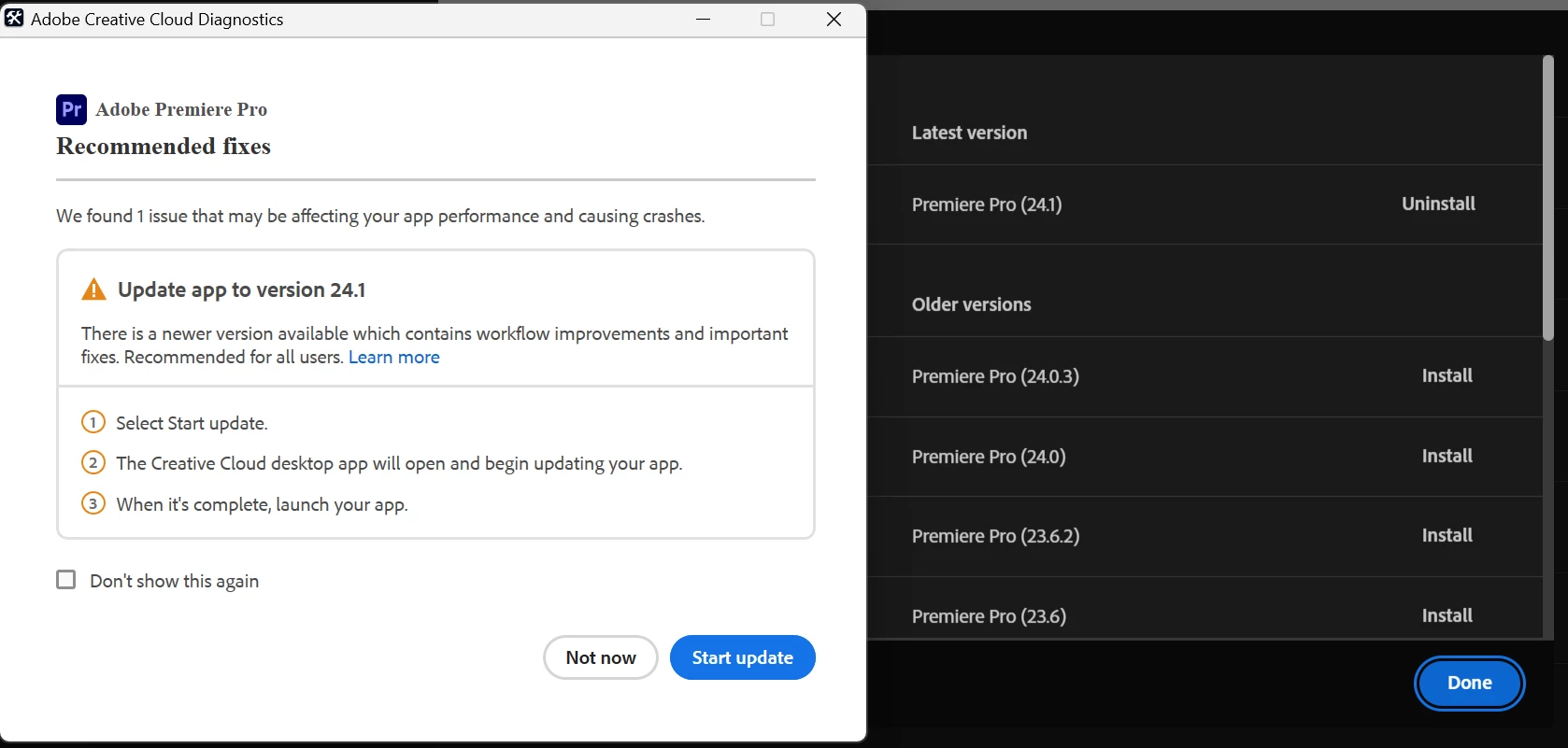
The Adobe Creative Cloud Diagnostics pops up after the crash (although not always), and I've used it for assistance, but it only suggests upgrading to the newest version, which I have already got...
Here are some other measures that I have tried to solve the problem:

  • Restart the computer
  • Reinstall Premiere Pro
  • Update the graphic driver (to NVIDIA Studio Driver 546.01 for RTX4070)
  • Update Windows (to Windows 11 Home, version 23H2)
  • Clear media cache
  • Reset preferences

Note that I have no plug-ins installed (but have the "Speech to Text Language Pack (English)" add-on added).


Here are the specifications of my computer:

  • GPU: NVIDIA GeForce RTX 4070
  • CPU: 13th Gen Intel Core i9-13900KF
  • RAM: 32.0 GB 4800 MHz (31.8 GB usable)
  • OS: Windows 11 Home 23H2
  • 64-bit operating system, x64-based processor


Any help is greatly appreciated. I just hope to get my work done smoothly...

This topic has been closed for replies.

6 replies

Participating Frequently
August 16, 2024

I tried a lot of the things suggested on this thread.  Only way for me to resolve this issue was to rollback to version 23.  All fingers seem to point back to Adobe who has a history of releasing bad updates. 

Participant
February 27, 2024

Hello YsFang! I have been through all of the same troubleshooting as you and am in the same position. Did you find out if a reinstall of windows helped? I have done everything you posted about and more when speaking with Adobe and Nvidia CS and am at my wits end. I'd love to know if you or anyone solved this


YsCFAuthor
Inspiring
February 29, 2024

Unfortunately, I have not tried reinstalling Windows yet. Nevertheless, I think if you have tried all other options and nothing works, you can just go ahead and click the reinstall button, just make sure that you have all the backups. Also, I would love to know if that works, so please tell me (if you would like to)! Good luck!

Participant
February 29, 2024

I can tell you that a reinstallation of Windows did not work. My eventy viewer made it appear that adobe was having an issue with any HEVC codecs and would just quit. Obviously this is unacceptable. I rolled windwos back to a previous version, did not work. Updated everything again to current including windows and drivers and rolled adobe apps back to the last 23 iteration and SO FAR that has been working. I am still doing tests in between projects but it looks like it may be an issue with the 24 updates for adobe. Still frustrating that there is no clear answer but this is as far as I have gotten.

Known Participant
January 12, 2024

any answers on this one? I have almost the same issue, only that in my end, Premiere crushes at exports. No error dialogues no nothing. Just off. 

Kevin-Monahan
Community Manager
Community Manager
January 13, 2024

Hi @Chrisanthi Pel, Hey @YsCF,

I read your messages. It might be related to the GPU, as others with similar GPUs have the same complaints. Make sure you have a clean installation of the latest studio driver. Let me know if this helps.


Thanks,
Kevin

Kevin Monahan - Sr. Community & Engagement Strategist – Pro Video and Audio
Known Participant
January 13, 2024

Thanks for replying Kevin. I did a clean installation of the latetest studio driver this morning when I read your answer. Didn;t work. After looking around the web for similar situations, I found out that a lot of people found out that it was a Font problem. So, I deleted some fonts I installed recently and restored them in default font settings. Actually, when I did that and rebooted my pc, I managed to have a decent export without crushing. It needs to be tested though deeper. One decent export without crushing, doesnt say much. I will keep you posted how that goes. 

Known Participant
January 6, 2024

I am still in the process, and although my event logs are not exactly the same as yours,

but it seems that the issue was resolved for me after rolling back Windows to 22h2 from 23h2.

It might still be a problem that needs a few more days to observe.


Please refer my thread.

https://community.adobe.com/t5/premiere-pro-discussions/crash-on-14900k-cpu/td-p/14327925

YsCFAuthor
Inspiring
January 15, 2024

Hi, similar conclusion here, it seems like that's Windows problem. I think it may be the corrupted files of Windows that causes the crash, a reinstallation of Windows may solve the problem. I haven't tried that yet so it is NOT a guaranteed solution, but it is a sensible guess.

John T Smith
Community Expert
Community Expert
December 12, 2023

GPU: NVIDIA GeForce RTX 4070


Do not count on Windows to be fully up to date when it comes to device drivers
Go to the vendor site to be sure you have an updated driver for your graphic adapter
.
nVidia Driver Downloads https://www.nvidia.com/Download/index.aspx?lang=en-us
-for all Adobe programs use the STUDIO driver, not the GAMING driver
-To achieve the highest level of reliability, Studio Drivers undergo extensive
-testing against multi-app creator workflows and multiple revisions of the top
-creative applications from Adobe to Autodesk and beyond

YsCFAuthor
Inspiring
December 13, 2023

Thanks for the suggestion. Unfortunately, that's EXACTLY what I've done to download and update the driver program, i.e. download via the nvidia website and use the studio version.


By the way, it seems that they released a newer version (NVIDIA Studio Driver 546.33) yesterday after I posted. This morning I updated to that version and the crash still happen.

YsCFAuthor
Inspiring
December 12, 2023

Update on 2023/12/12: tried using the Cleaner Tool to uninstall Premiere Pro then re-install, still crash.

YsCFAuthor
Inspiring
December 13, 2023

Update on 2023/12/13: Updated to the latest graphic driver (NVIDIA Studio Driver 546.33, released on 2023/12/12) via the official nvidia website, still crash.